
Capable URL proxy and egress
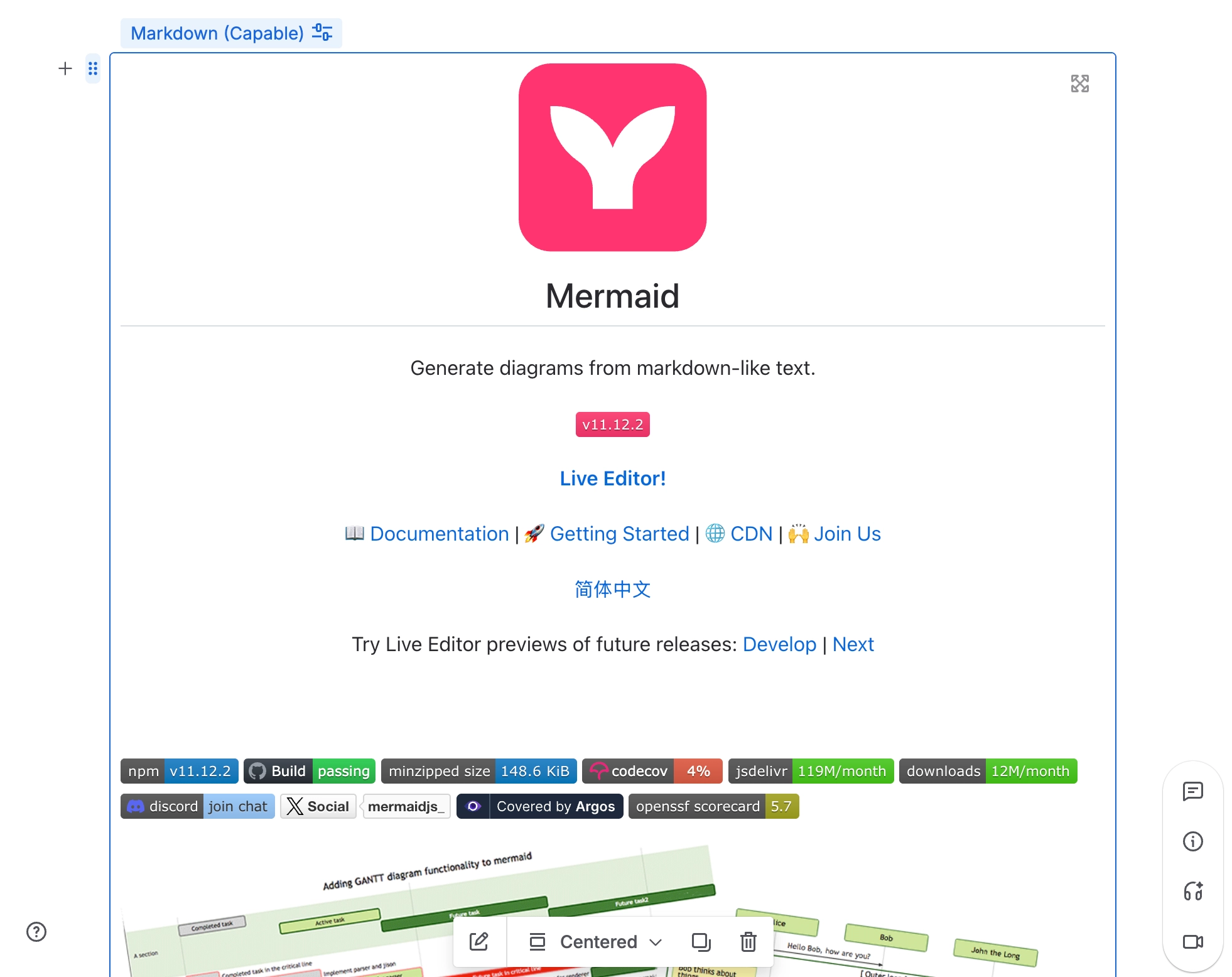
When a markdown document comes from a URL, Capable fetches it for you through its own proxy. If the domain is on your approved list, the reader's browser fetches it directly instead.
Capable's own approved list only covers its own services. That's why a README URL you haven't approved is fetched through the proxy rather than by the reader.
#Where you do it
Task | Where |
|---|---|
Add a markdown document to a page | Confluence editor → /Markdown (Capable) [Suite] or /Markdown macro (Capable) [standalone], or the Markdown byline entry on a published page |
Point a macro at a README on GitHub, GitLab or Bitbucket | Configure Markdown → Markdown from URL |
Insert an image or diagram from the Capable library | Editor toolbar → + → Image 'From library' or Diagram 'From library' |
#Settings that affect this
Setting | Where | What it does |
|---|---|---|
Global settings → Capabilities → Markdown | - | Hiding Markdown removes it from the Capable navigation bar and the content byline menu across the whole site. It does not stop existing macros from rendering. |
Space settings → Space Capability Settings | - | Auto shows the byline entry only when the page already carries markdown. Always pins it in every page's byline in that space. Never hides it there. |
Global settings → Features → AI integration | - | The setting reads "Allow AI-powered features across Capable. Turn off to disable AI for all users." Turning it off removes the Studio (Generate markdown with AI) section from the markdown catalogue. Studio has further requirements of its own. |
#Limits that apply here
Limit | Value | What happens |
|---|---|---|
URL fetch size limit | 2.5 MB | A document fetched from a URL that is larger than 2.5 MB is rejected (error 413), and so is an unsupported content type (error 415). Capable also upgrades http links to https, refuses anything that isn't http or https, and blocks IP addresses used as URLs. |
Agent document size cap | 512 KB (524,288 characters) | Creating or updating a markdown document through the Capable agent refuses anything larger, rather than cutting it short, and asks you to split it. |
Approved domains for direct fetching | 1 group, 10 domains | The most domains an admin can approve for the browser to fetch directly. |
#Related
Better with company.






















