
Get started
Capable Markdown lets you put Markdown content straight into your Confluence pages.
Pull it in from a URL, start from a template, or write it yourself. Pick whichever suits the job.
#Insert Markdown into Confluence pages
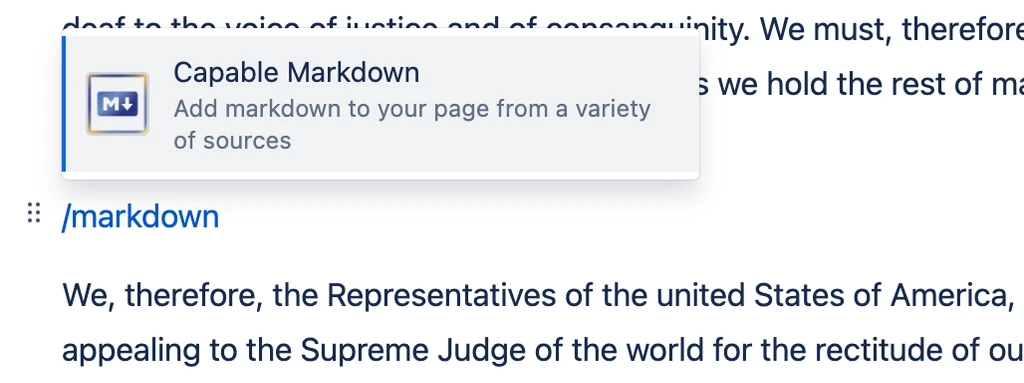
You can insert Markdown into a page straight from the editor.
#Insert Markdown from a URL
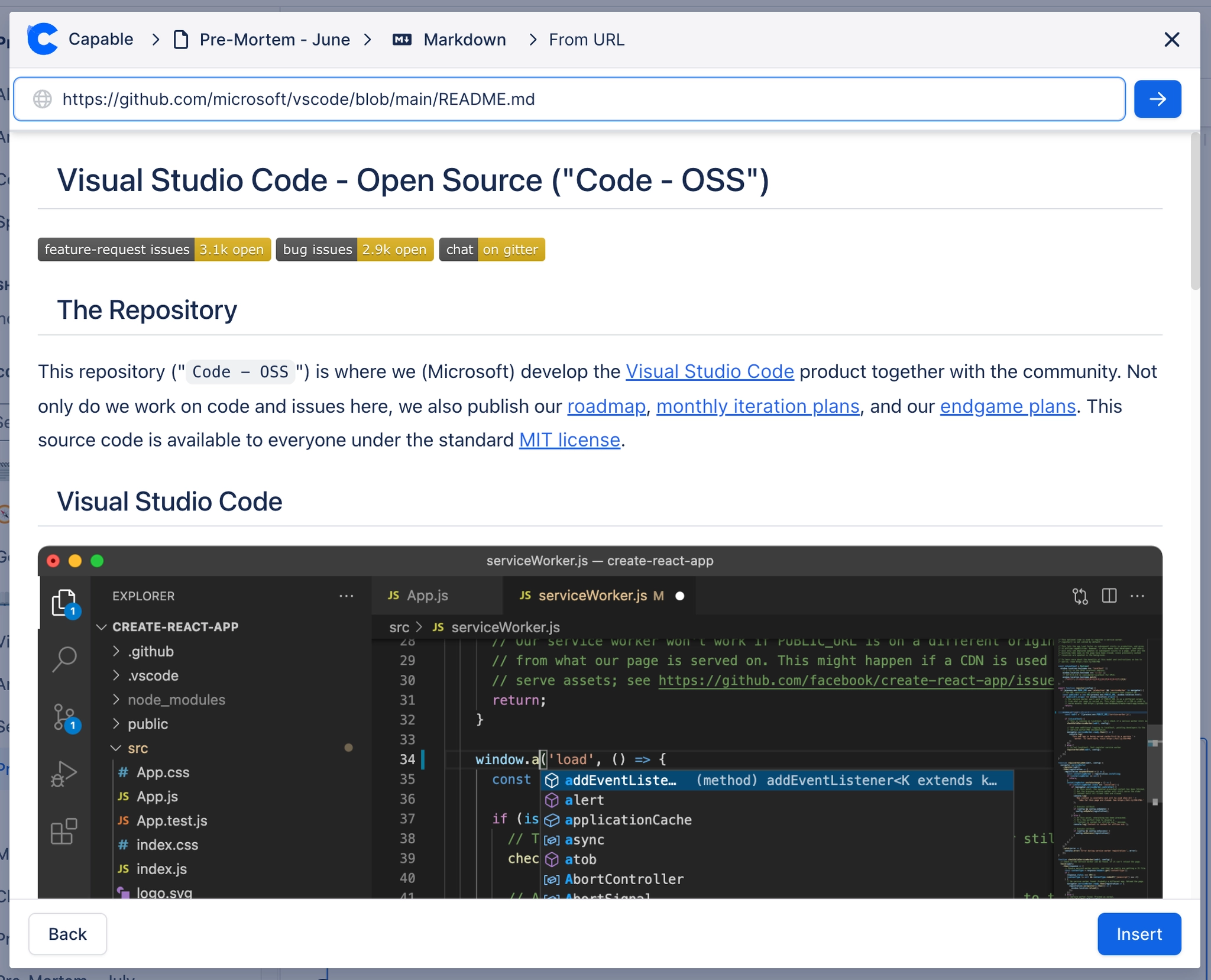
You can embed Markdown from a publicly available URL. To embed Markdown from a private repository such as GitHub, see the Github capability docs.
#Insert Markdown from Scratch
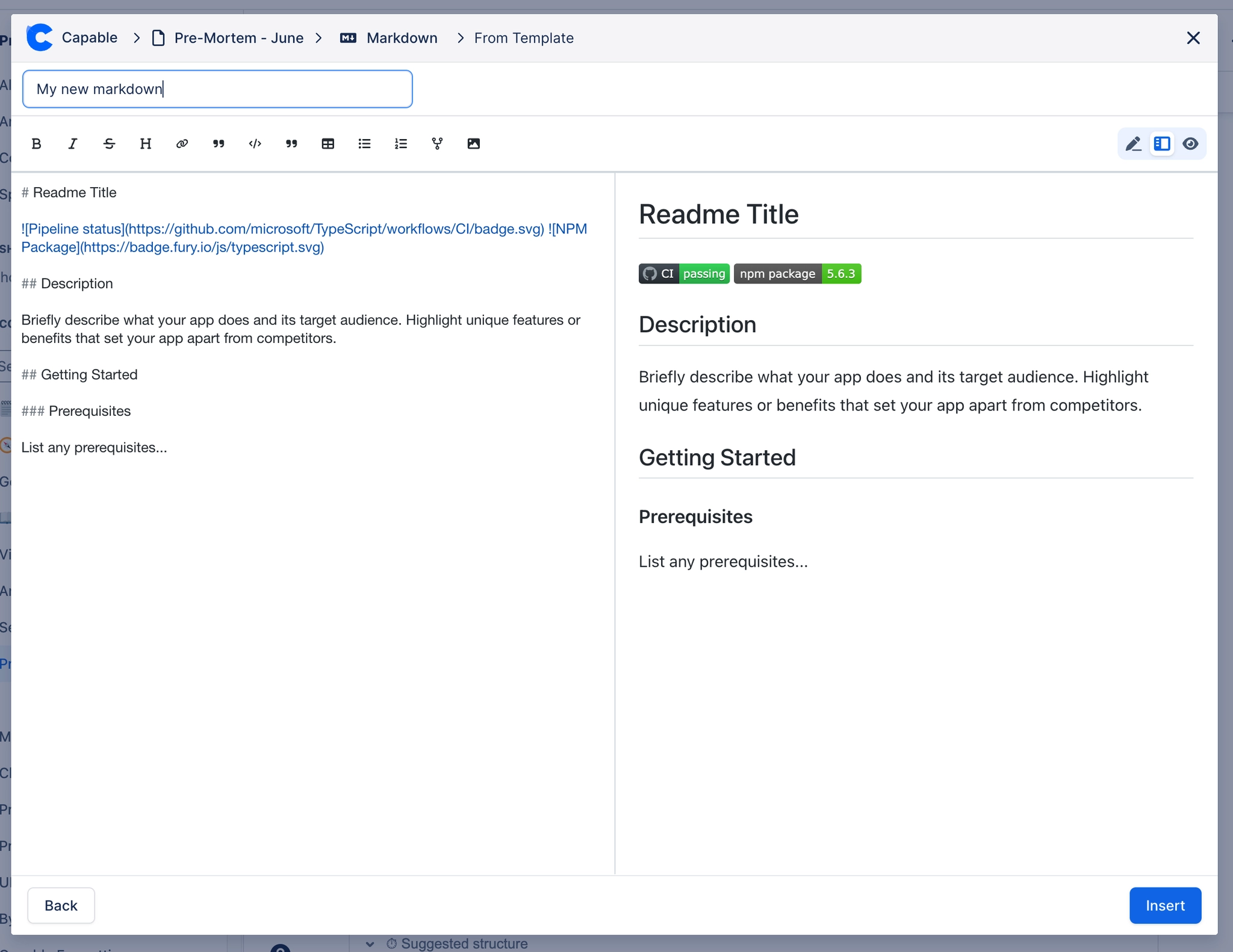
You can write Markdown from a blank page.
#In this section
#Related
Start from the task.






















