
Markdown reference
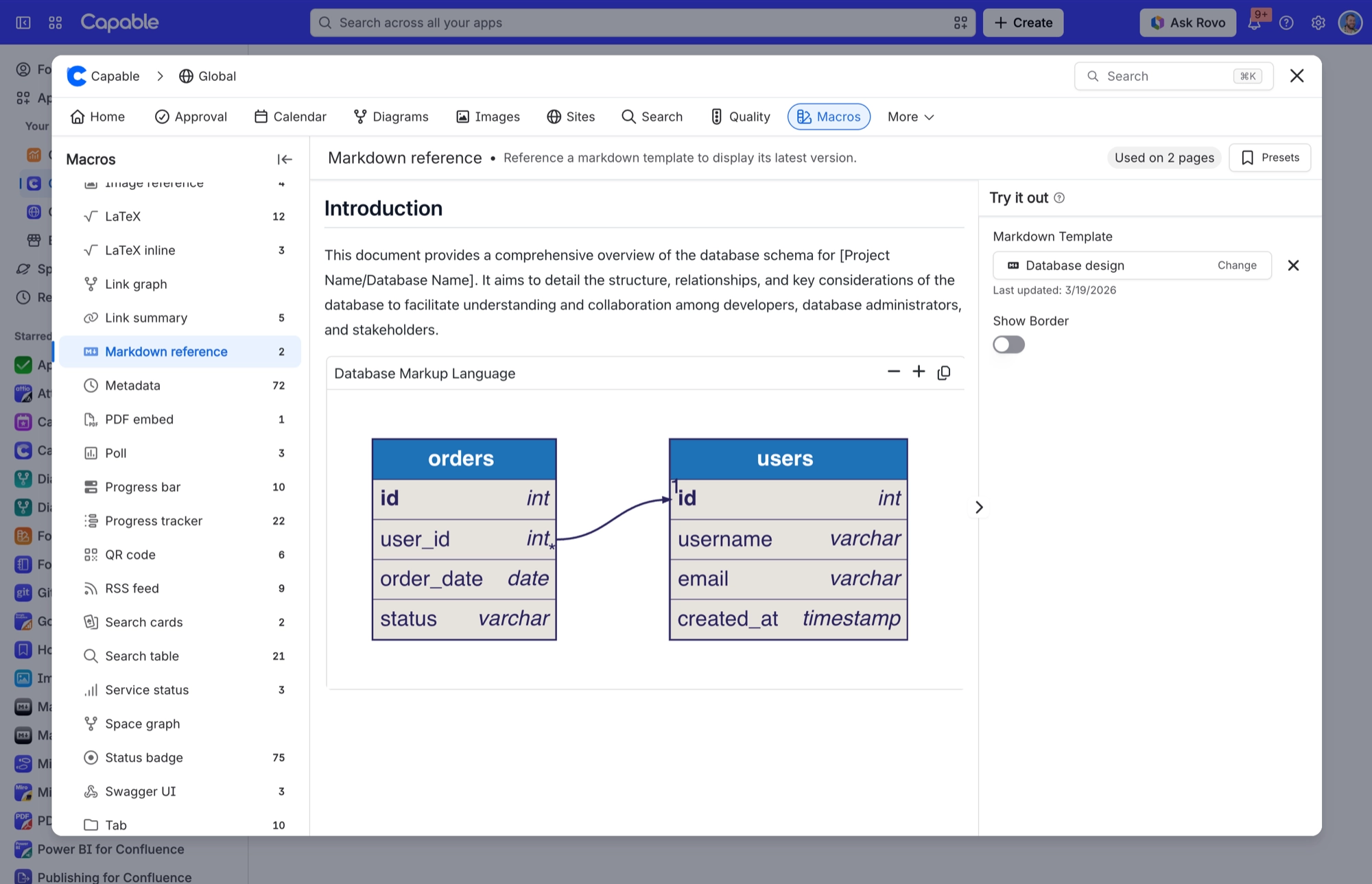
Shows a markdown template from the space or global library, always at its latest version. Edit the template and every page that uses it updates.
Shape | Block (no body). It remembers which library template you picked. |
|---|---|
Name in the suite | Markdown reference (Capable) |
Name in the standalone app | Markdown reference macro (Capable) |
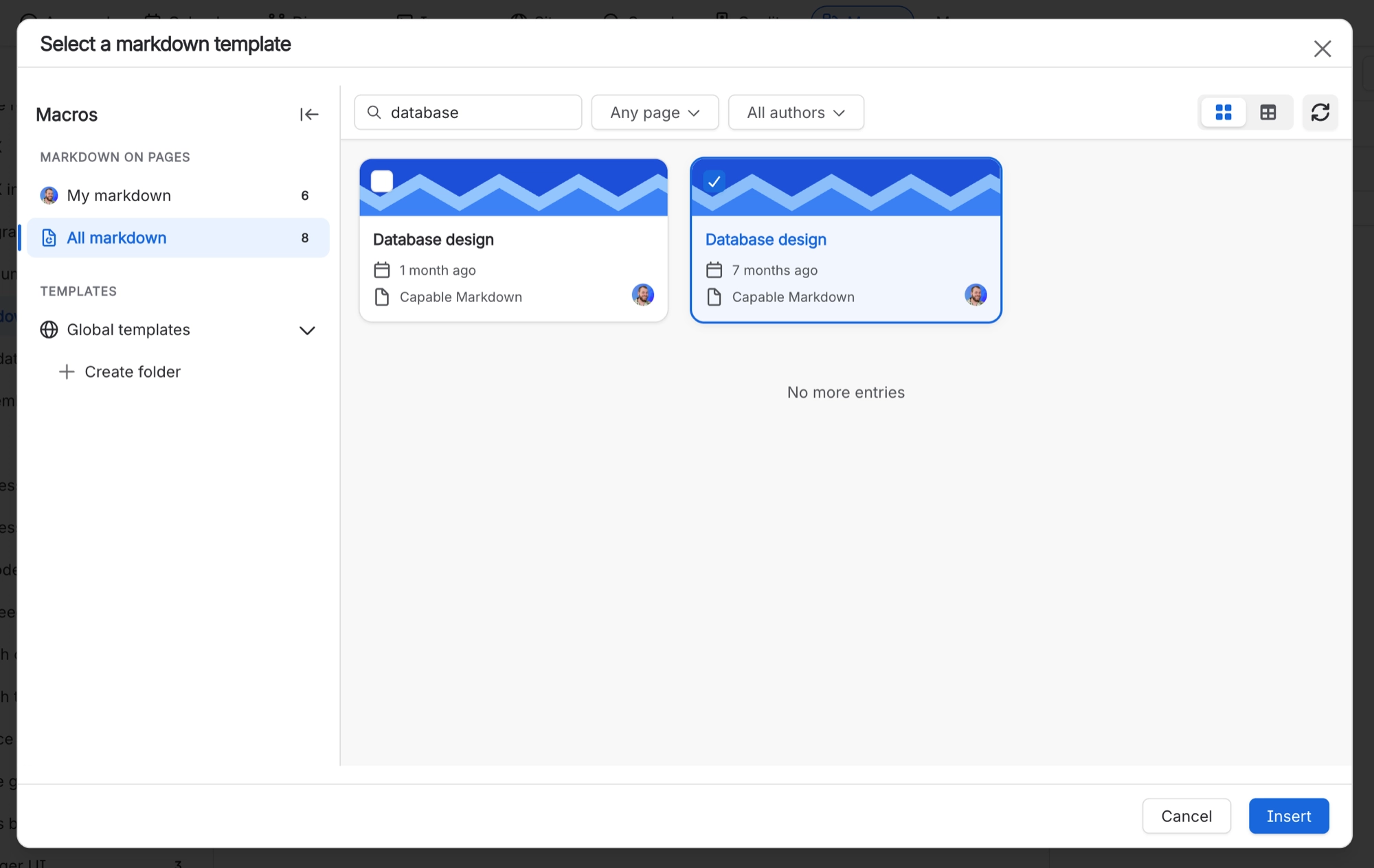
Where you configure it | A two-field form: 'Markdown Template' (a library picker with the placeholder 'Select a markdown template...', which opens the 'Select a markdown template' dialog) and a 'Show Border' switch. It also shows the selected template's 'Last updated' date. |
Anonymous readers | Readers who are not signed in, or are unlicensed, can see it, in both products. |
PDF and Word export | Not included in a Confluence Word or PDF export. A referenced template adds nothing to the exported file. |
Published Capable Site | On a published Capable Site it appears as normal page content, with the template title shown as a heading above it. |
#Settings
Setting | Values | Default | What it changes |
|---|---|---|---|
Markdown Template | A markdown template picked from the library, such as a space or global template. | Empty (no template selected). | The whole content of the macro. |
Markdown Title | Text. The template's title, filled in automatically. | Empty | Shown in the settings field while the template loads. It does not appear on the page in Confluence, but a published Capable Site shows it as a heading above the content. |
Show Border | On or off, shown as a switch labelled 'Show Border'. | - | Wraps the template in a light, rounded border with a little padding. The border carries over to a published Capable Site. |
#Related
One macro, documented properly.






















