
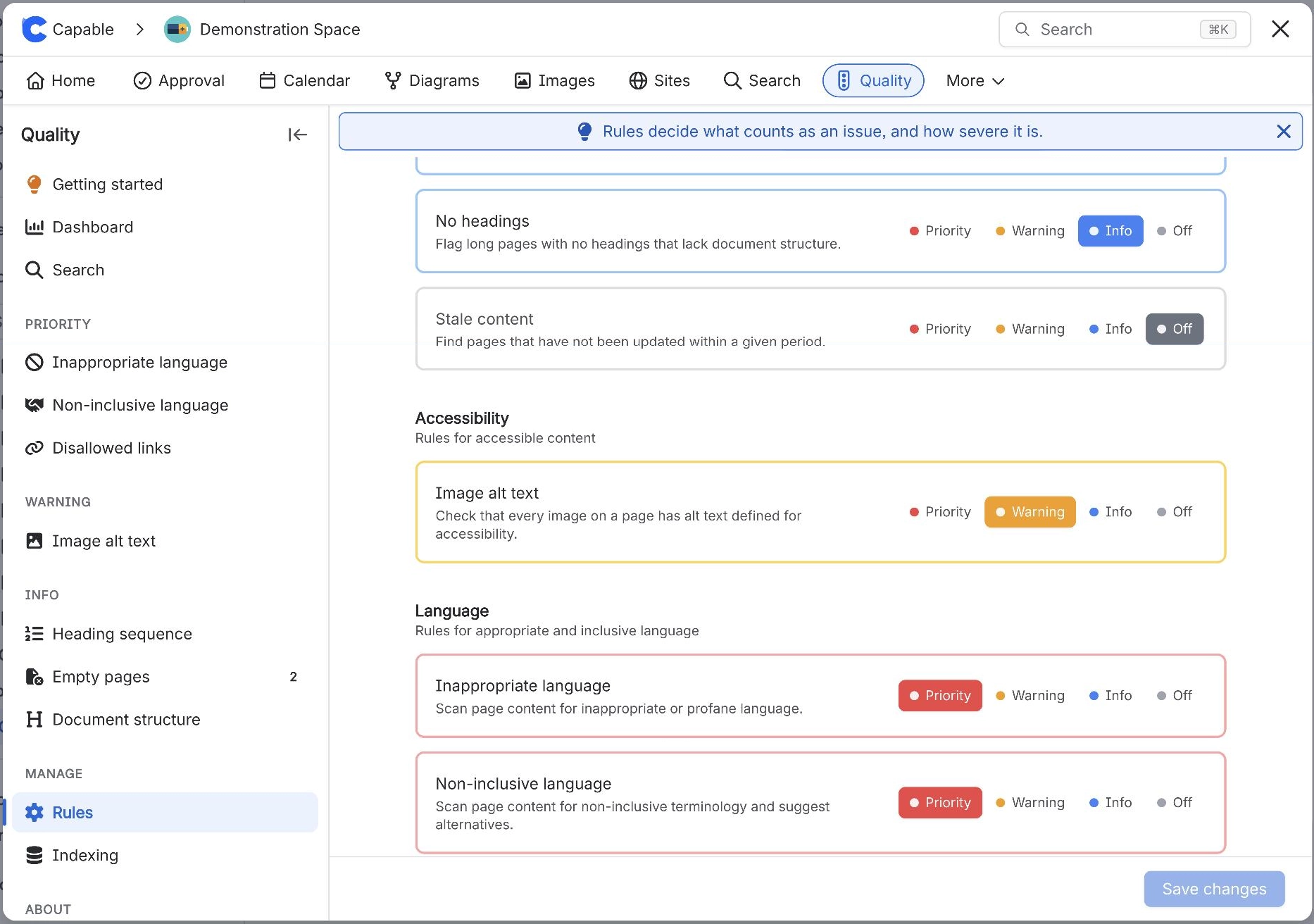
You want a rule to keep running but stop showing up prominently
What you are seeing
You want a rule to keep running but stop showing up prominently.
#Why it happens
The single control both enables the rule and sets its severity. There is no separate "enabled but hidden" state.
#What to do
Use Info as the least prominent visible level. Off stops the rule being evaluated and removes it from the navigation, the Dashboard and the byline.
#Settings involved
Setting | Where | What it does |
|---|---|---|
Rule level (per rule) | Capable Quality → Manage → Rules | - |
#Related
Quality shows as a locked entry in the navbar and clicking it opens a marketing page
The Suite install is on the Standard edition. Quality is an Advanced-edition capability th
Total issues looks higher than the number of problem pages
Each rule contributes its own page count, and the counts are not deduplicated. A page fail
Everything else
The rest of this family.
Found it? Good.






















