
Per-rule lists
One list per enabled rule, each a search view with a live badge count, grouped in the navigation under Priority / Warning / Info headings by the rule's effective severity: Image alt text, Heading sequence, Heading capitalization, Empty pages (shared by Empty page and Folder candidate), Document structure (No headings), Inappropriate language, Non-inclusive language, Disallowed links, Disallowed macros, Third-party macros, Stale content, Disallowed labels.
#Worth knowing
Rules set to Off disappear from the navigation entirely.
#Where to find it
Capable Quality → the rule's section under Priority / Warning / Info
#Settings that affect this
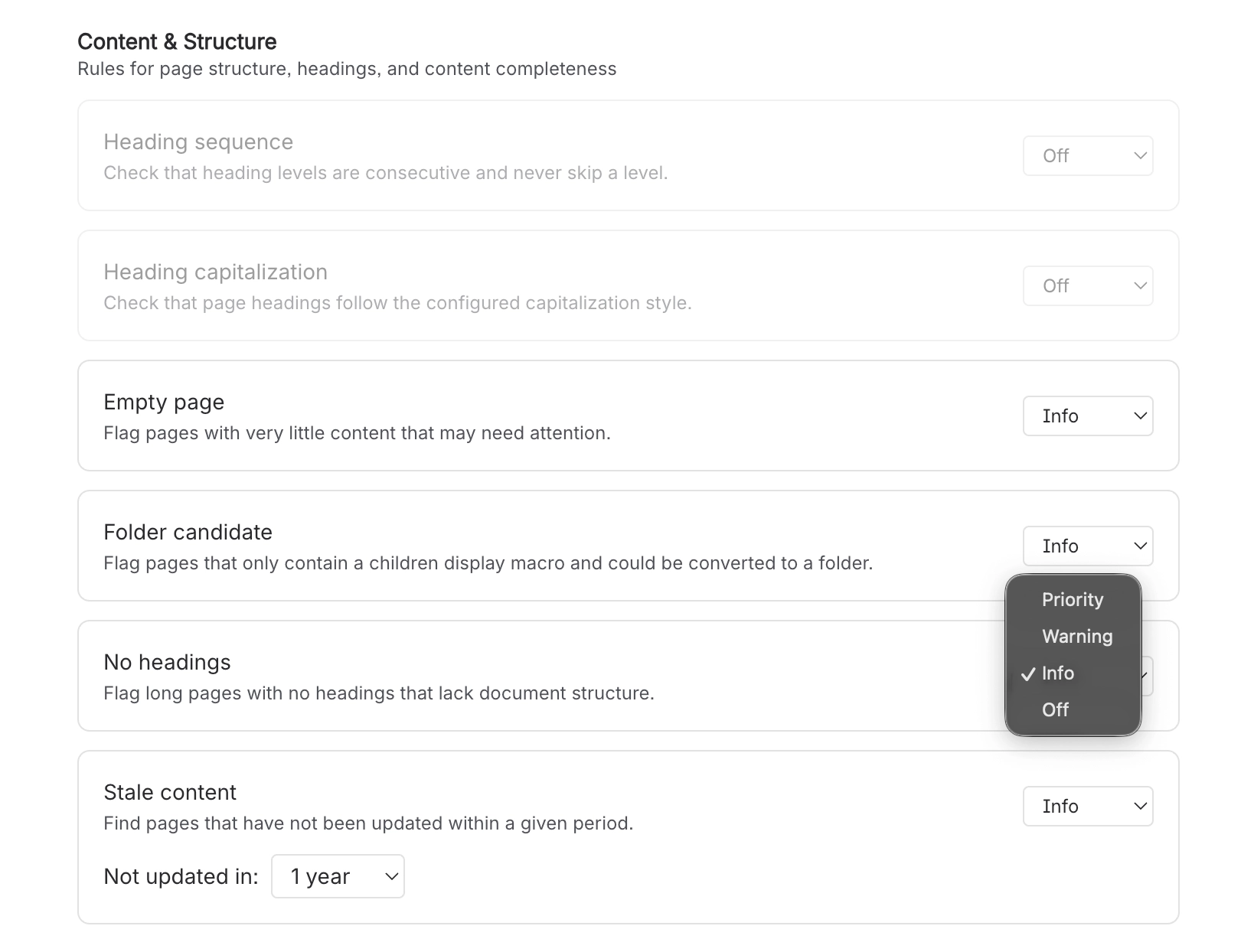
Setting | Where | What it does |
|---|---|---|
Rule level (per rule) | Capable Quality → Manage → Rules | - |
#Related
How it actually behaves.






















