
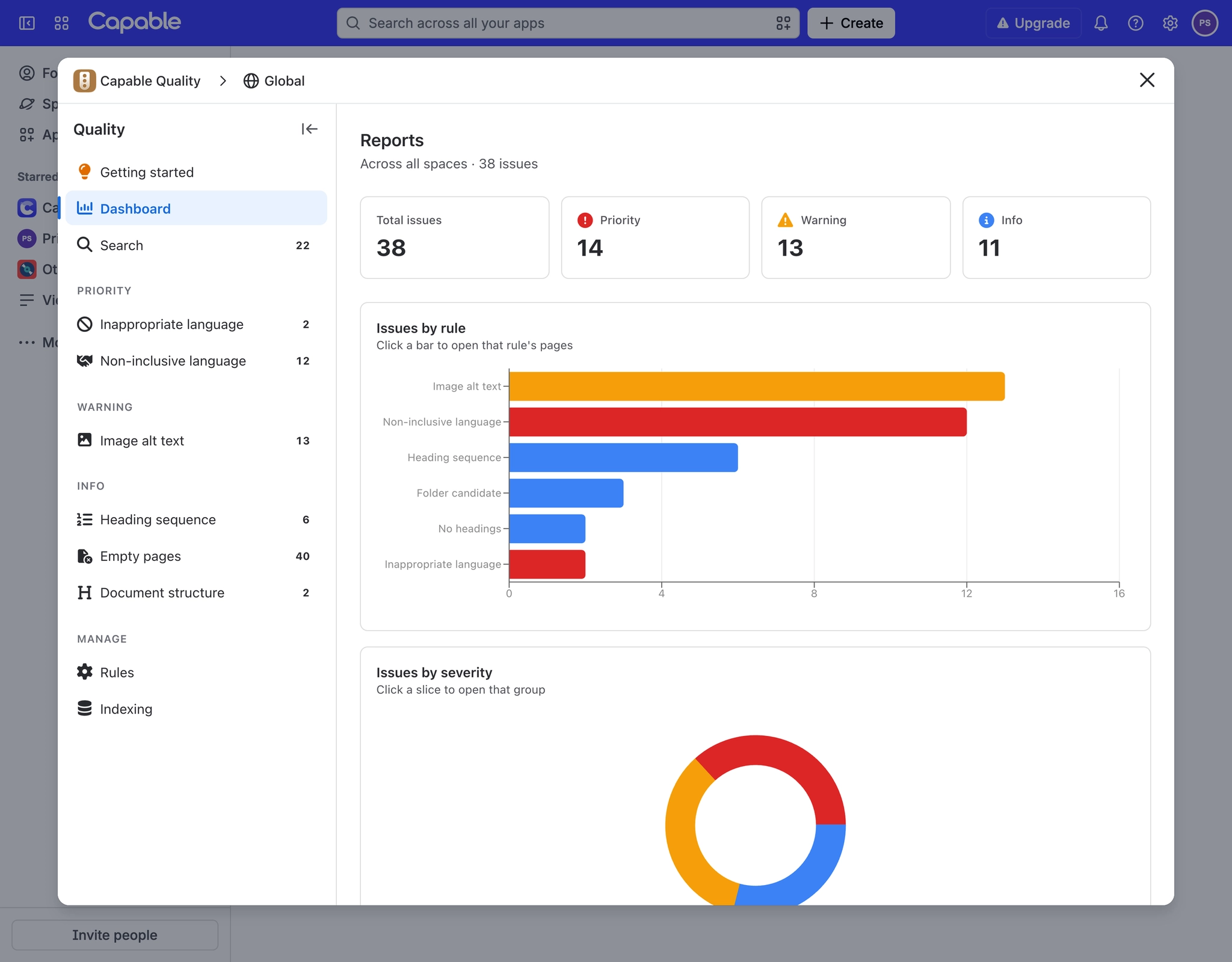
Clicking a slice of the "Issues by severity" donut does nothing
What you are seeing
Clicking a slice of the "Issues by severity" donut does nothing.
#Why it happens
It navigates to Priority / Warning / Info section targets that no longer exist as sections. They are now plain navigation headings.
#What to do
Click a bar in "Issues by rule" or a card in "Rule breakdown" instead, or pick the rule from the left navigation.
#Limits that apply here
Limit | Value | What happens |
|---|---|---|
Top spaces by issues | Top 10 spaces, global scope only | - |
#Related
Pressing Refresh on the Dashboard spins and nothing happens
Queuing a run is admin-only, but the button is shown to everyone, and a non-admin's reject
Two people looking at the same space see different numbers
Live per-rule counts, list badges and the Recent violations table are searched as the sign
Everything else
The rest of this family.
Found it? Good.