
One-click Fix
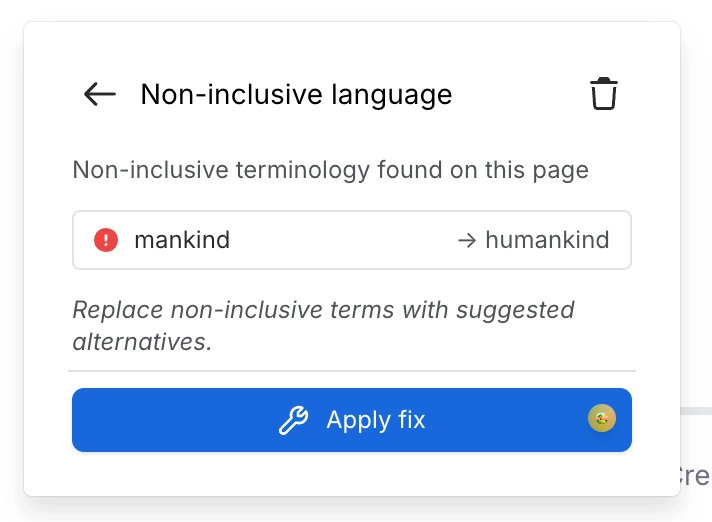
Three rules can be fixed in place from the byline or search panel: Heading capitalization, Inappropriate language and Non-inclusive language. A "Fix" link appears in the findings list and an "Apply fix" button in the finding detail. Applying the fix rewrites the page and saves a new version stamped "Quality: Fixed <rule name>", written as the signed-in user so Confluence permissions apply.
#Worth knowing
Requires content-update (edit) access. There is no preview and no undo inside Quality. Recovery is Confluence page history. The inappropriate-language fix deletes the matched words rather than masking them.
#Where to find it
Page Quality panel (byline or Capable Search side panel)
#Where you do it
Task | Where |
|---|---|
Block links to specific domains | Rules → Disallowed domain links |
Block specific labels | Rules → Disallowed labels |
Drill from a chart into the offending pages | Dashboard → click a bar in "Issues by rule", or a card in "Rule breakdown" |
#Settings that affect this
Setting | Where | What it does |
|---|---|---|
Inappropriate language | Rules → Language | - |
Blocked domains list (Disallowed domain | Rules → Disallowed domain links | - |
Label list (Disallowed labels) | Rules → Disallowed labels | - |
#Worth knowing
Clicking a slice of the "Issues by severity" donut does not navigate anywhere.
#Related
How it actually behaves.






















