
Export Confluence form responses to CSV
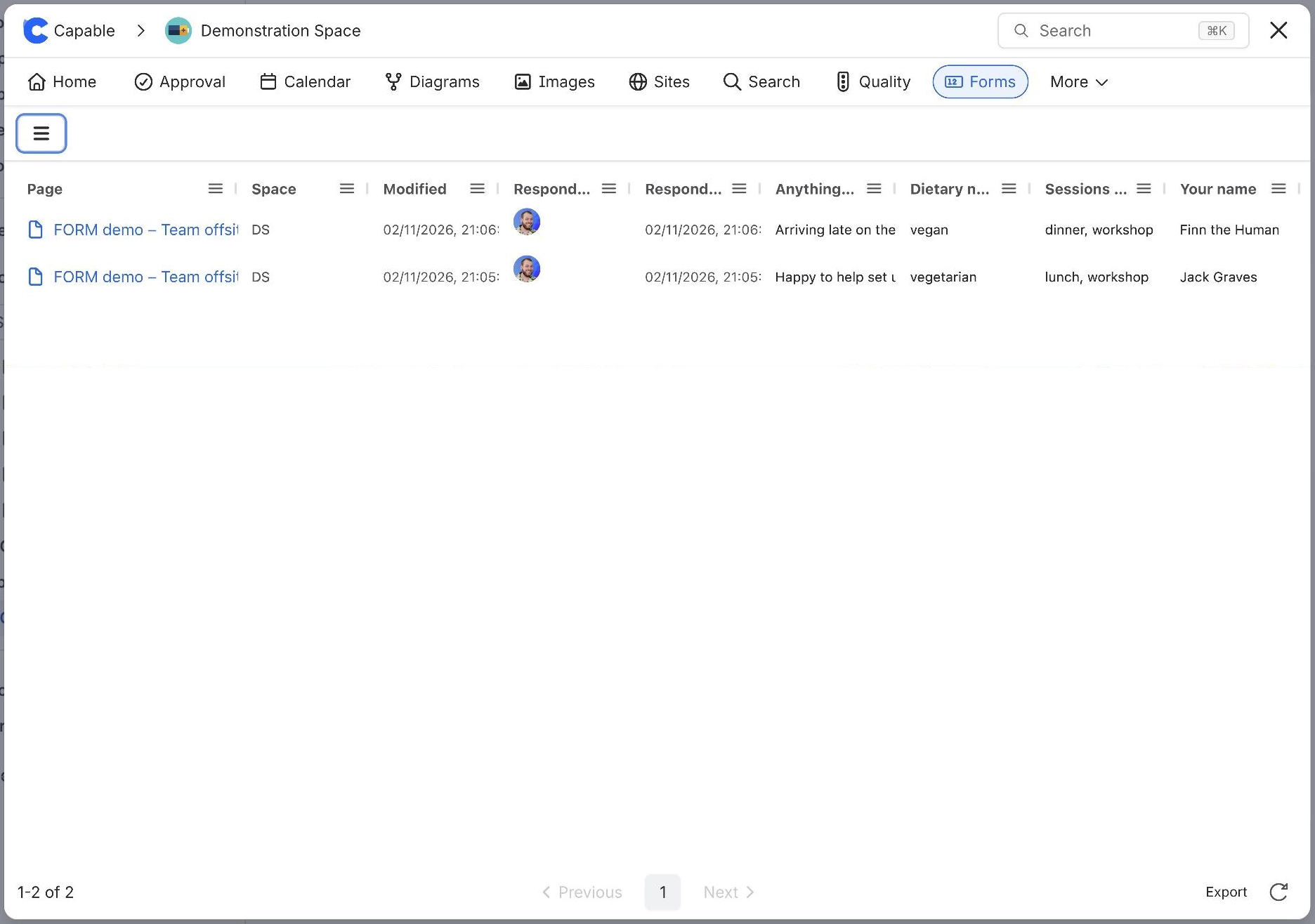
To export Confluence form responses to CSV, open Capable Forms, select All forms and choose the form. Select Export in the footer under the responses table. Capable Forms downloads form-<formId>-responses.csv, one row per page, with who filled it in, when, and a column for every field.
#Before you start
You need | Why |
|---|---|
Capable Forms installed | Forms is part of Capable Forms for Confluence and the Capable Suite. |
Responses to export | Export is greyed out while the table is empty. |
#Steps
Open Capable Forms: select Capable Forms in the Confluence Apps menu or the space sidebar (in the Suite, Capable, then Forms).
Select All forms, then the form.
Select Export in the footer under the table.
Wait while the dialog fetches the responses and looks up people's names. The file downloads on its own.
Open the file in Excel, Numbers or Google Sheets.
#If it does not work
The export covers the whole site, even if you opened the form inside a space.
It stops at 5,000 pages.
Pages saved a moment ago can be missing until Confluence has indexed them. See CSV export is missing pages.
#Related
From Confluence to spreadsheet.






















