
Add a form to a Confluence page
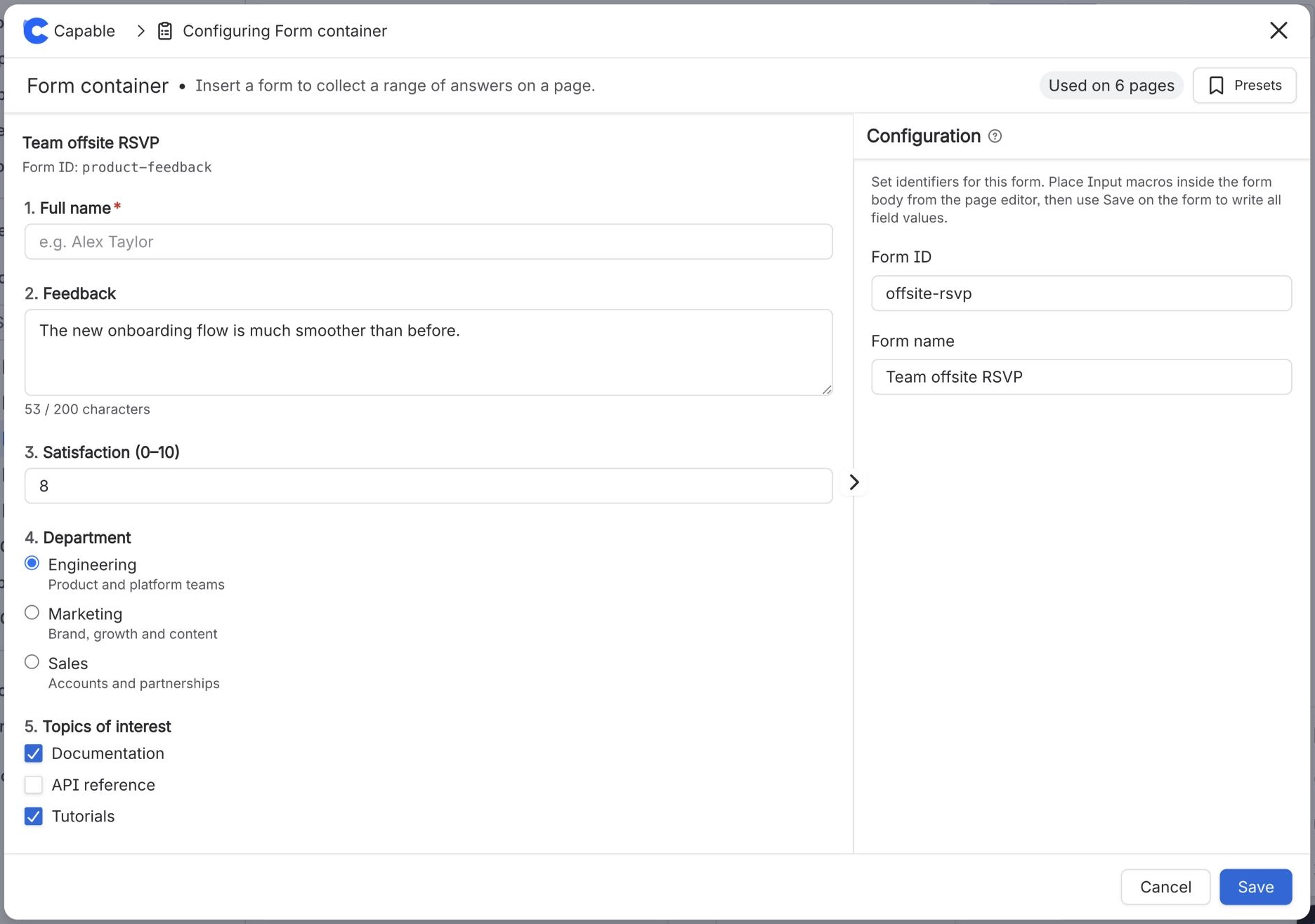
To add a form to a Confluence page, edit the page and insert the Form (Capable) macro. Give it a Form ID and a name, then insert one Input (Capable) macro inside it for each field. Publish the page, and anyone who can edit it can fill the form in and save their answers.
#Before you start
You need | Why |
|---|---|
Capable Forms installed | Forms is part of Capable Forms for Confluence and the Capable Suite. |
Edit permission on the page | You add and change forms in the Confluence editor. |
The right edition for your fields | Standard has single-line Text fields only. Advanced adds long text, number, choice, people, space, page and link fields. |
#Steps
Open the page and select Edit.
Type
/and insert Form (Capable) (Form macro (Capable) in the standalone Forms app).In Configure Form, enter a Form ID, such as
employee-onboarding, and a Form name readers will see.Click inside the form, type
/and insert Input (Capable) (Input macro (Capable) in the standalone Forms app).In Configure Input, enter a Label and choose an Input type. The Field ID fills in from the label.
Repeat for each field. Their order inside the form is the order readers see.
Publish the page.
#What happens next
The page shows the form with a Save button. Each time someone saves it, the answers are stored on the page and appear in the page byline, the Forms side panel and the form's responses view in Capable Forms. Use the same Form ID on other pages to collect the same form from many pages.
If the page says Configure this macro with a Form ID before readers can submit values., the form has no Form ID yet.
#Related
One macro, then the fields.






















