
Form shows "No input fields yet. Edit the page and insert Input macros inside this form."
What you are seeing
The form shows "No input fields yet. Edit the page and insert Input macros inside this form.".
#Why it happens
The Form container's body is empty, or the Input macros were placed on the page next to the container rather than inside its body region.
#What to do
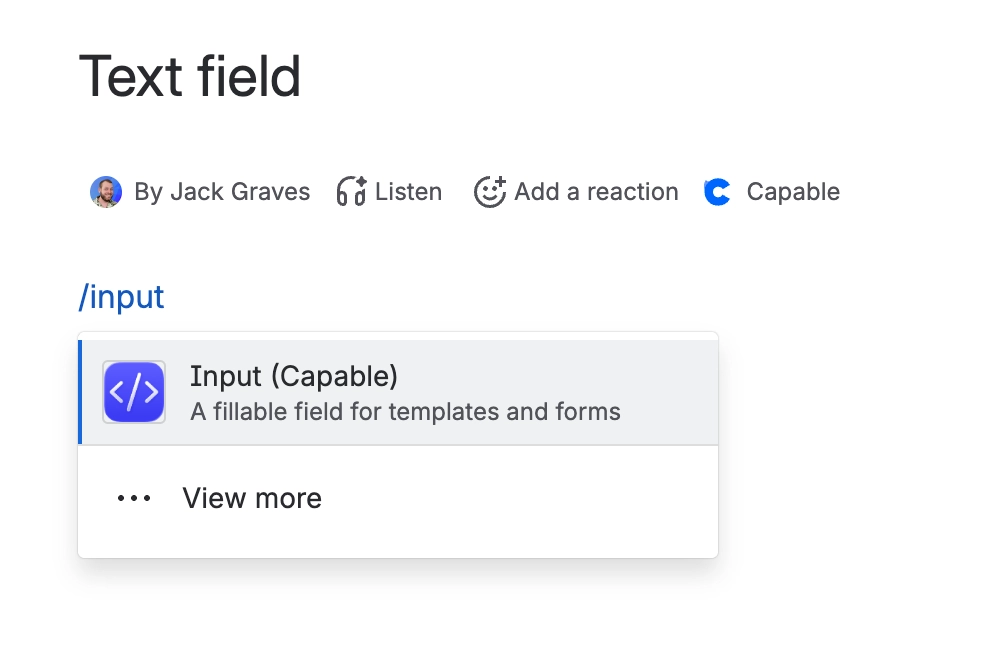
Edit the page and move the Input macros into the container's body. Fields outside the body will render and save, but they are never validated and never indexed.
#Settings involved
Setting | Where | What it does |
|---|---|---|
Advanced edition | Marketplace / licensing | Unlocks every input type beyond single-line text, and unlocks the Forms nav item in the Suite regardless of the flag. It does NOT unlock the Forms search panel - that is flag-only. |
#Limits that apply here
Limit | Value | What happens |
|---|---|---|
Standalone field autosave delay | 800 ms after the last change; "Saved" ti | Applies only to Input macros outside a Form container. |
#A few things that catch people out
There is no layout control at all: no columns, sections, page breaks or conditional fields. A form is exactly the vertical run of fields in its body.
#Related
Save is blocked with "Fix validation errors before saving"
One or more fields failed validation - a Required field is empty, a URL is not a safe web
"Could not save form - try again"
The save could not locate the form's macros in the page content. It retried five times ove
Everything else
The rest of this family.
Found it? Good.






















