
What Capable Smartsheet is
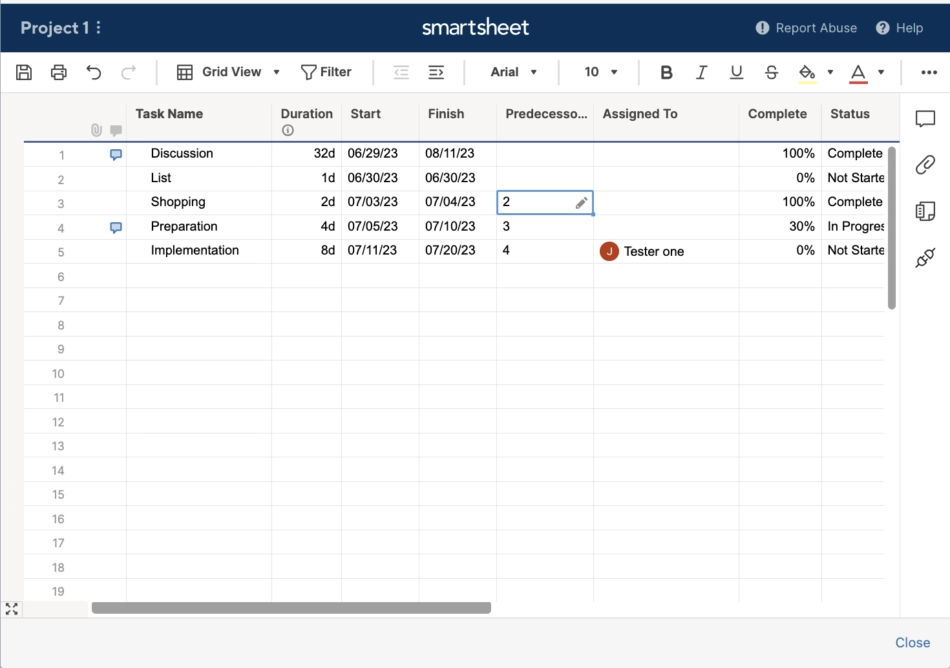
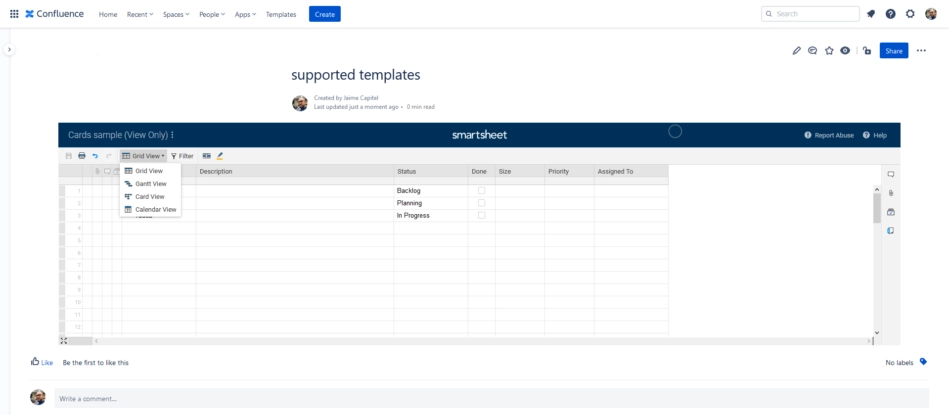
The macro offers three reader views: an "Interactive table" (a read-only, searchable, sortable table built from the sheet's rows, which does not publish the sheet), and "Read-only sheet" / "Editable sheet", which embed Smartsheet's own published view in an iframe using a Smartsheet publish link. Pasting a Smartsheet link into the editor turns it into the macro automatically. Connecting your Smartsheet account is optional: a pasted publish link works on its own, but you need a connection to browse sheets, see or change how a sheet is shared, or use the Interactive table. The app carries the app key of the acquired Connect app "Smartsheet for Confluence" (de.resolution.integration.smartsheet-for-confluence) and keeps every legacy macro parameter so macros still round-trip. It is sold separately from the Capable Suite.
#At a glance
Macros | Smartsheet |
|---|---|
Sold as | A standalone app, and a capability inside the Capable Suite |
#A few things worth knowing
Not in the Capable Suite. Smartsheet is bought as a separate app.
Production customers are on the legacy Connect app.
The macro contributes nothing to page exports.
#Related
The short version.






















