
Working with saved searches
A saved search is not a browser bookmark. It is a stored object holding a query, its columns, its sort order and its page size, and other people can use it.
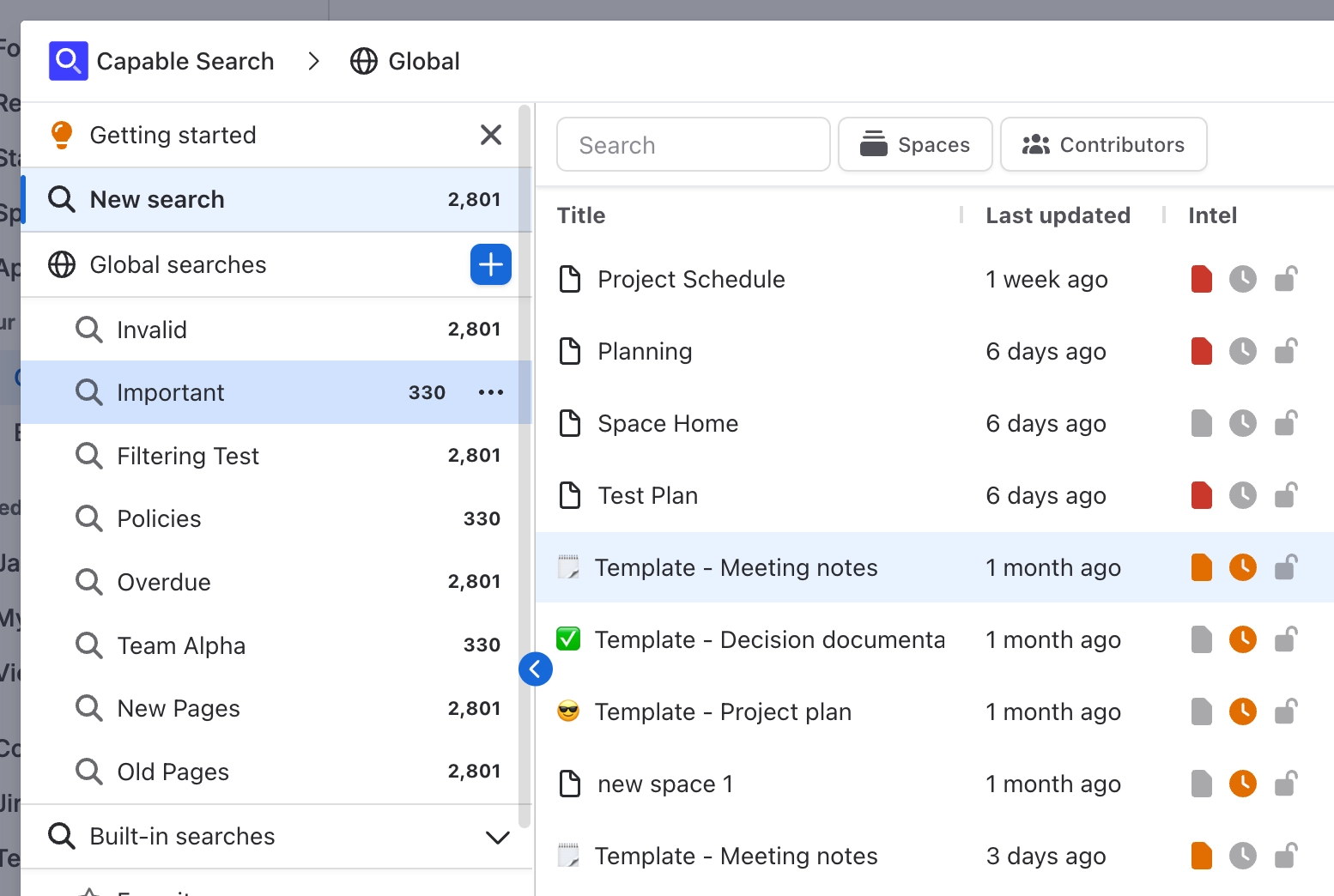
That is what makes the search macros work: they point at a saved search rather than carrying their own copy.
#What a saved search stores
The query, whether built from chips or written as CQL.
Which columns are visible, and in what order.
The sort column and direction.
The page size.
#Saving and copying
Action | What it does |
|---|---|
Save search | Saves the current filters, columns, sort and page size to the saved search you have open |
Save as | Makes a copy in the current section's scope and leaves the original alone |
Filter searches | Filters the list of saved searches by name and description |
Save changes the shared search. If a saved search is on somebody's page through a macro, your change to its columns or query changes what their page shows. Use Save as when you only want your own version.
#A few things worth knowing
Built-in searches come with the app and are a good starting point to copy from.
Deleting a saved search breaks any macro pointing at it.
Scope matters: where a saved search lives decides who can see it.
#Related
An object, not a bookmark.






















