
Confluence's own fields
These are Confluence's own search fields rather than anything Capable adds. They work whether or not a page has been indexed by Capable, and they are the fields the search table falls back on when nothing else is installed.
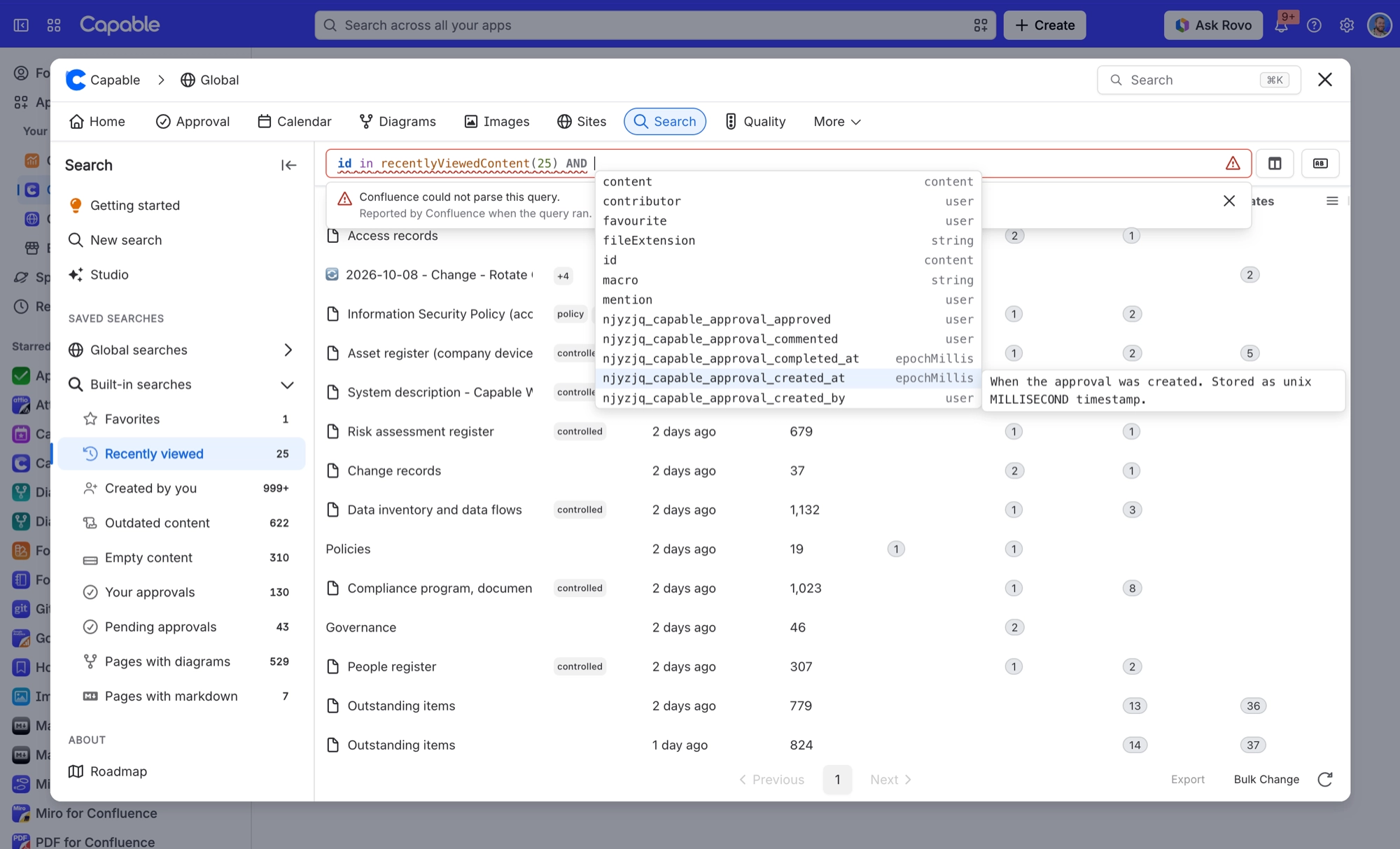
#The fields
Field | What it holds |
|---|---|
text | Full-text match against page content. Supports contains only. |
space | Space key the page belongs to. Example: |
label | Page label. Forms also uses it to drill down into a single form. Not sortable. |
creator | Account ID of the page creator. Example: |
contributor | Account ID of any page contributor. |
mention | Account ID of a user @-mentioned on the page. |
favourite | Account ID of whoever starred the page. CQL accepts the British spelling, and |
ancestor | Numeric content ID of an ancestor page at any depth. |
parent | Numeric content ID of the direct parent page. |
macro | Macro key used on the page. This is Confluence's own macro index, separate from Capable's |
created | Page creation date and time. Use a quoted ISO date or a date function. |
lastModified | Date and time of the last update. Use a quoted ISO date or a date function. |
type | Content type filter. |
#Related
Indexed, then searchable. In that order.






















