
Quality search fields
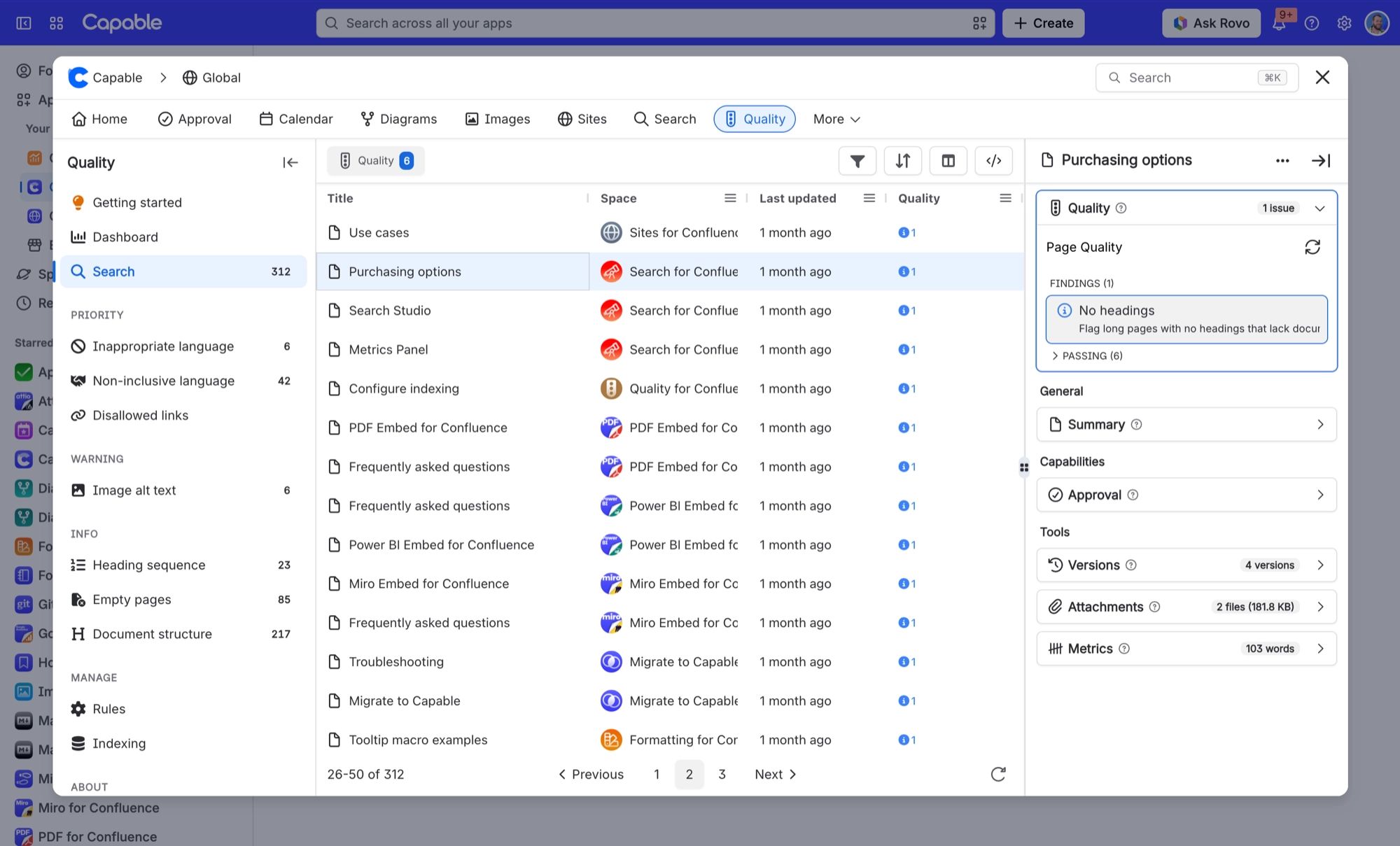
Quality writes 2 fields into Confluence's own search index. Once a page has been indexed, you can filter and sort by them in Capable Search, and use them in ordinary Confluence CQL.
Pages that haven't been indexed yet carry no values at all. They won't match a query on these fields, and they won't show up as empty results either. On a large site, indexing can take anywhere from hours to days to catch up.
The <hash> prefix is your installation's app hash. Field names include it, so the exact string differs from site to site. Rather than typing it, use the Copy CQL action in the search table.
#The fields
Field | What it holds |
|---|---|
Quality Tags | Finds pages carrying a given content-quality issue tag. This is the field behind the Quality reports. |
<hash>_capable_refs_quality_tags | The quality issue tags flagged on the page. A page can carry several tags, so match one tag per clause. Example: |
#Related
Indexed, then searchable. In that order.






















