
Word count search fields
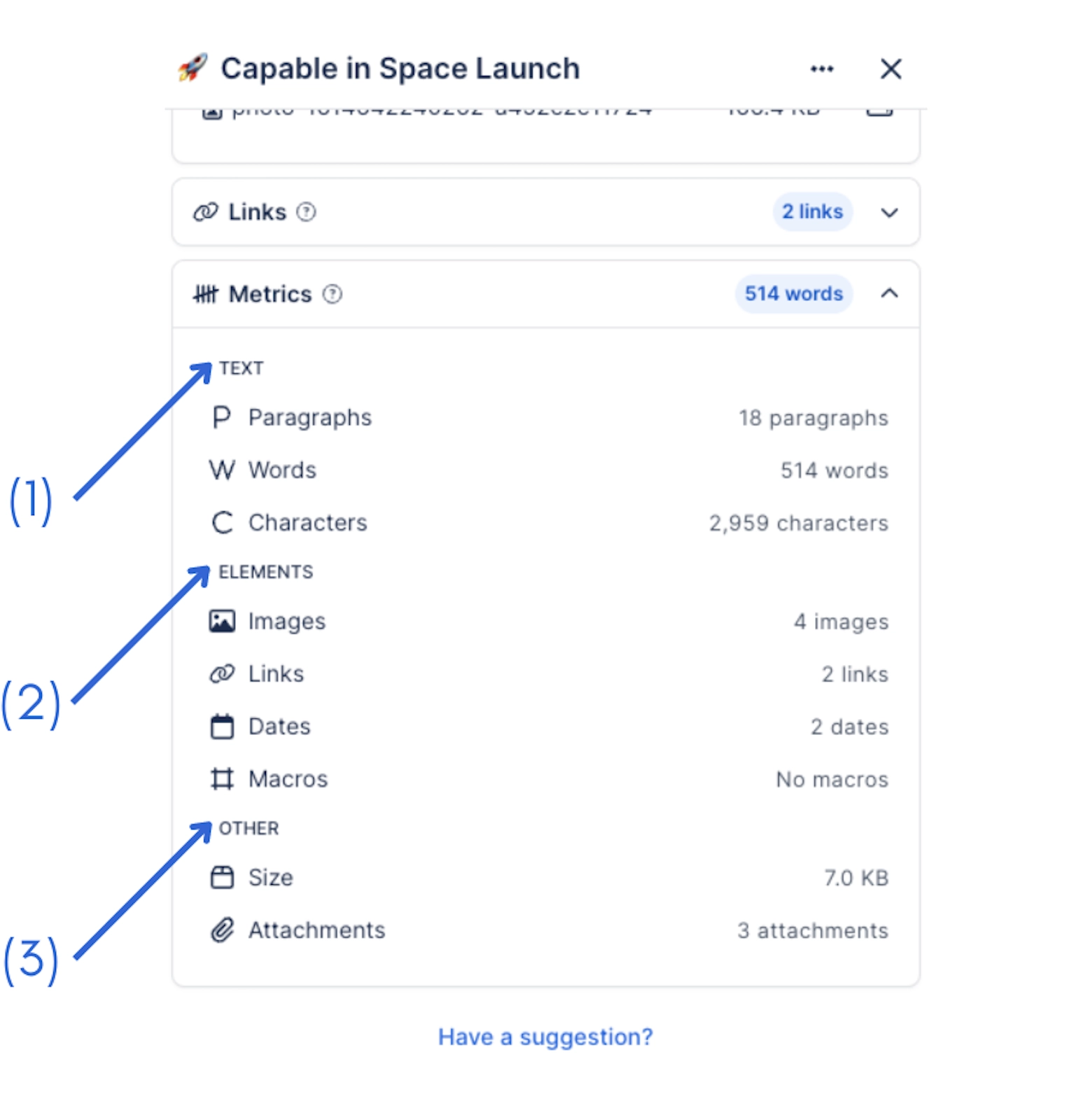
Word count adds 6 fields to Confluence's search index. Once a page has been indexed you can filter and sort by them in Capable Search, and use them in ordinary Confluence CQL.
#The fields
Field | What it holds |
|---|---|
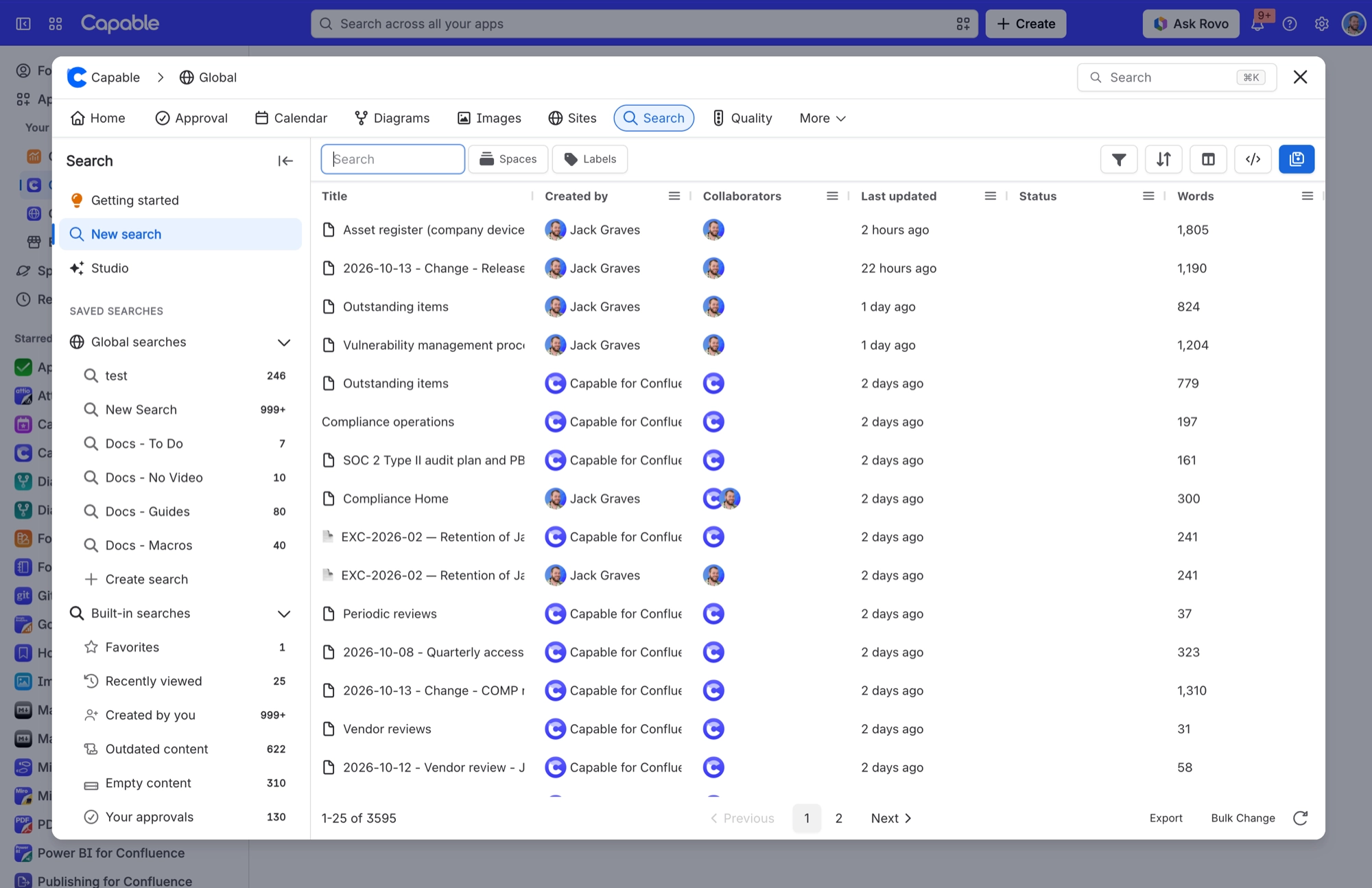
Capable Metrics Words | Match or sort pages by stored word count. The search table's Words column sorts on it. |
Capable Metrics Paragraphs | Match pages by stored paragraph count. |
Capable Metrics Characters | Match pages by stored character count. The built-in Empty content search uses it to find pages with a count of 0. |
#Related
Indexed, then searchable. In that order.






















