
Links search fields
Links adds 8 fields to Confluence's search index. Once a page has been indexed you can filter and sort by them in Capable Search, and use them in ordinary Confluence CQL.
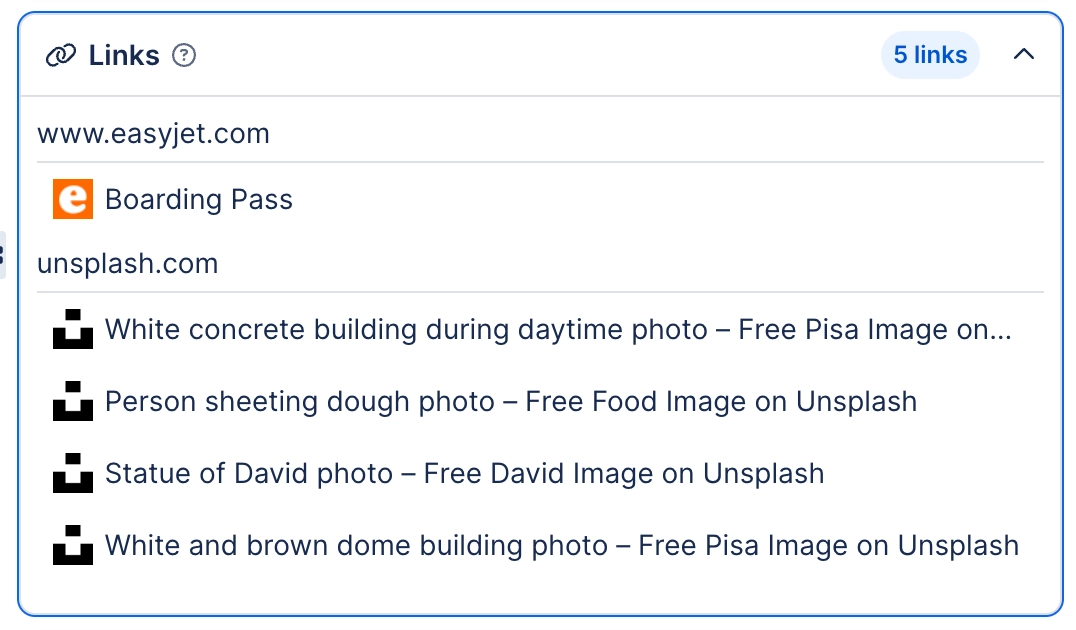
#The fields
Field | What it holds |
|---|---|
Capable Links Count | Match pages by number of links on the page. |
Capable Links Domains | Match pages that link out to a given domain. |
Capable Links Page IDs | Match pages that link to a given Confluence page ID. This is what incoming and outgoing link reporting is built on. |
Capable Issues Count | Match pages by number of Jira issues referenced. |
Capable Issues Keys | Match pages referencing a specific Jira issue key. |
#Related
Indexed, then searchable. In that order.






















