
Forms search fields
Forms adds two fields to Confluence's own search index. Once a page has been indexed, you can filter and sort by them in Capable Search and use them in ordinary Confluence CQL.
Pages that haven't been indexed yet have no values at all. They won't match a query on these fields, and they won't show up as empty results either. On a large site, indexing can take anywhere from hours to days to catch up.
The <hash> prefix is your installation's app hash. Field names include it, so the exact name differs from site to site. Rather than typing it, use the Copy CQL action in the search table.
#The fields
Field | What it holds |
|---|---|
| The IDs of the forms embedded on the page, taken from each Form macro's settings. Only available with the Suite and Forms apps. Example: |
| Forms also adds ordinary Confluence labels: one on every page that holds a Form macro, plus one for each form, based on its form ID. Labels are the main way to find the pages that hold a particular form. The field above is the fallback. |
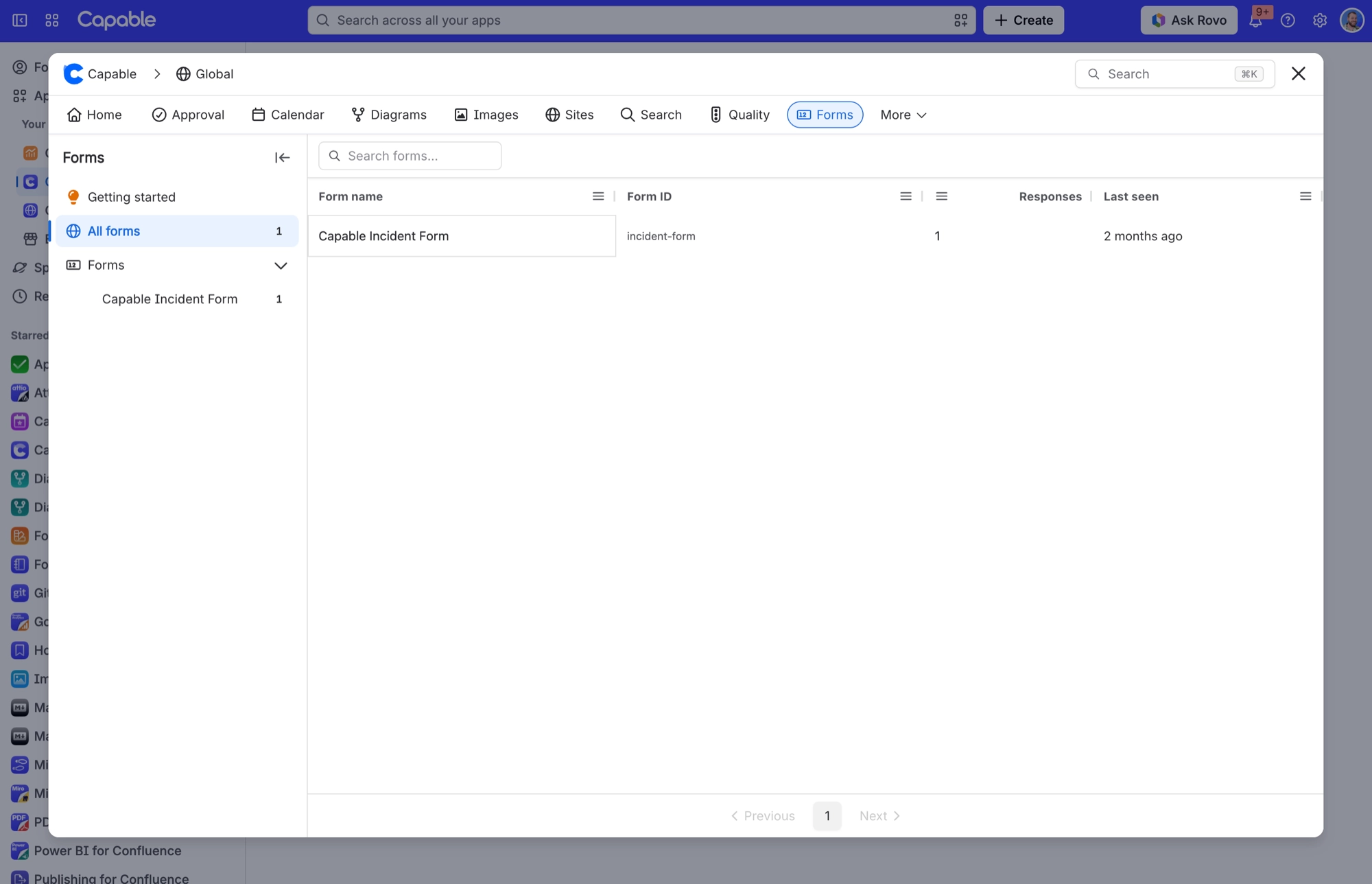
To find a form's ID, open Capable Forms and look at the Form ID column under All forms.
#Related
Indexed, then searchable. In that order.






















