
Search macros
Both macros point at a saved search, so the page follows the search rather than freezing a copy of it. Both render for unlicensed and anonymous readers, which makes them safe on public pages.
#In this section
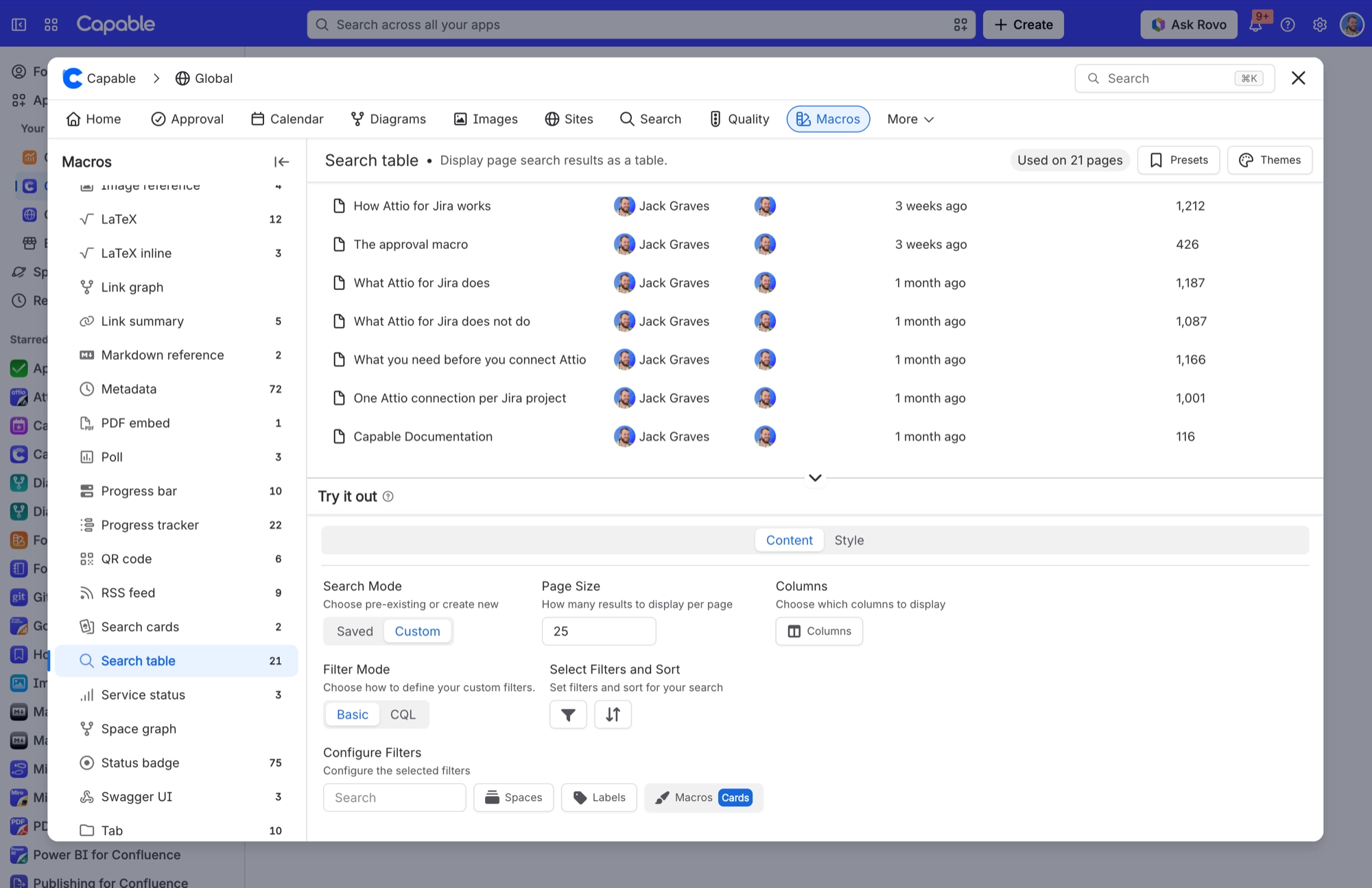
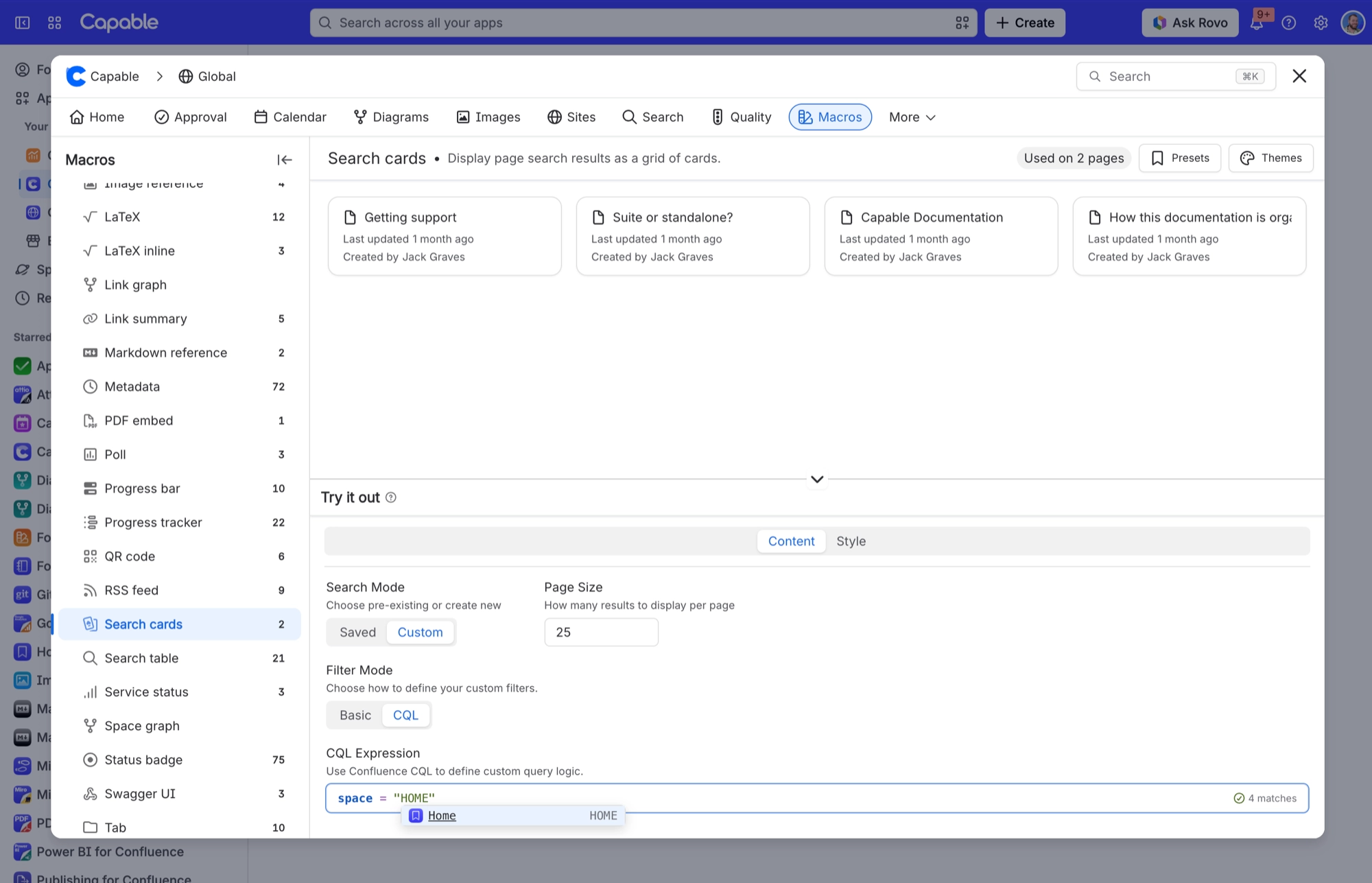
Search table macroPut a saved search on a page as a table that stays current.Search cards macroThe same saved search, rendered as cards rather than rows.
#Related
Points at the search. Follows the search.






















