
Publishing search fields
Publishing writes 14 fields into Confluence's own search index. Once a page has been indexed you can filter and sort by them in Capable Search, and use them in ordinary Confluence CQL. The Publishing section of a result's details panel shows much of the same information: the status, when and by whom the page was published, and where it publishes to.
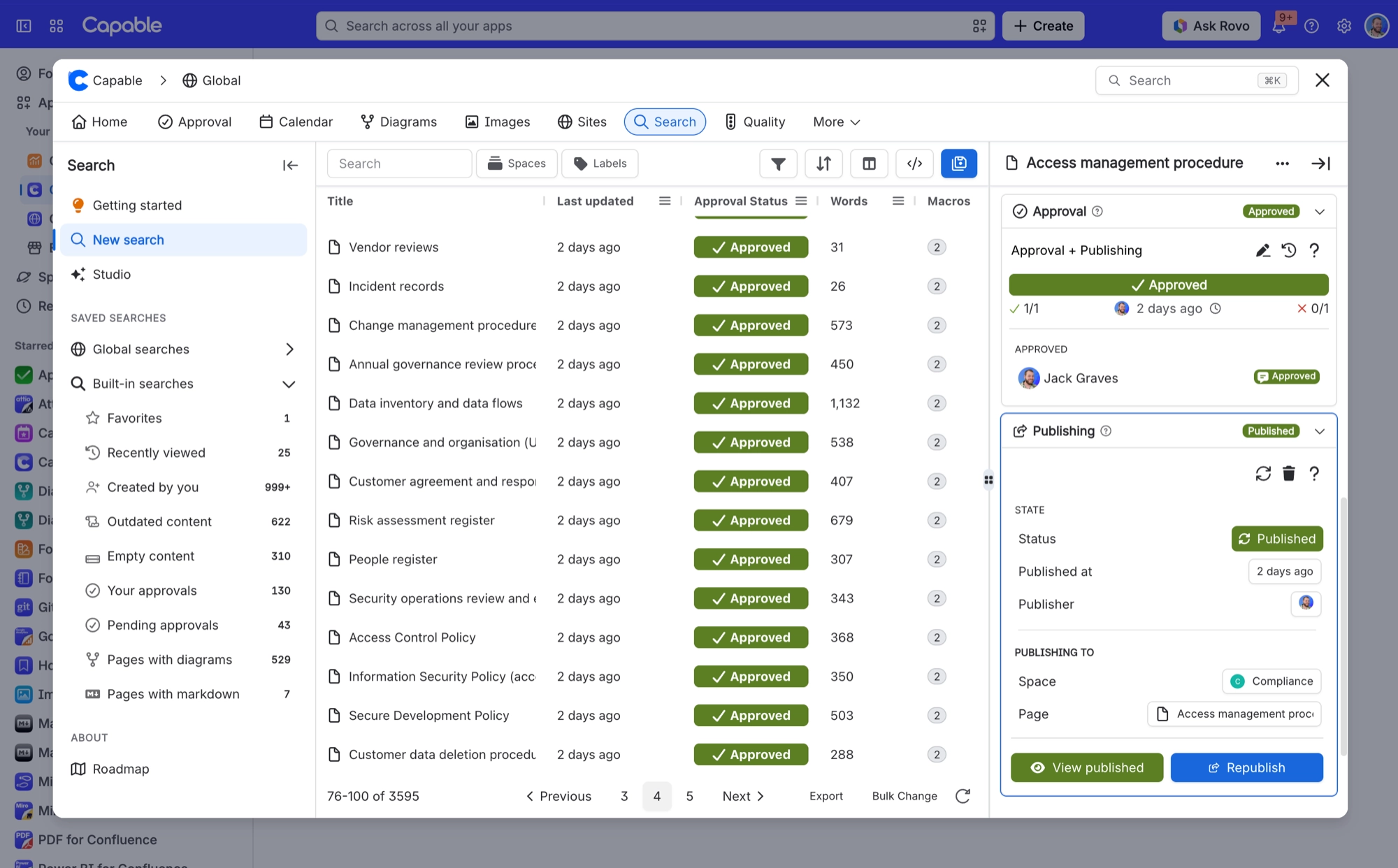
A page Confluence has not indexed yet carries no values at all. It does not match a query on these fields, and it does not come back as an empty result either. On a large site indexing takes hours to days to catch up.
The <hash> prefix is your installation's app hash. Field names are written with it, so the exact string differs per site. None of the 14 fields appear in CQL autocomplete either, so use the Copy CQL action in the search table rather than typing them by hand.
#The fields
Field | What it holds |
|---|---|
<hash>_capable_publish_status | Publishing state of the page. Added by the Capable Suite, Publishing and Approval apps. |
<hash>_capable_publish_method | How the page was published (the publish method recorded on the source page). |
<hash>_capable_publish_approved | Approvers on the publish record. |
<hash>_capable_publish_rejected | Users who rejected the publish. |
<hash>_capable_publish_by | Account ID of the person who published the page. |
<hash>_capable_publish_when | When the page was published. It is stored as a numeric timestamp, so compare it with a plain number, without quotes. |
<hash>_capable_publish_self | Whether this page is the publish |
<hash>_capable_publish_source_id | Content ID of the source page a published page came from. |
<hash>_capable_publish_target_id | Content ID of the page this source page publishes to. |
<hash>_capable_publish_parent_id | Content ID of the parent the published page sits under. |
<hash>_capable_publish_source_space_id | Numeric ID of the space the publish comes from. This is the space ID, not the space key that Confluence's own |
<hash>_capable_publish_target_space_id | Numeric ID of the space the publish goes to. |
<hash>_capable_publish_missing_links | Links on the page that cannot be matched to content in the target space. Query it to see what would break if you published the page. |
<hash>_capable_publish_can_publish | Whether the page currently meets everything it needs to be published. |
#Related
Indexed, then searchable. In that order.






















