
How indexing works
Every Capable capability records what it knows about a page in Confluence's search index. That happens in the background, on a schedule, not the moment you save a page.
Once you know that, most surprising search results make sense.
#What indexing produces
One stored summary per page, filled in by every capability you have installed. That summary is what backs the Capable columns, filters and sorts.
#When it runs
On a background schedule, continuously.
On demand, when an administrator runs it from global or space settings.
A large site takes hours to days to catch up from a standing start.
An unindexed page does not match, and does not appear as an empty row. It is simply absent. That is why a filter on a fresh install can look broken when it is only early.
#Forcing it
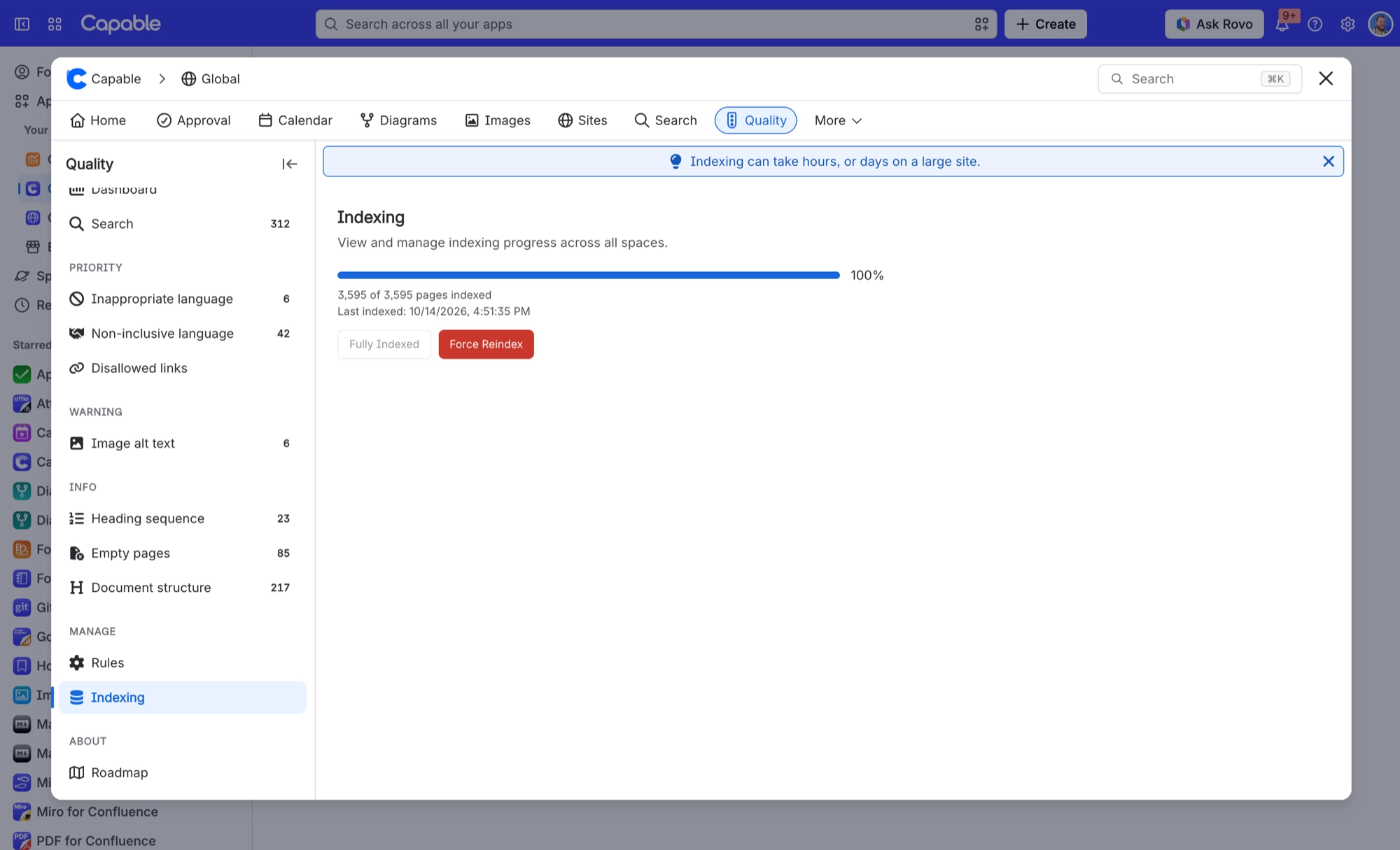
Administrators can run indexing from the global settings Indexing tab, and space administrators from the space settings equivalent, which also shows coverage for that space.
#A few things worth knowing
Index coverage is the number to check before you decide a search is wrong.
Re-indexing a space is the usual fix when one space looks wrong and others do not.
Indexing is per page, so a page nobody has touched since install may still be missing.
#Related
Indexed, then searchable. In that order.






















