
Filters and sorting
Filtering has two modes. Basic builds a query out of chips, which covers most questions. CQL hands you the raw query, which covers the rest.
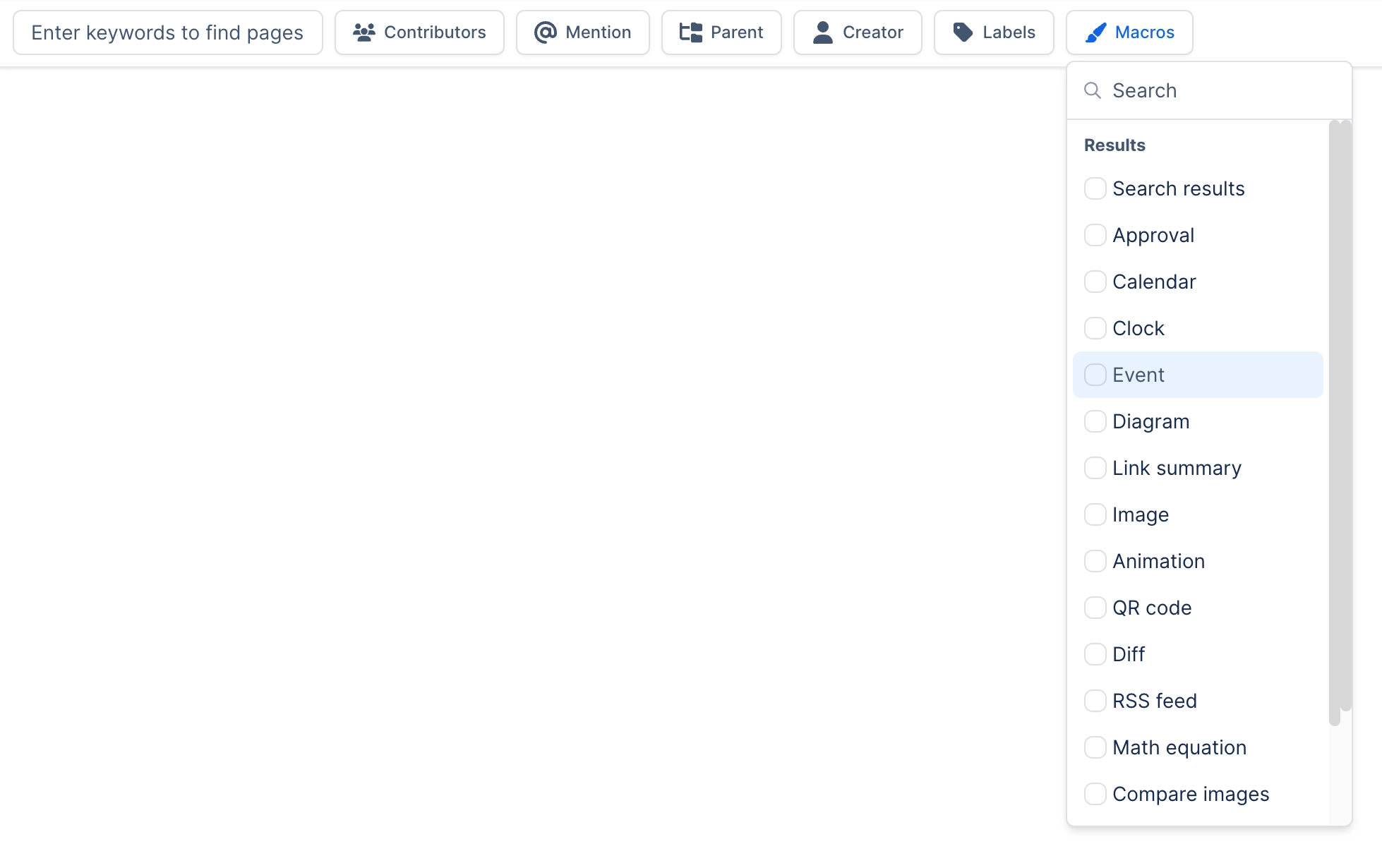
You can start in Basic and switch to CQL to see what it built, which is the fastest way to learn the syntax.
#The filters Search itself provides
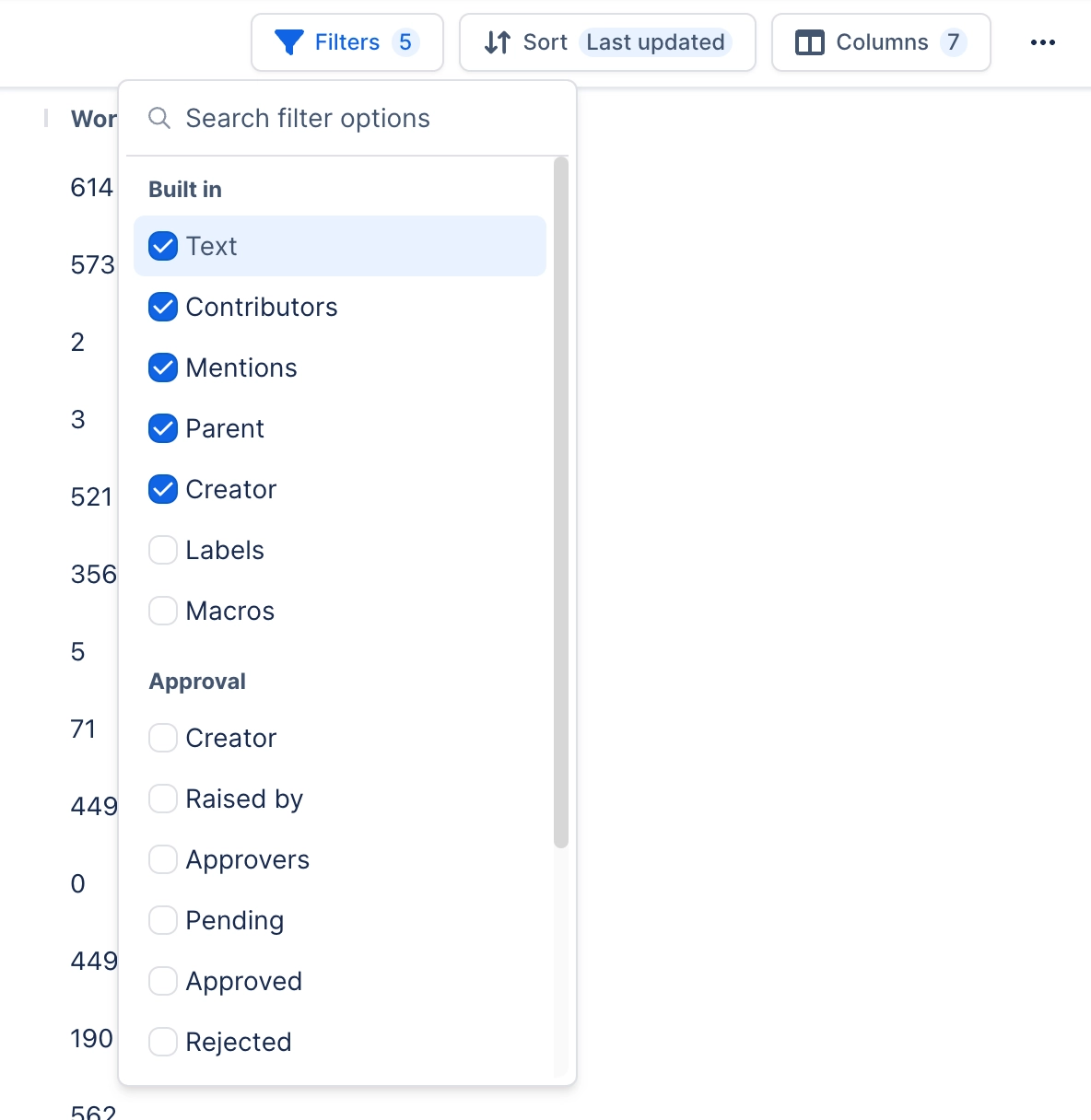
Text, Space, Contributors, Created, Updated, Mentions, Favorited by, Ancestor, Parent, Type and Label. Everything else in the filter list comes from another capability.
#Basic or CQL
Mode | Use it when |
|---|---|
Basic | The question fits chips: a space, a date range, a person, a label |
CQL | You need a condition the chips cannot express, or you are copying a query from elsewhere |
Copy CQL is the bridge. Build the query with chips, copy the CQL, and paste it into Confluence's own search or into a macro. It also saves you typing the app hash that prefixes Capable field names.
#Sorting
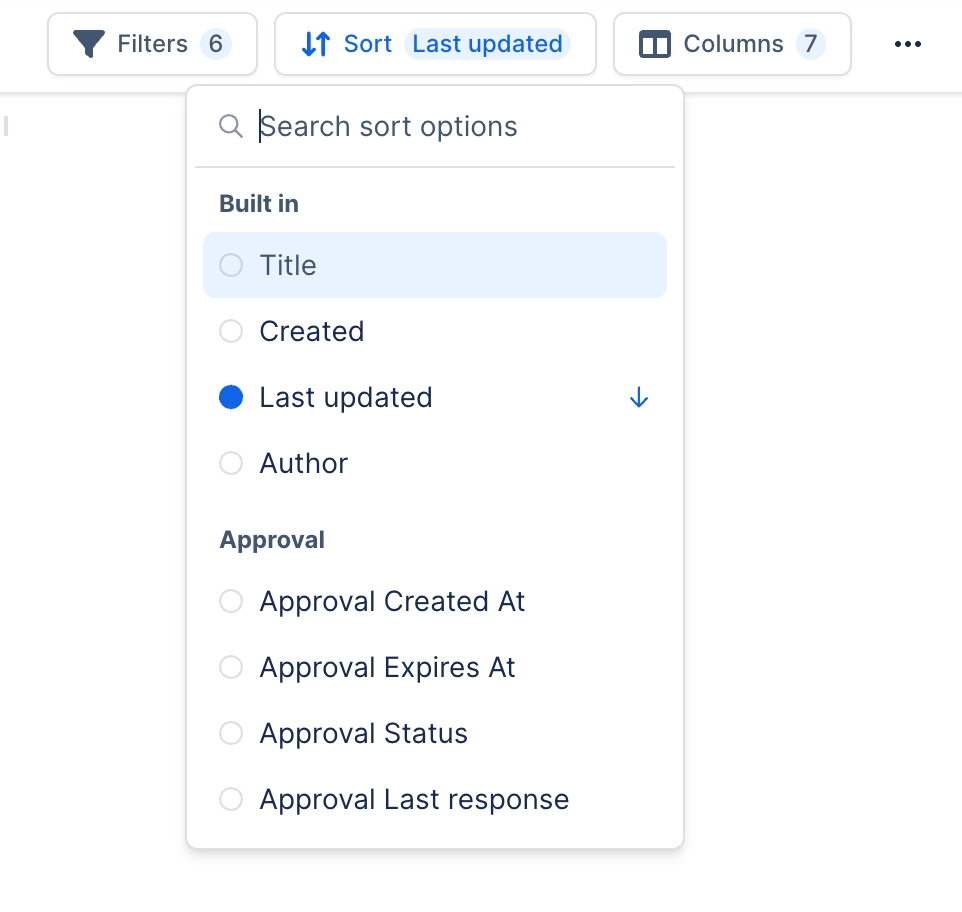
Any sortable column, ascending or descending. Sorting on a Capable field only orders pages Confluence has indexed, so on a partly indexed site the rest are left out.
#A few things worth knowing
A CQL query with a leading wildcard matches nothing. Confluence does not support it, and it fails quietly.
Switching from CQL back to Basic can lose a clause the chips cannot represent.
Filter choices are saved with the saved search, just like columns.
#Related
Chips first. CQL when they run out.






















