
Set up redirections
You can configure URL redirects to handle moved or renamed pages.
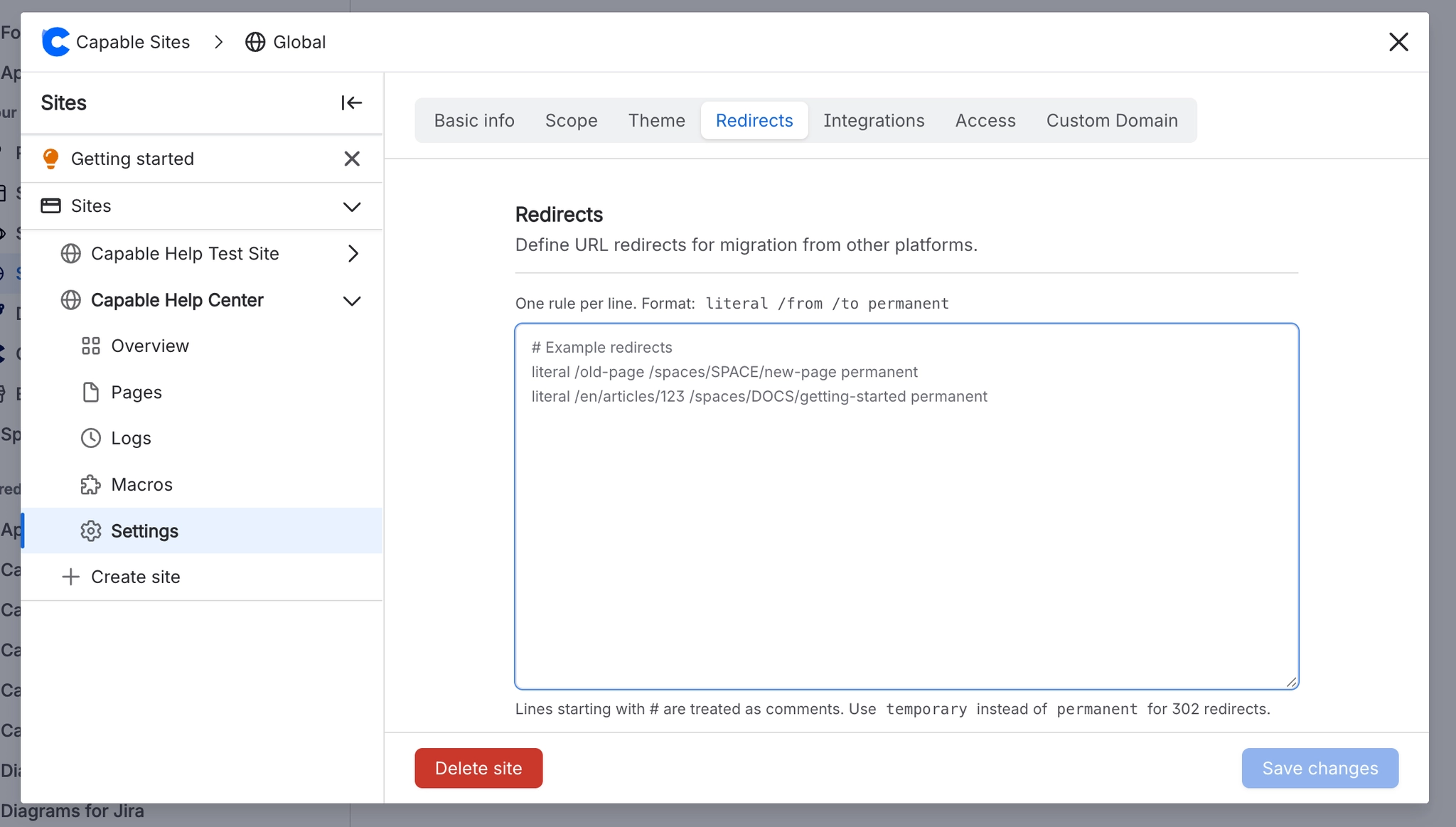
Redirects are managed in the Redirects tab of site settings.
#Format
Redirect rules are entered as plain text, one rule per line:
literal /old-path /new-path permanent
literal /old-page /new-page temporary
Component | Description |
|---|---|
| Match type (literal path match) |
| The source path to redirect from |
| The destination path to redirect to |
| 301 redirect (permanent — search engines transfer ranking) |
| 302 redirect (temporary — search engines keep the original URL) |
#Comments
Lines starting with # are treated as comments:
# Redirect old documentation URLs
literal /v1/getting-started /docs/getting-started permanent

# Temporary redirect during migration
literal /beta /new-beta temporary#Constraints
Maximum 50,000 characters for all redirect rules combined
Each rule must be on its own line





















