
Preview pages
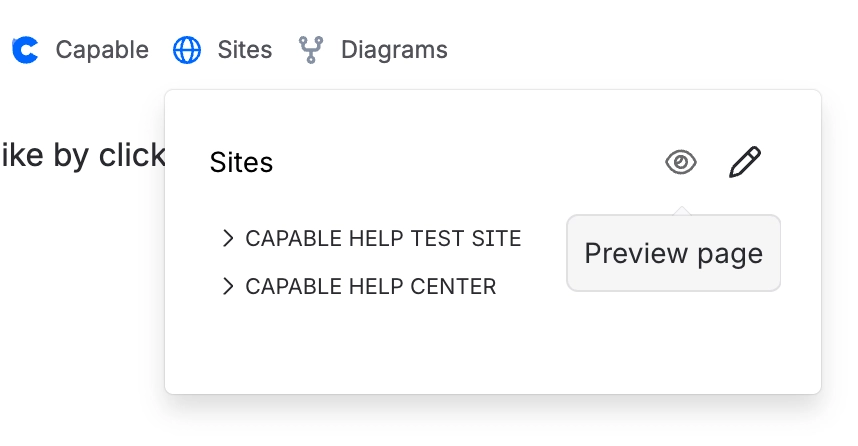
Preview a page by clicking the preview button in the ‘Sites’ menu at the top.
This will bring up a preview of how the current page will look when published:
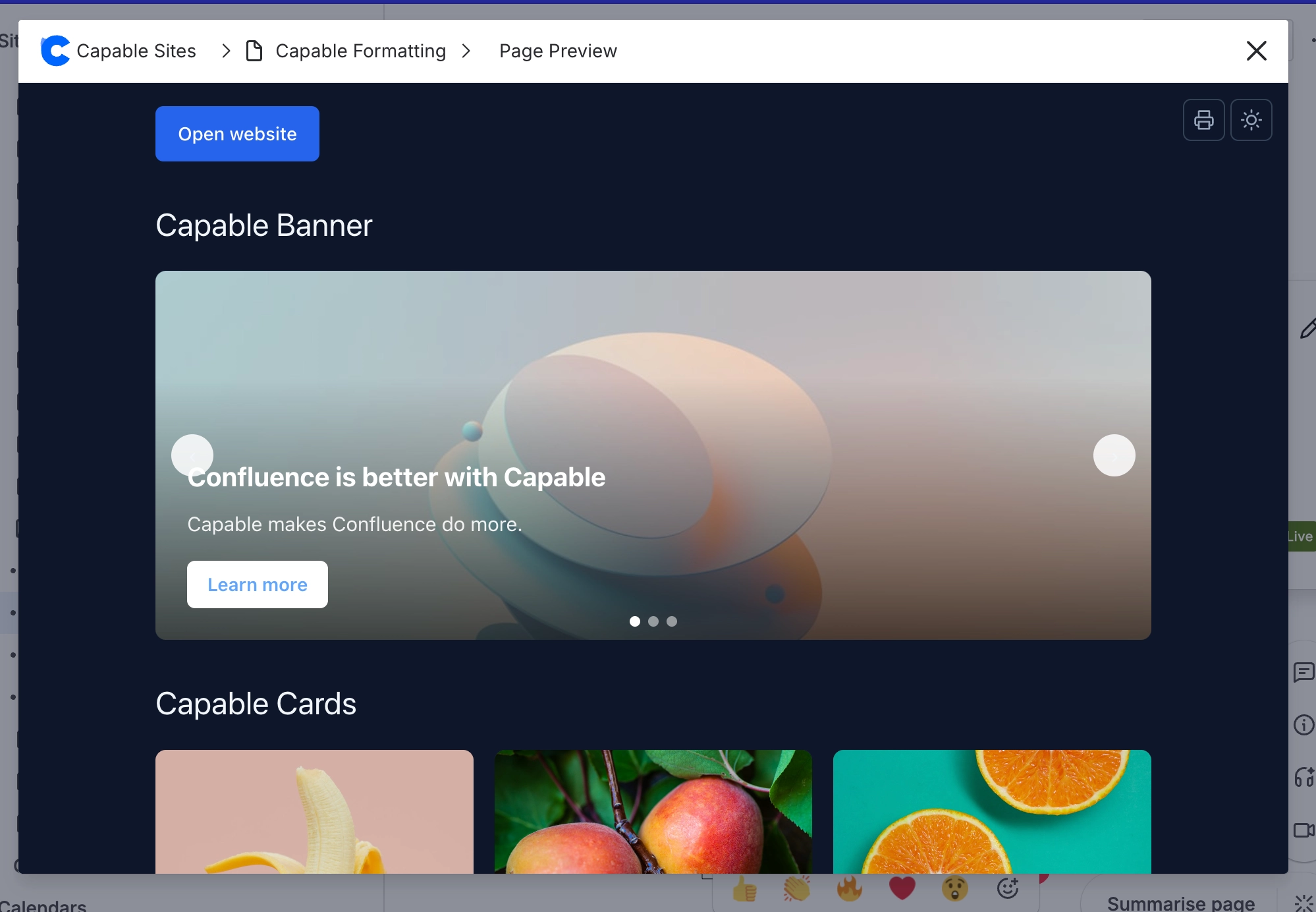
You can switch between light and dark themes and export the page to PDF.
Preview a page by clicking the preview button in the ‘Sites’ menu at the top.
This will bring up a preview of how the current page will look when published:
You can switch between light and dark themes and export the page to PDF.





















