
Just added a GitHub macro but the page does not appear in search or in the Github catalogue
What you are seeing
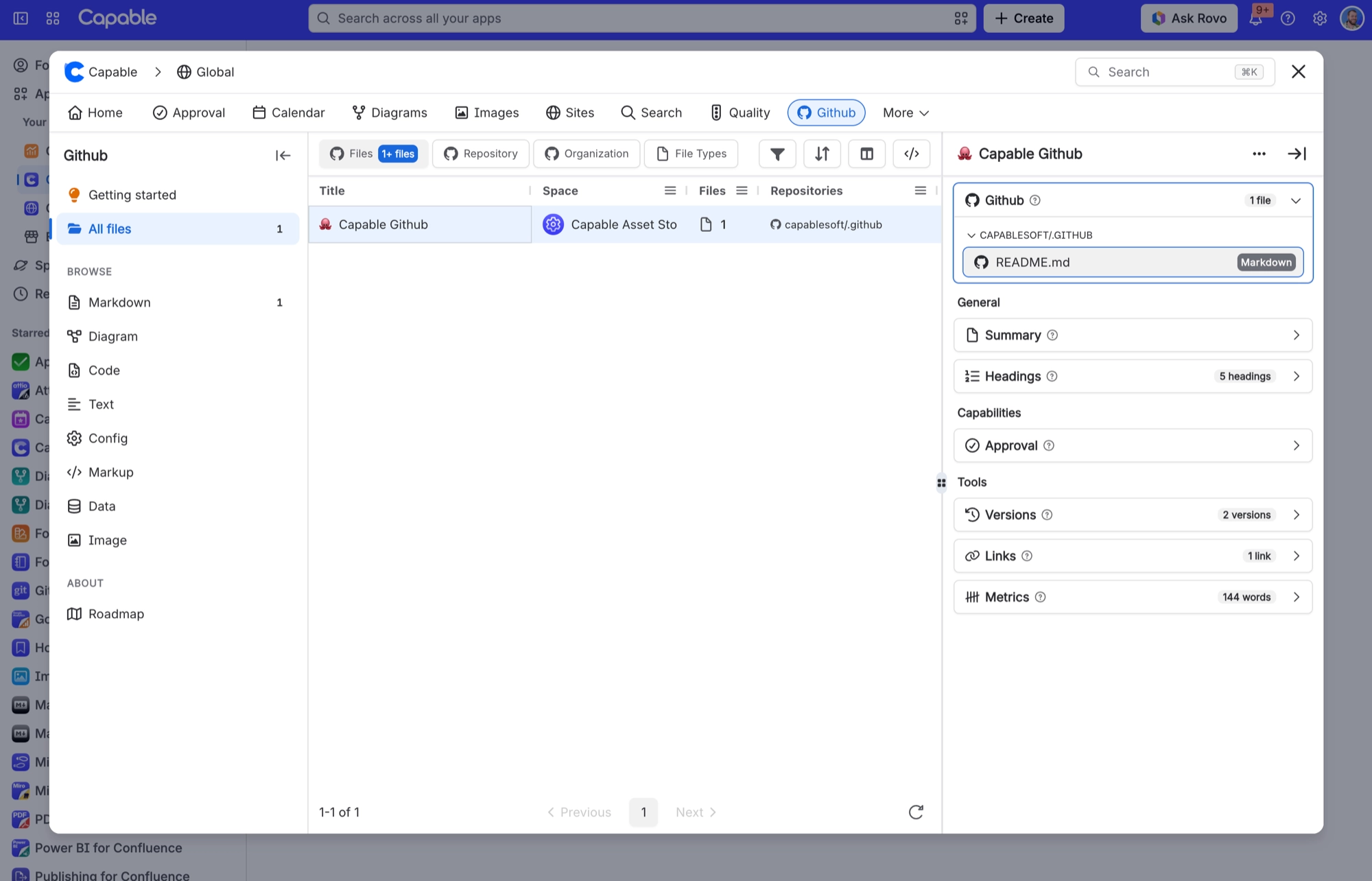
You added a GitHub macro to a page, but the page does not show up in search or in the Capable → Github catalogue.
#Why it happens
Search and the catalogue get their GitHub details from Confluence's own index of your pages. That index is updated after a page is saved, and until it catches up the page cannot be filtered.
#What to do
Wait for indexing to finish. Pages saved before GitHub was installed, or not saved since, will not appear at all. Re-save them.
#Settings involved
Setting | What it does |
|---|---|
There is no GitHub settings screen | Capable global settings and space settings have no GitHub tab. There is also no admin screen for connecting the whole site to GitHub. Each person connects their own account. |
Hide GitHub across the whole site | Hides GitHub across the whole site. This affects the page byline only. Existing GitHub macros keep showing on pages. |
Turn GitHub on or off per space | Always off hides the byline in that space. Always on shows it even on pages with no GitHub macro. Again, this affects the byline only. Macros still show. |
#Limits that apply here
Limit | What happens |
|---|---|
Auto-convert: only two hosts | Only github.com file links and raw.githubusercontent.com links convert. Folder (tree/) links, gists and GitHub Enterprise addresses do not. |
Image height | Images from GitHub show up to 800 pixels tall. |
Code viewer height | The code viewer is capped at 600 pixels tall. |
#Related
"Github" byline is missing on a very large page even though it clearly has GitHub macros
Confluence caps the content property at 32 KB, and the trimmer empties the macro-key list
Byline is missing everywhere, or in one space
Either an admin has hidden the capability site-wide via the hidden-capabilities app proper
Something is missing or looks wrong
The rest of this family.
Found it? Good.






















