
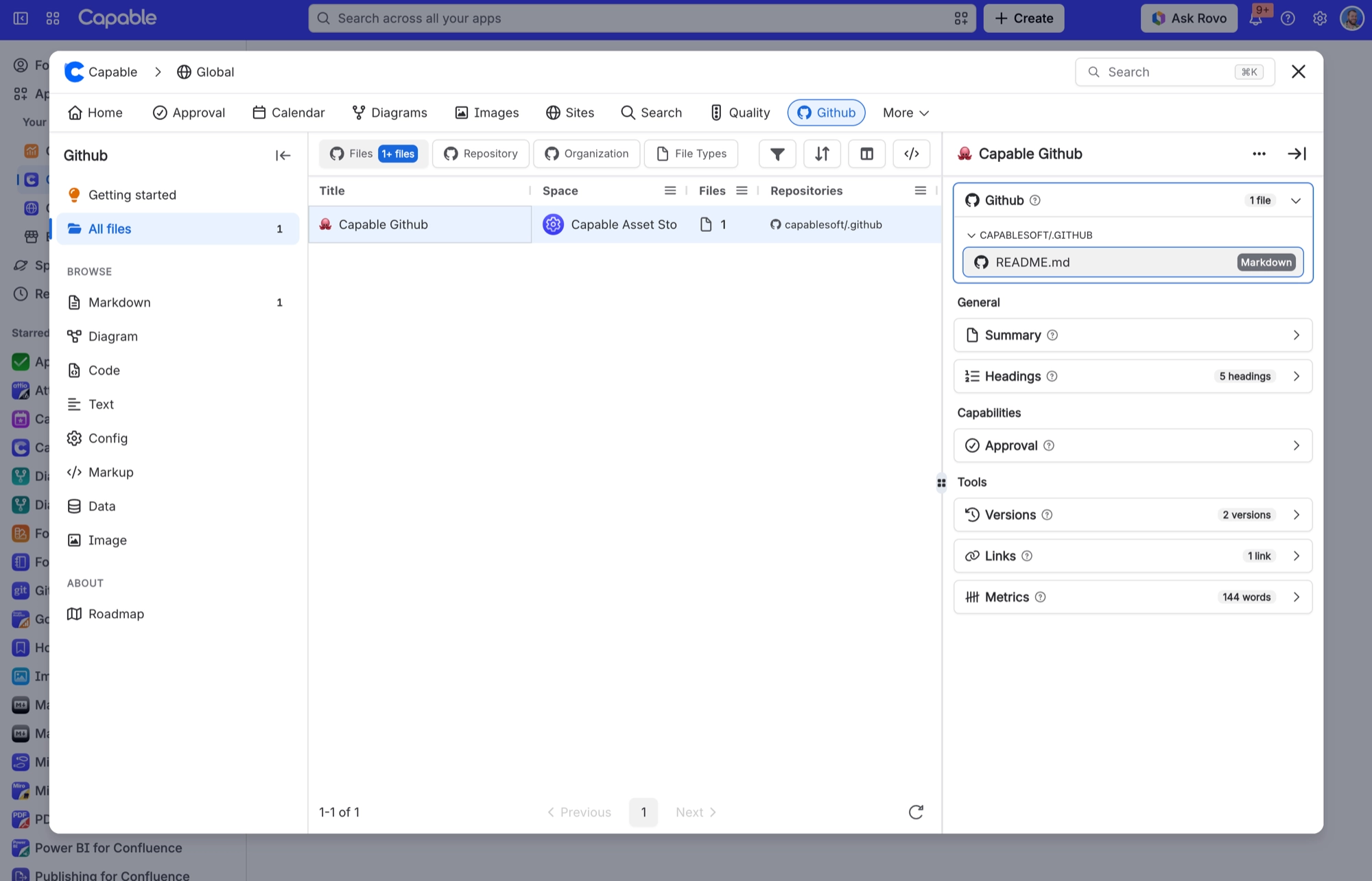
Cannot find a "Connections" area on the Capable → Github page
What you are seeing
I cannot find a "Connections" area on the Capable → Github page.
#Why it happens
There isn't one. GitHub has no settings screen of its own in Capable, and no site-wide connection screen for admins. Each person connects their own GitHub account instead.
#What to do
Manage accounts from the Browse GitHub picker's account dropdown or its Manage Connections panel instead. Disconnecting is always done in Atlassian Connected Apps.
#Settings involved
Setting | Where | What it does |
|---|---|---|
There is no GitHub settings screen | Nowhere | GitHub adds nothing to Capable global settings or space settings. There is also no admin screen for connecting the whole site to GitHub. |
Hide GitHub across the whole site | Site-wide administrator setting | Hides the GitHub byline everywhere. This affects the byline only. Existing GitHub macros keep showing their files. |
Turn GitHub on or off per space | Per-space administrator setting | Always off hides the byline in that space. Always on shows it even on pages with no GitHub macro. Again, this affects the byline only. Macros still show their files. |
#Related
There is a Description setting but I cannot find anywhere to type one, and nothing shows
The picker's save routine does not even write the key.
Cannot find the GitHub macro in Capable's macro list, the command palette, or the automation "Insert
The macro is deliberately marked as hidden from Capable's own listings.
Permissions and access
The rest of this family.
Found it? Good.






















