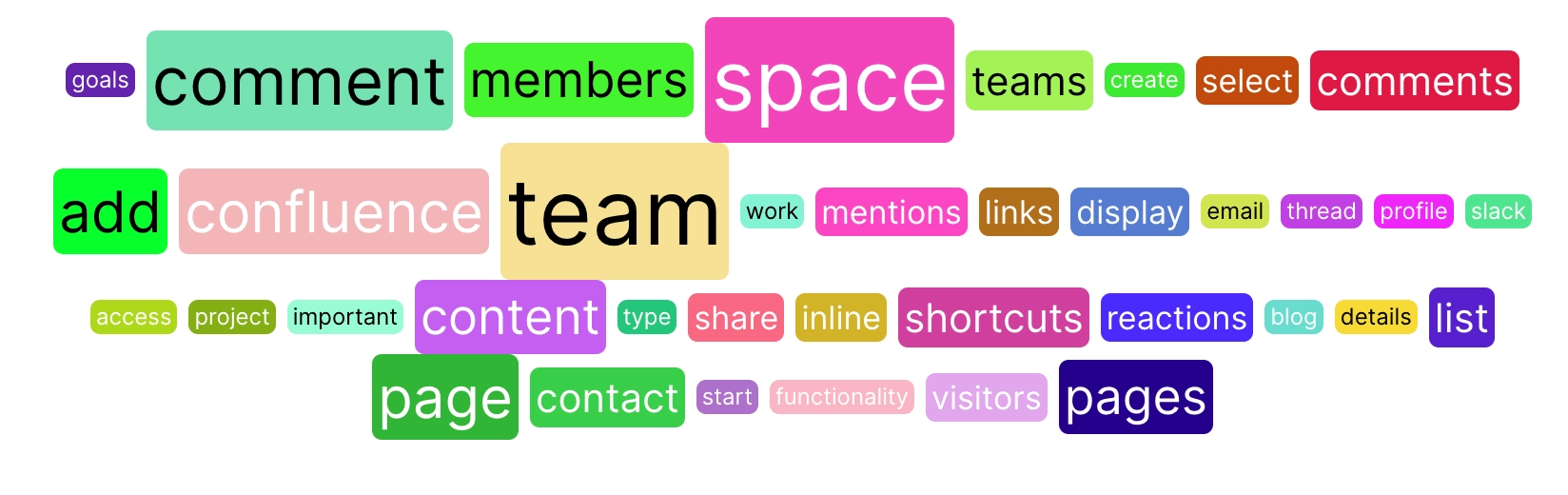
Word cloud macro
Visualise keywords from your content in a captivating way with the Word Cloud Macro.
Description | Highlight keywords on the page using the word cloud macro. |
|---|---|
Type | STANDARD |
Guest | SUPPORTED |
Anonymous | SUPPORTED |
Capable Sites | NOT SUPPORTED |
The word cloud enables you to visualise key terms and concepts from your text in a dynamic and engaging way, creating a word cloud that highlights the most important and frequently used words.
Whether you’re aiming to emphasise critical themes, analyse the prevalence of certain terms, or simply add a visually appealing element to your workspace, the Word Cloud Macro makes it effortless and intuitive.
#1. Open the Confluence Editor
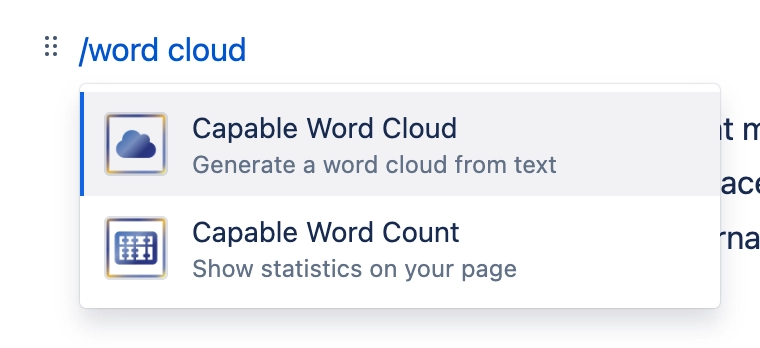
#2. Type /word cloud and press Enter
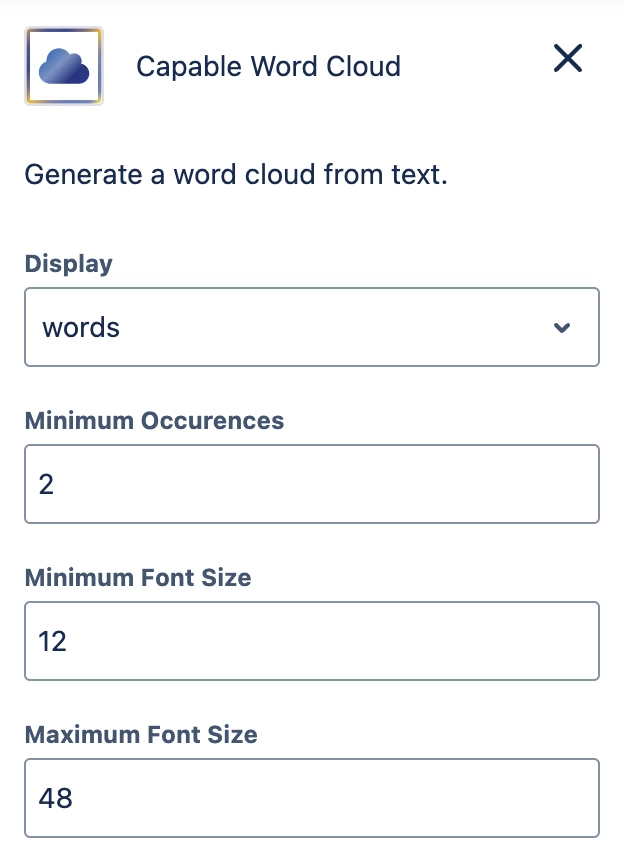
#3. Configure the macro
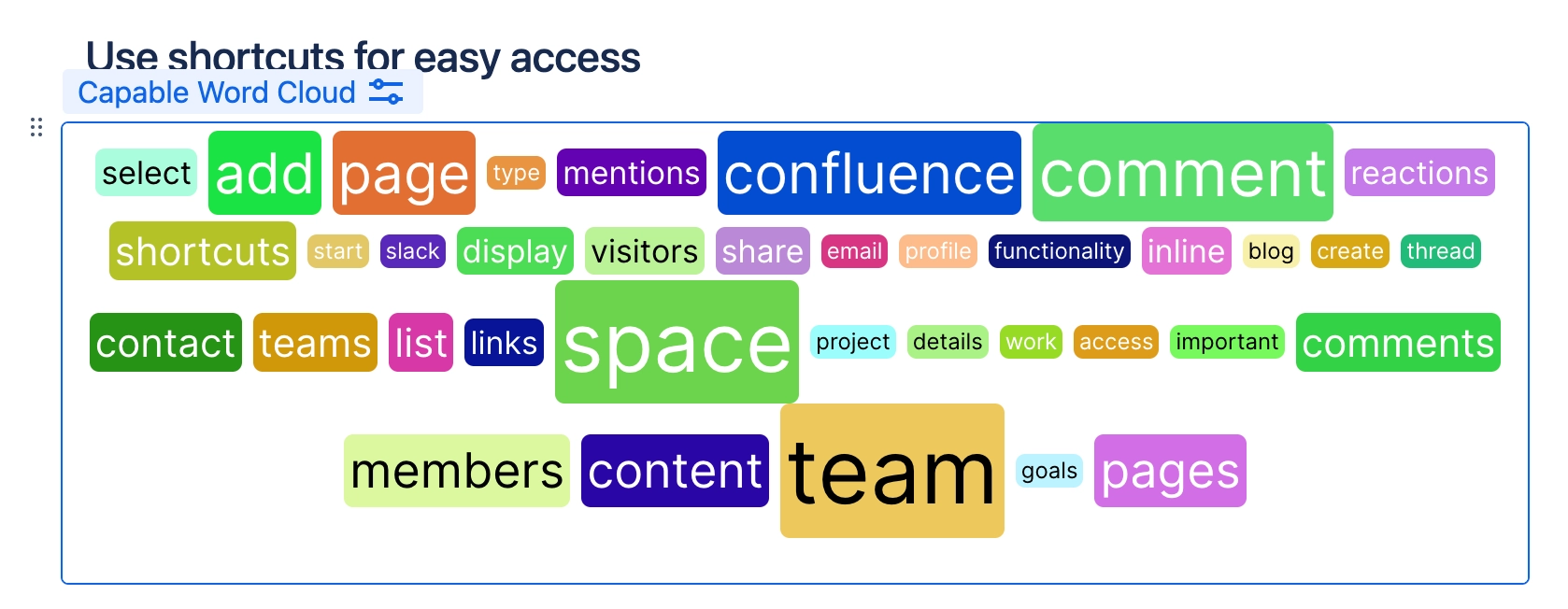
#4. Your word cloud is now in the page!