QR code macro
Insert QR Codes into your Confluence pages to make it easy to open websites on mobile devices.
Description | Show QR codes to help other devices navigate to webpages or Confluence pages. |
|---|---|
Type | STANDARD |
Guest | SUPPORTED |
Anonymous | SUPPORTED |
Capable Sites | SUPPORTED |
Whether you're linking to additional resources, external websites, or even other Confluence pages, QR codes can enhance the accessibility and interactivity of your content.
This guide will walk you through the simple steps to generate and embed QR codes within your documents, ensuring your information is just a scan away for mobile users.

#1. Type /qr and press enter to insert the macro

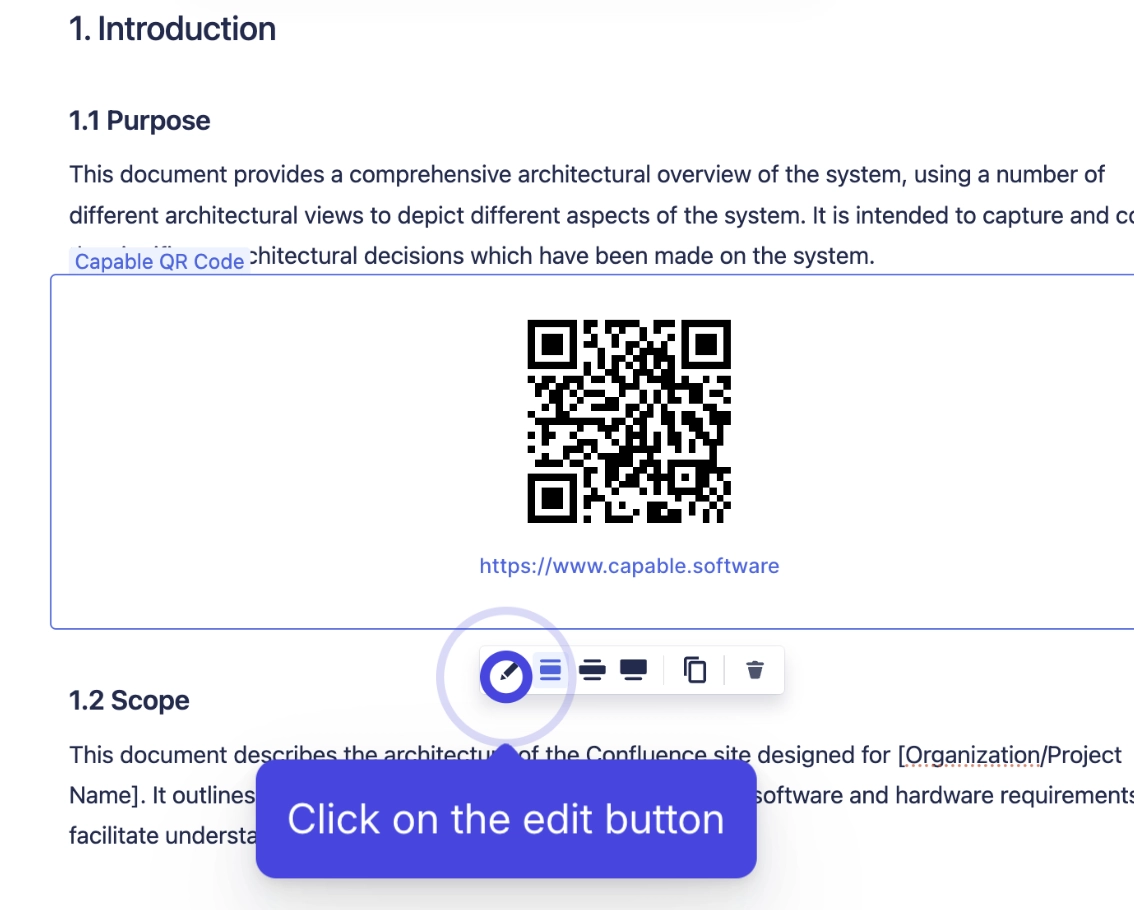
#2. Click on the edit button to configure the macro
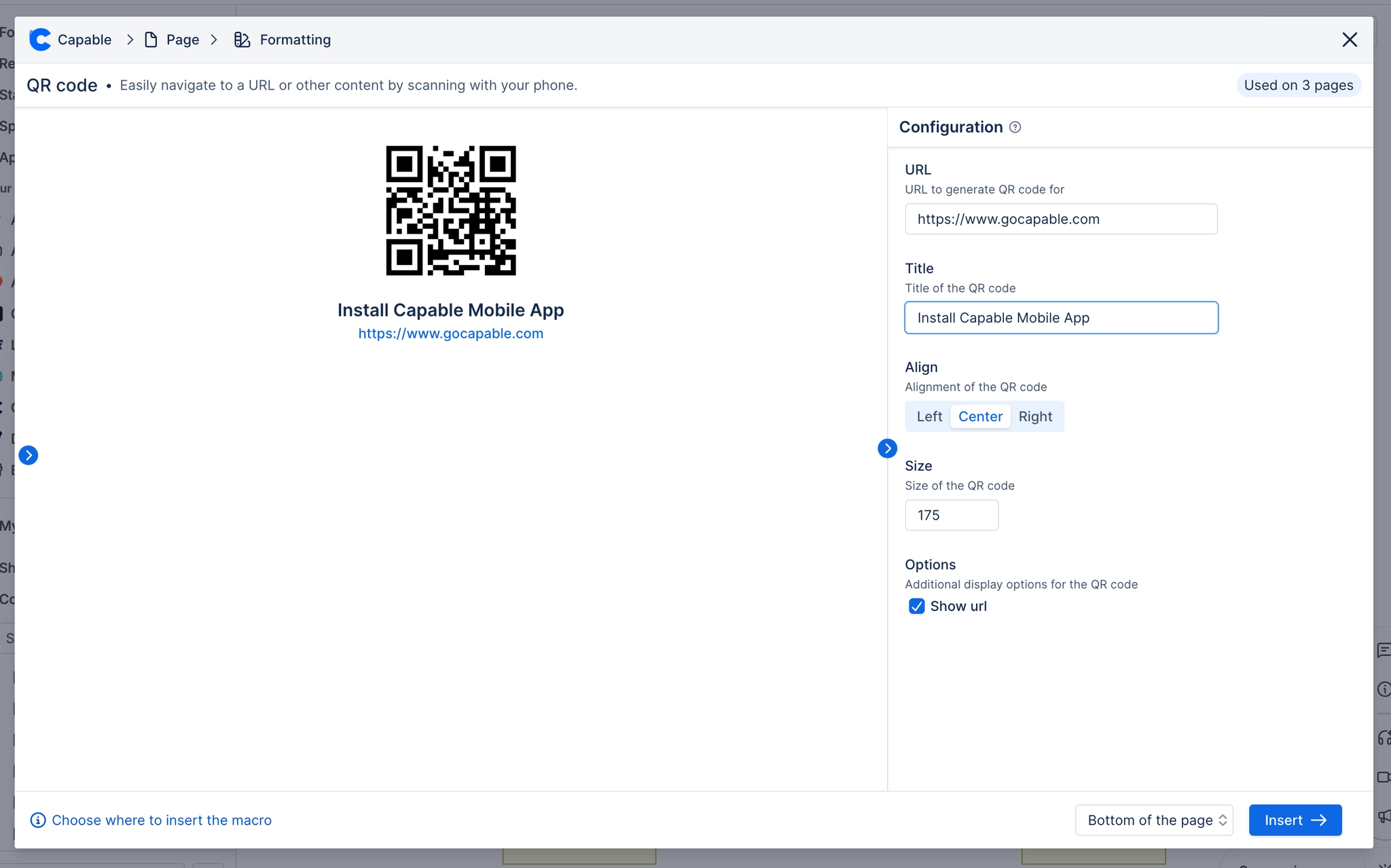
#3. Change the options to your desired state
#4. You're all done, your QR is now embedded