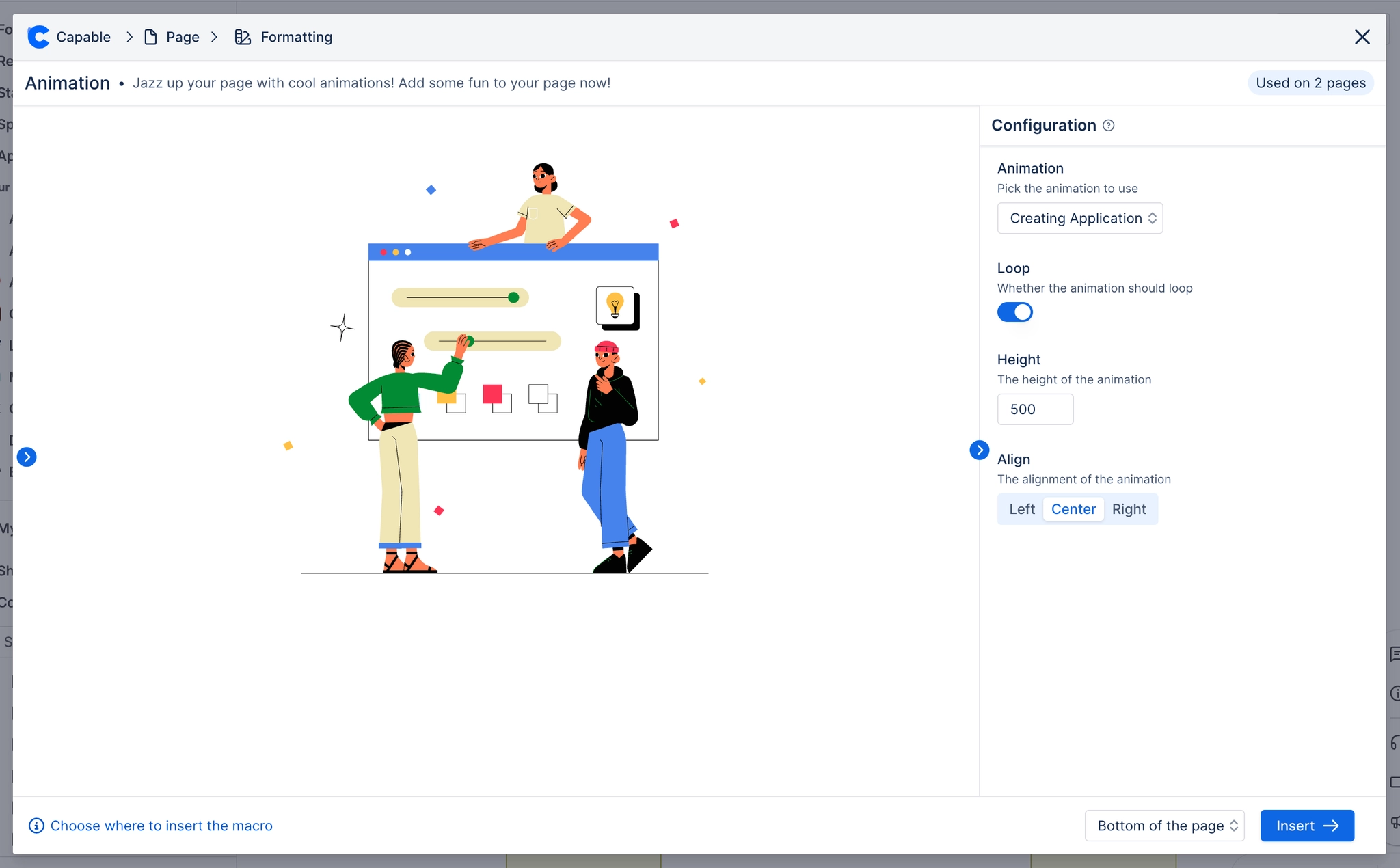
Animation macro
Add some style to your Confluence pages with colorful animations.
Description | Add smooth animated illustrations to your Confluence pages to make them stand out. |
|---|---|
Type | STANDARD |
Guest | SUPPORTED |
Anonymous | SUPPORTED |
Capable Sites | SUPPORTED |
Animations can make your page more eye-catching and engaging to your audience.
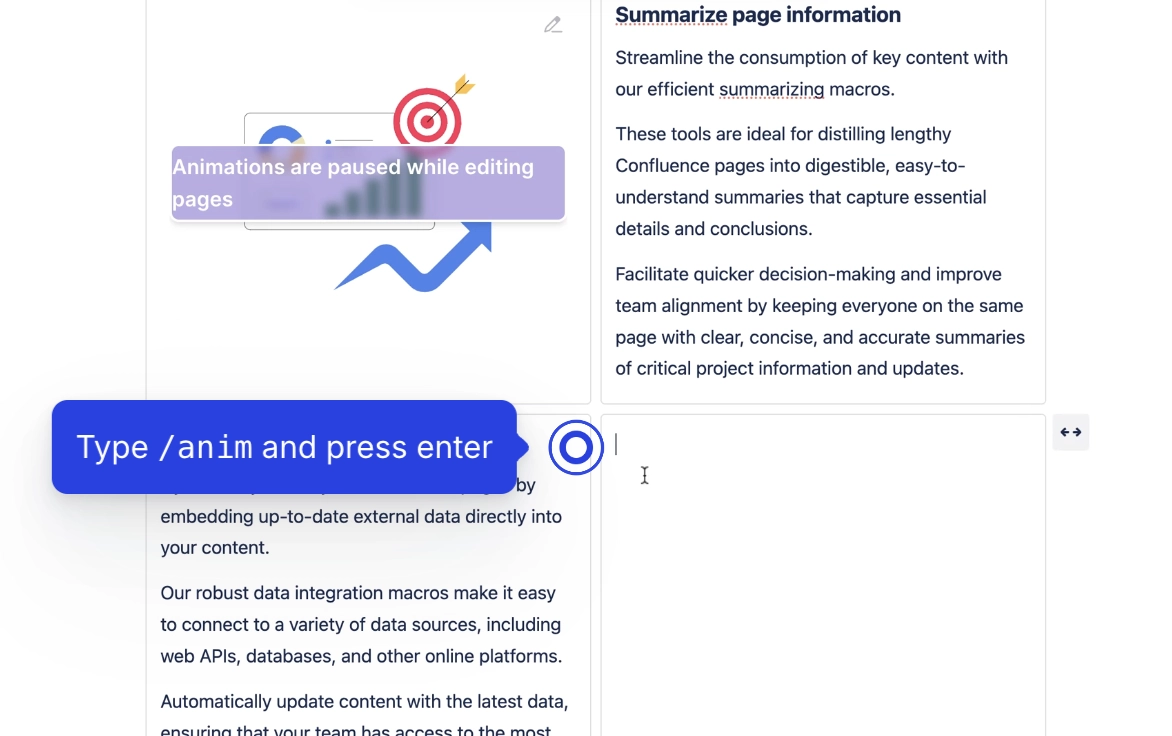
#1. Type /anim and press enter
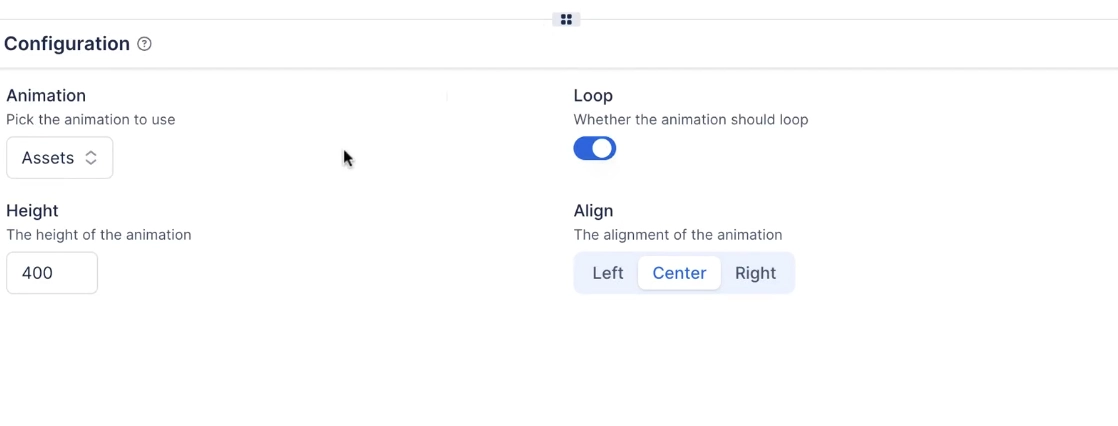
#2. Configure the macro and click save
Choose:
the animation asset to use
the height of the animation
whether to loop the animation
how to align the animation
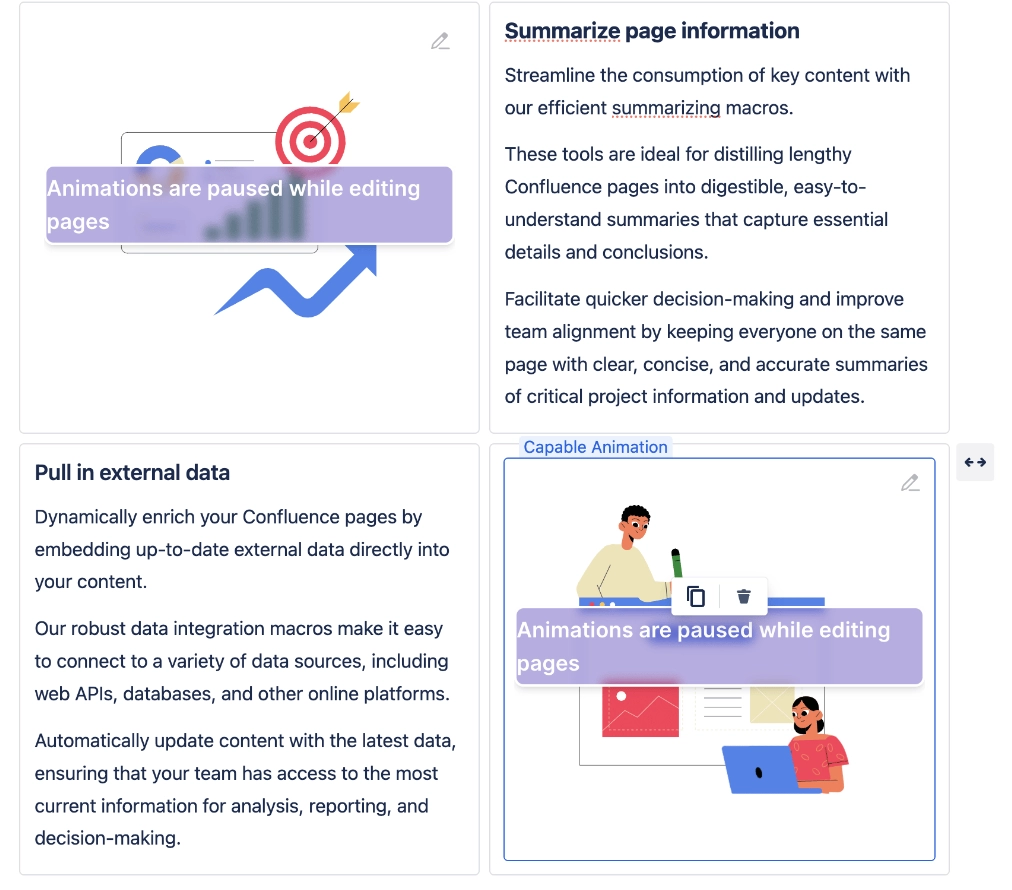
#3. You can use layouts to wrap text
#4. Change settings in the Macro Config