Presets
Capable Formatting allows you to save presets for macros.
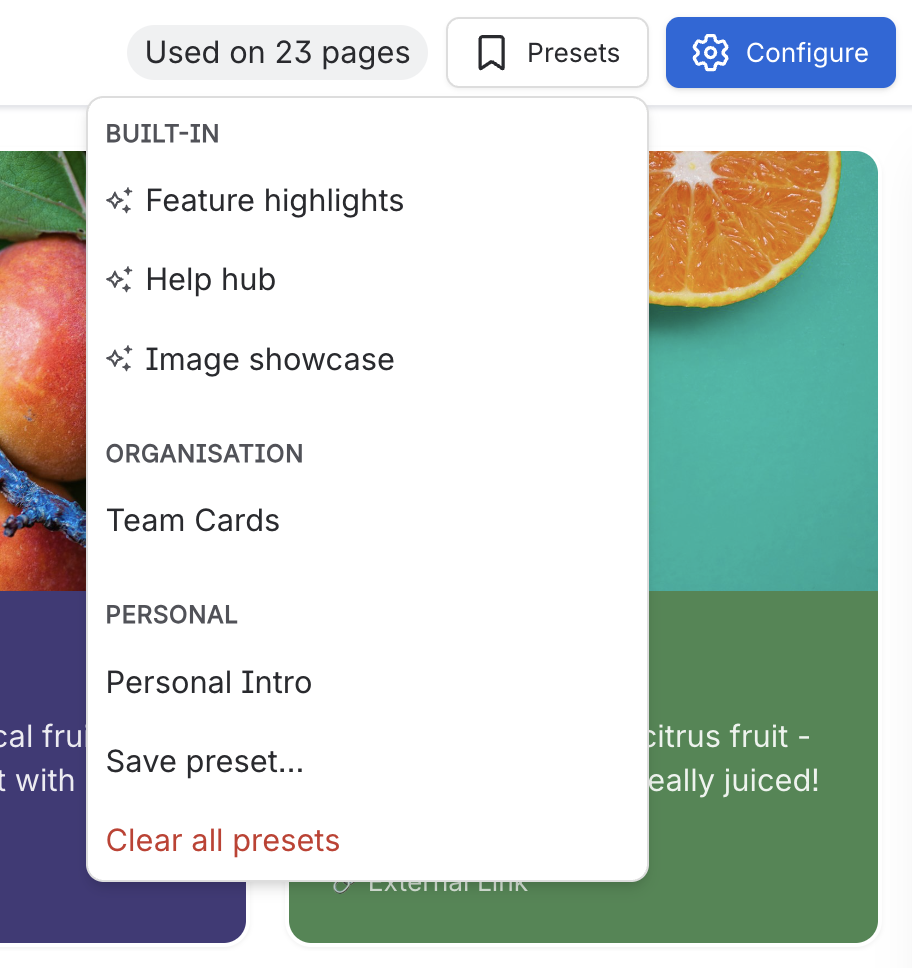
Use presets in Capable Formatting to create new macros from a consistent starting point. Click the ‘Presets’ button in the top-right to access macro presets, hover to preview, and click to apply the configuration.
Confluence administrators can create global presets for everyone, while individual users can create personal presets for their own account.
#Personal Presets
To save a preset, open the Presets menu in any Capable macro configuration screen and save the current settings.
When you need the same style or configuration again, select the preset to apply it instantly and avoid rebuilding common macros from scratch.
Personal presets remain tied to your user account, so only you can access and reuse them.
#Global Presets
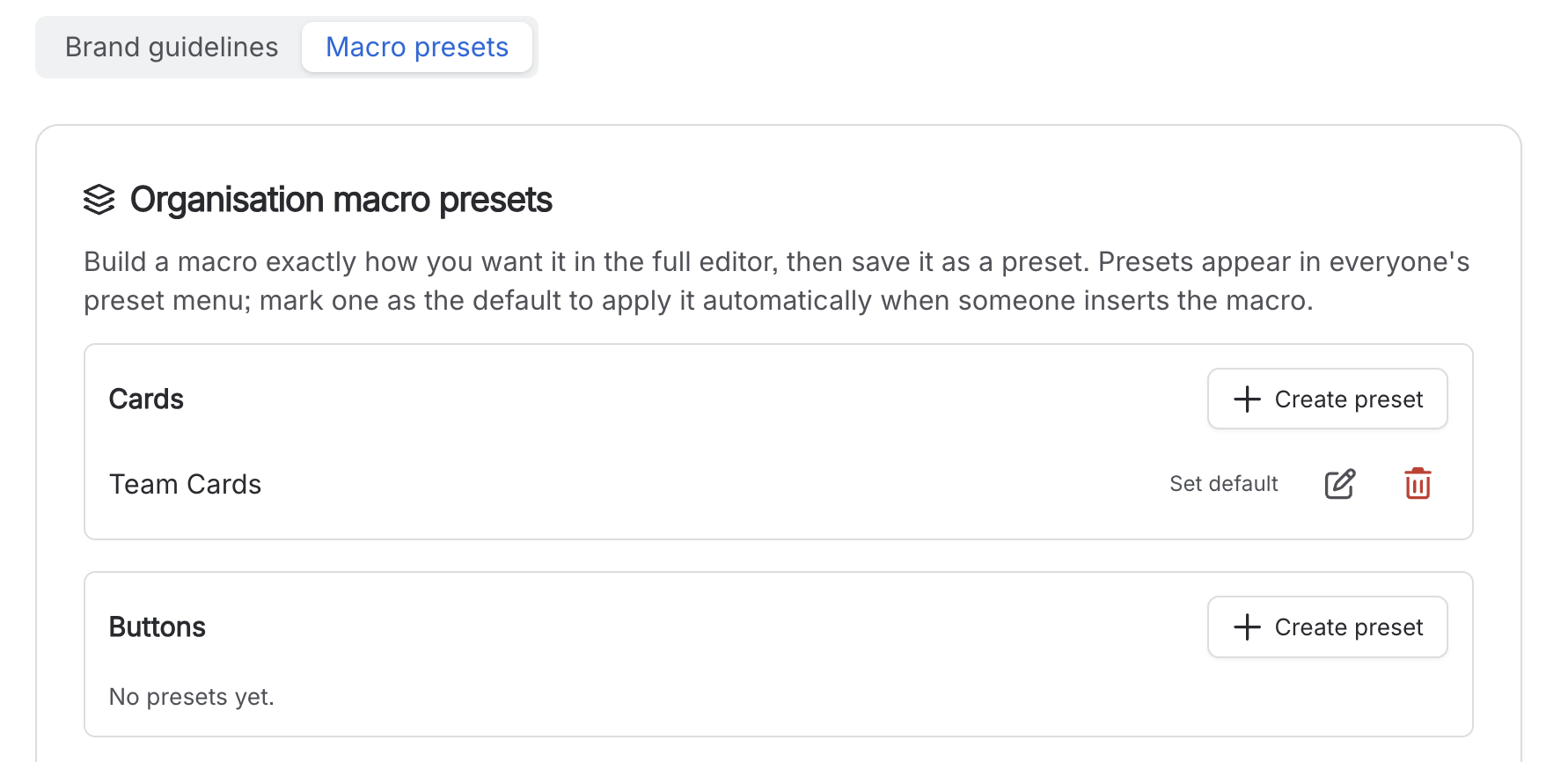
Global presets can be set up easily from the global settings page, which serves as a central location for managing these configurations. Once established, these presets become available to all users across the platform, ensuring consistency and efficiency in their application.
Additionally, you have the option to designate a macro preset as the ‘default’. This means that whenever any user goes to insert that particular macro, the preset options you have specified will be automatically applied, streamlining the process and saving time.