
Swagger/OpenAPI macro
Get started with showcasing API endpoints with the Swagger/OpenAPI Macro.
Description | Display an OpenAPI schema for a REST API on your Confluence page. |
|---|---|
Type | STANDARD |
Guest | SUPPORTED |
Anonymous | NOT SUPPORTED |
Capable Sites | SUPPORTED |
Migrate from |
|
Welcome to our guide on using the Swagger/OpenAPI Macro in Confluence. This powerful tool is designed to help you seamlessly integrate and display API documentation directly within your Confluence pages.
Whether you're documenting a new API or integrating existing API specifications into your project documentation, the Swagger/OpenAPI Macro makes it easy to visualize and interact with API endpoints.
Interactive Documentation: Present your API documentation in an interactive format that allows users to explore endpoints, try out API calls, and see responses in real time.
Easy Integration: Embed your Swagger or OpenAPI files directly into Confluence, ensuring that your documentation is centralized and accessible to your team.
Real-Time Updates: Any changes to your API specifications are automatically updated in the documentation displayed in Confluence, keeping your project stakeholders informed with the latest data.
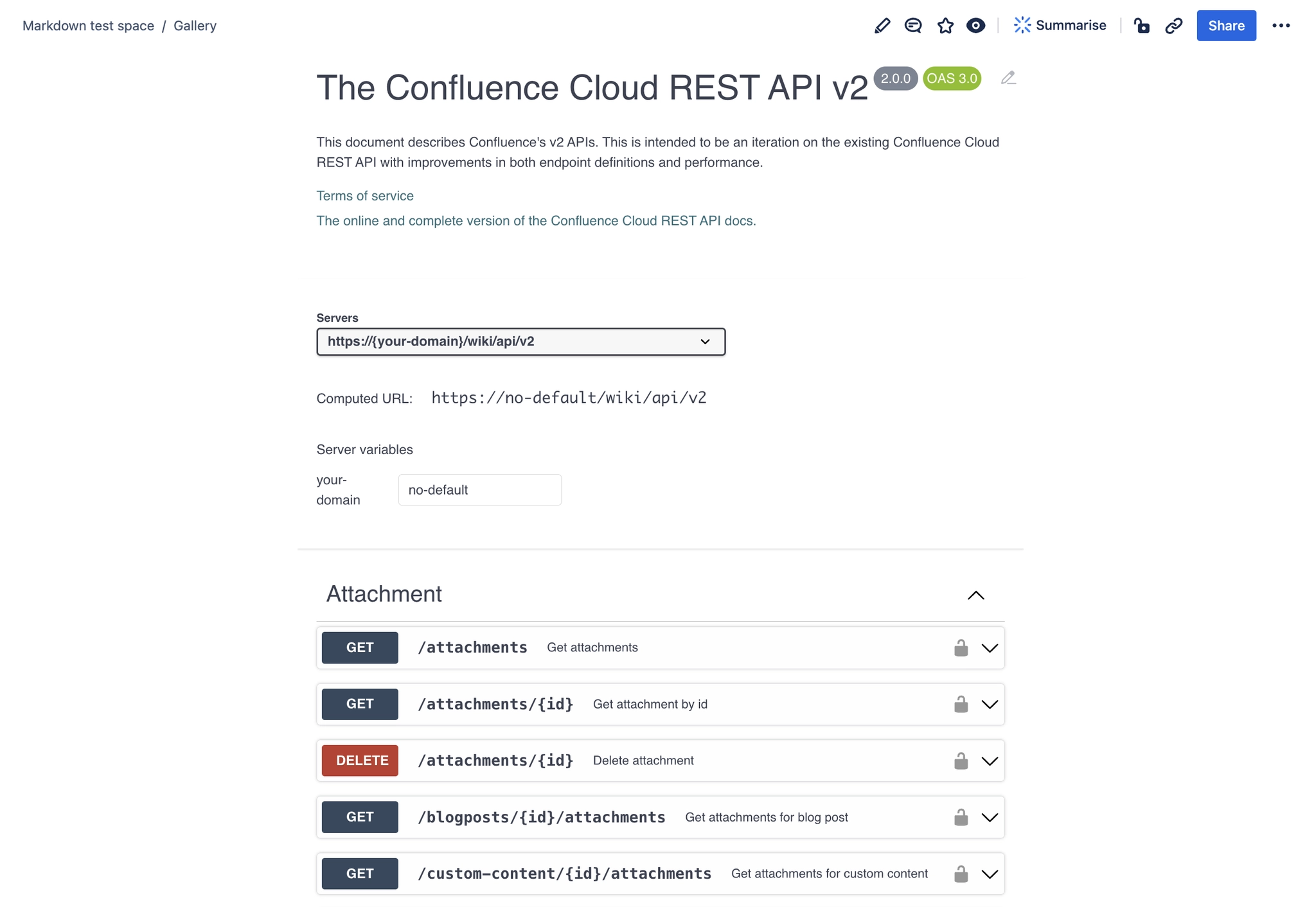
#1. Open the editor and type /swagger and press Enter
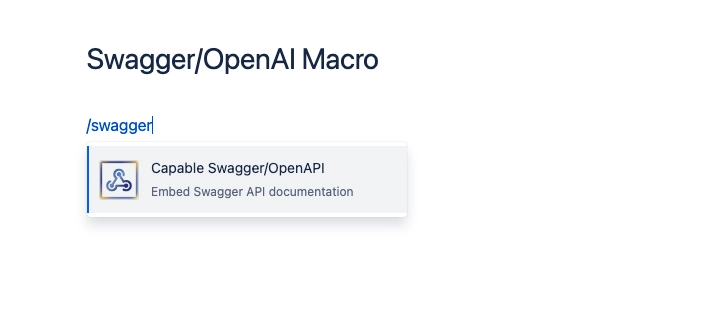
#2. Choose the source of the documentation
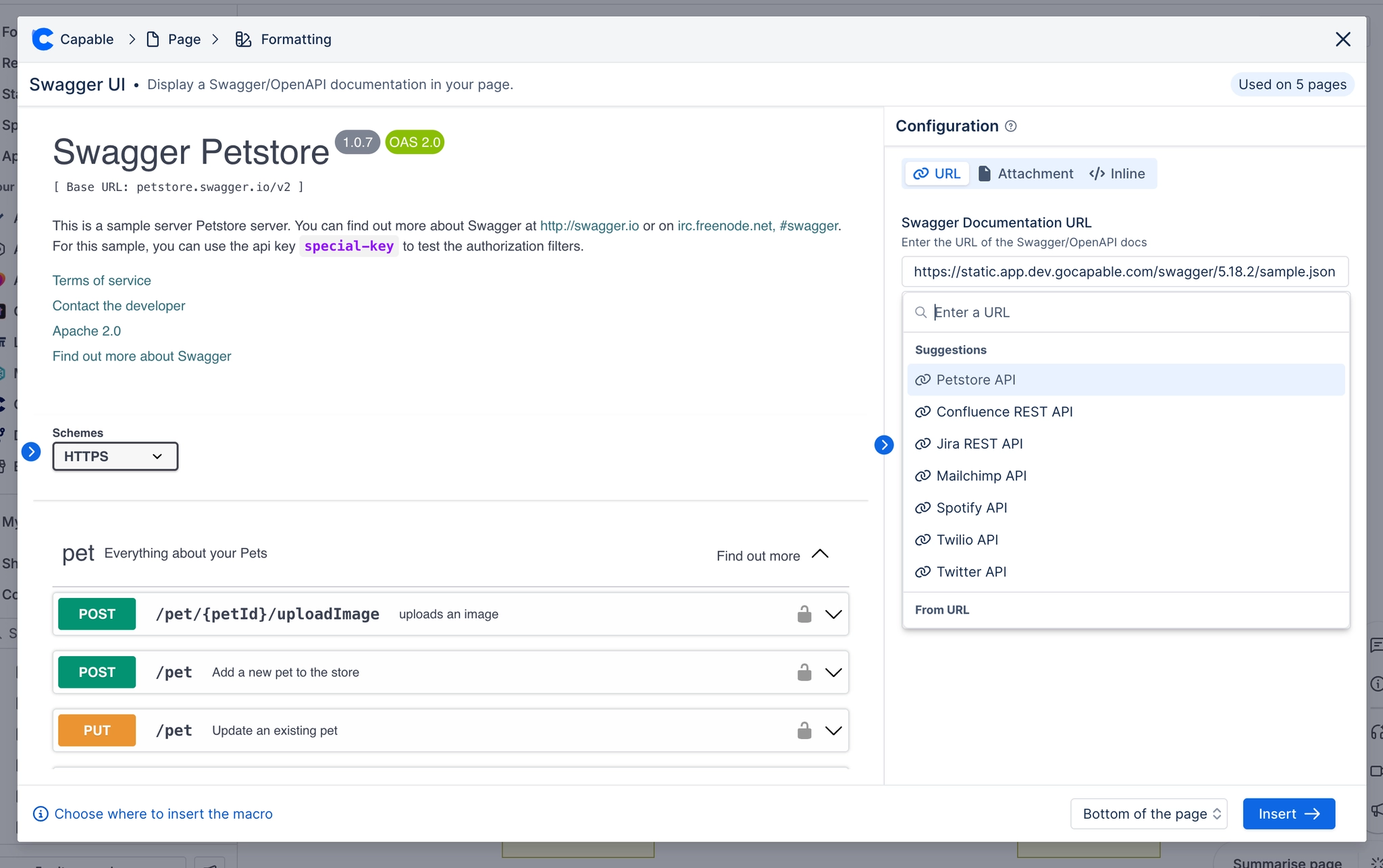
#3. Click Save and you’re done!
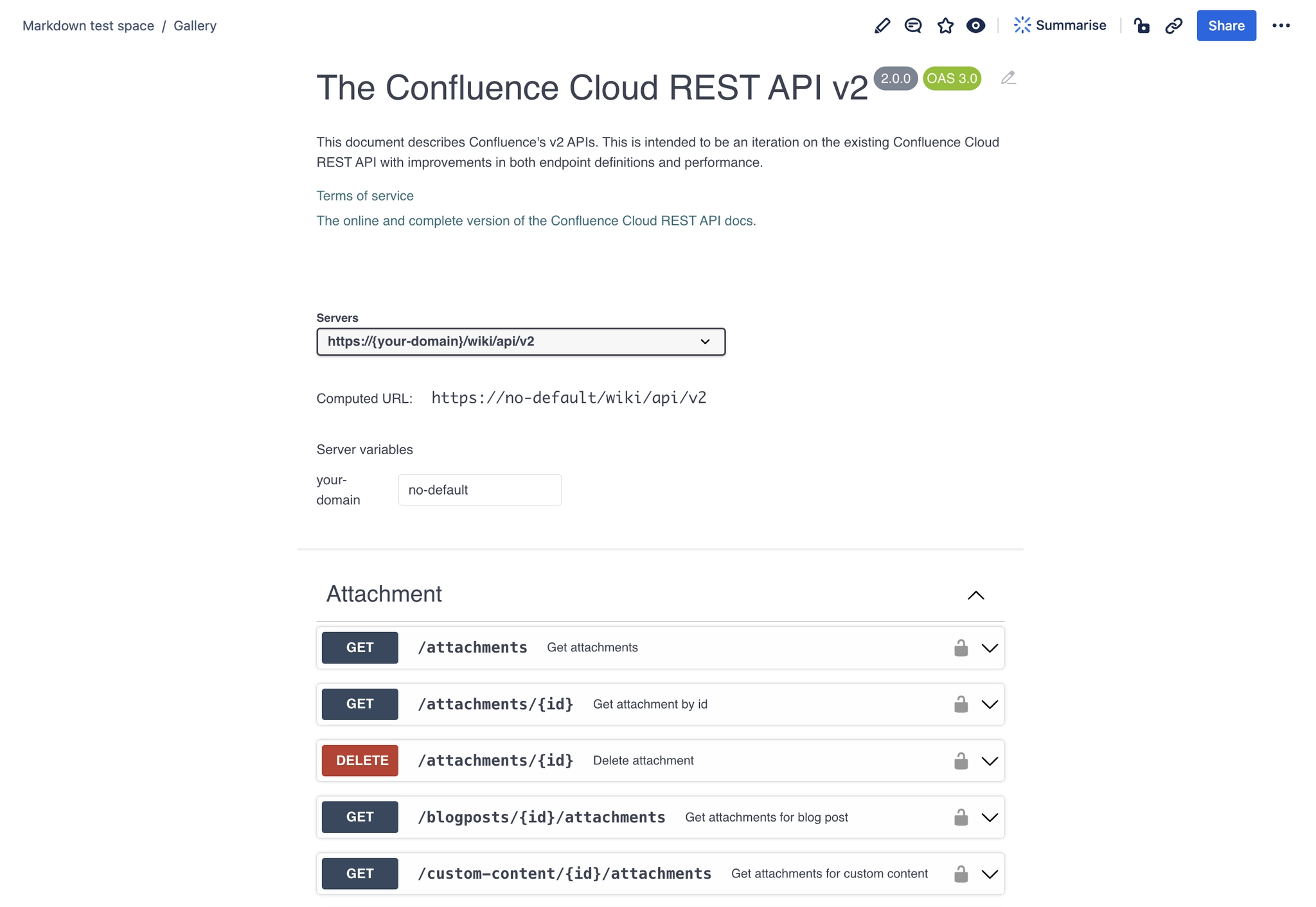
#Example
Loading API documentation…





















