Macro Studio
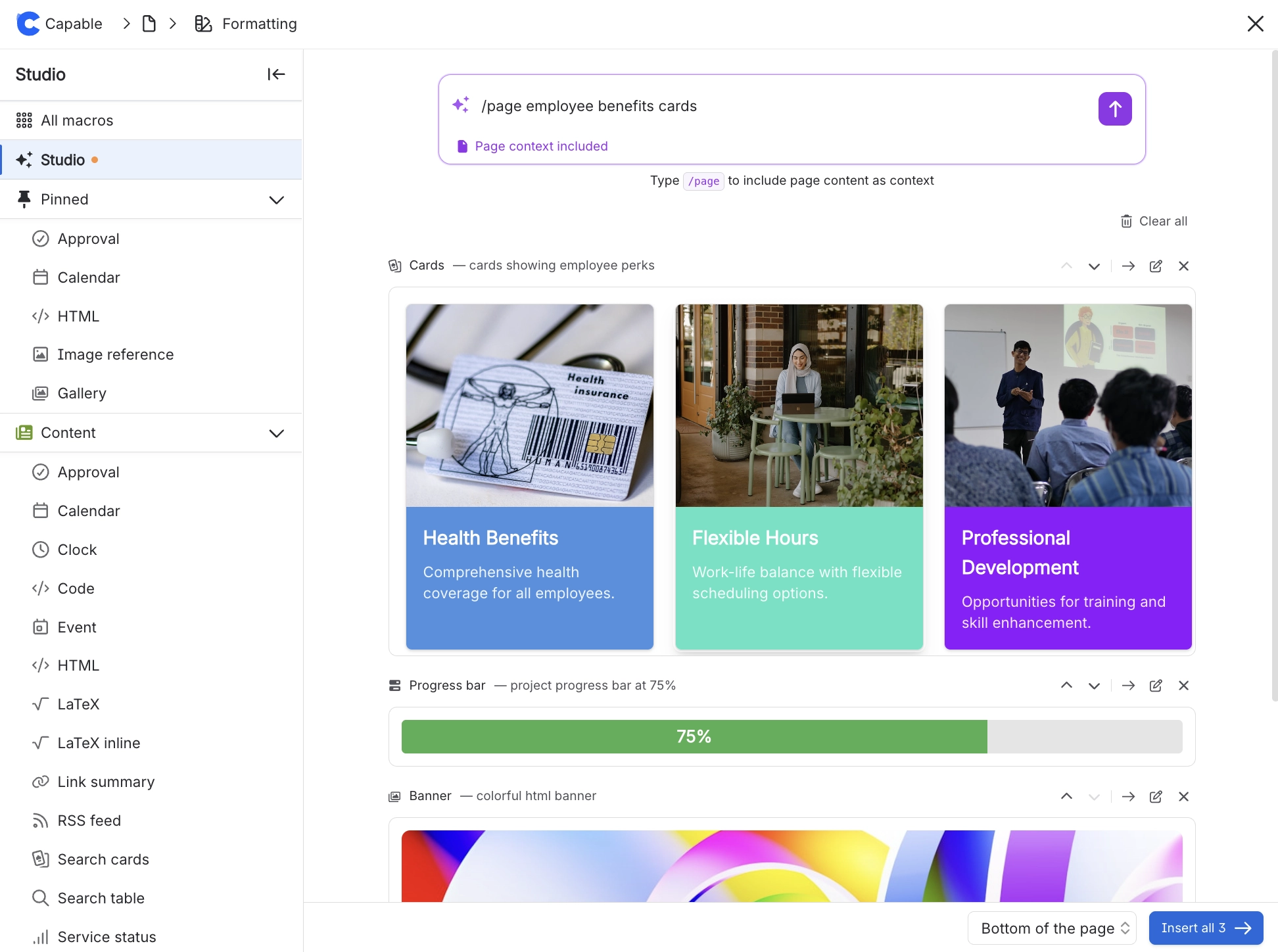
Capable Macro Studio completely revolutionises the way you create and manage macros within Confluence, making the entire process much more efficient and user-friendly.
By leveraging advanced natural language processing technology, you can effortlessly generate a comprehensive list of macros that are perfectly tailored to your specific needs and requirements.
This innovative feature allows you to easily reorder macros, create custom HTML elements, and design visually appealing pages without any unnecessary complexity or hassle. The intuitive interface ensures that even the most complex tasks are simplified, enabling you to focus entirely on your content rather than getting bogged down in configuration details.
"Generate five cards for modes of travel"
"Colorful HTML banner with gradient background"
"Code block with a sort function in Python"
"Generate a matrix math equation"
"Create a banner for my page"
#How do I access Macro Studio?
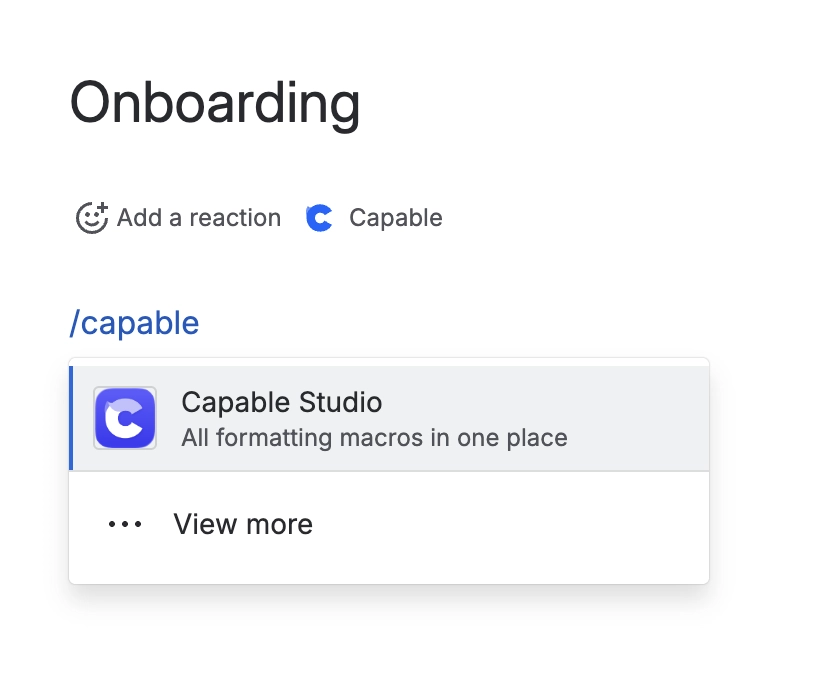
You can access the Capable Macro Studio from the Capable Menu at the top of a page, or using the new 'Capable Studio' macro that lets you insert multiple macros in one go in the exact place you want.