Compare images macro
Present a side-by-side comparison of two images into your content with the Compare Images Macro.
Description | Compare two images side-by-side using a slider to reveal their differences |
|---|---|
Type | STANDARD |
Guest | SUPPORTED |
Anonymous | SUPPORTED |
Capable Sites | SUPPORTED |
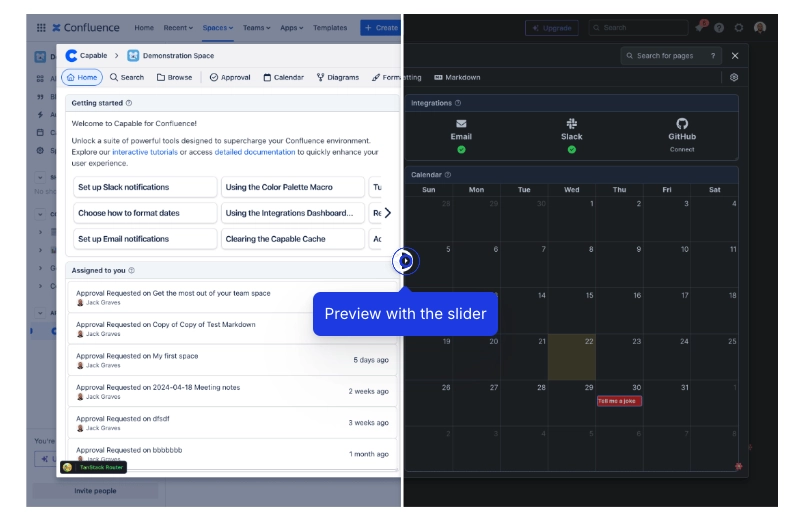
Compare two images side by side with a built-in slider, providing a dynamic and interactive way to highlight differences or similarities.
Whether you’re looking to conduct visual analyses, showcase before-and-after scenarios, or simply enhance your presentations with engaging comparisons, the Compare Images Macro makes it seamless and effective.
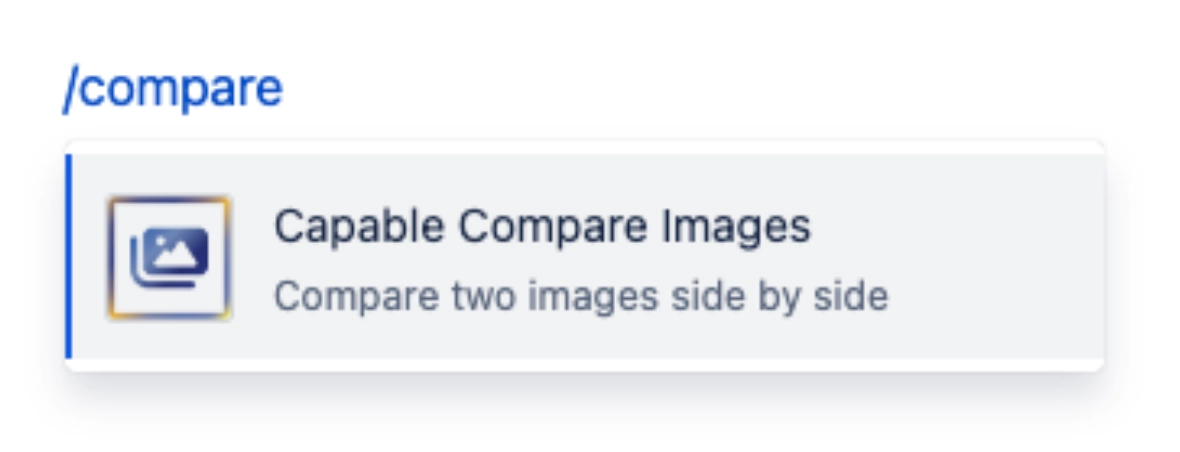
#1. Open the editor and type /compare and press Enter
#2. Change the options to your desired configuration
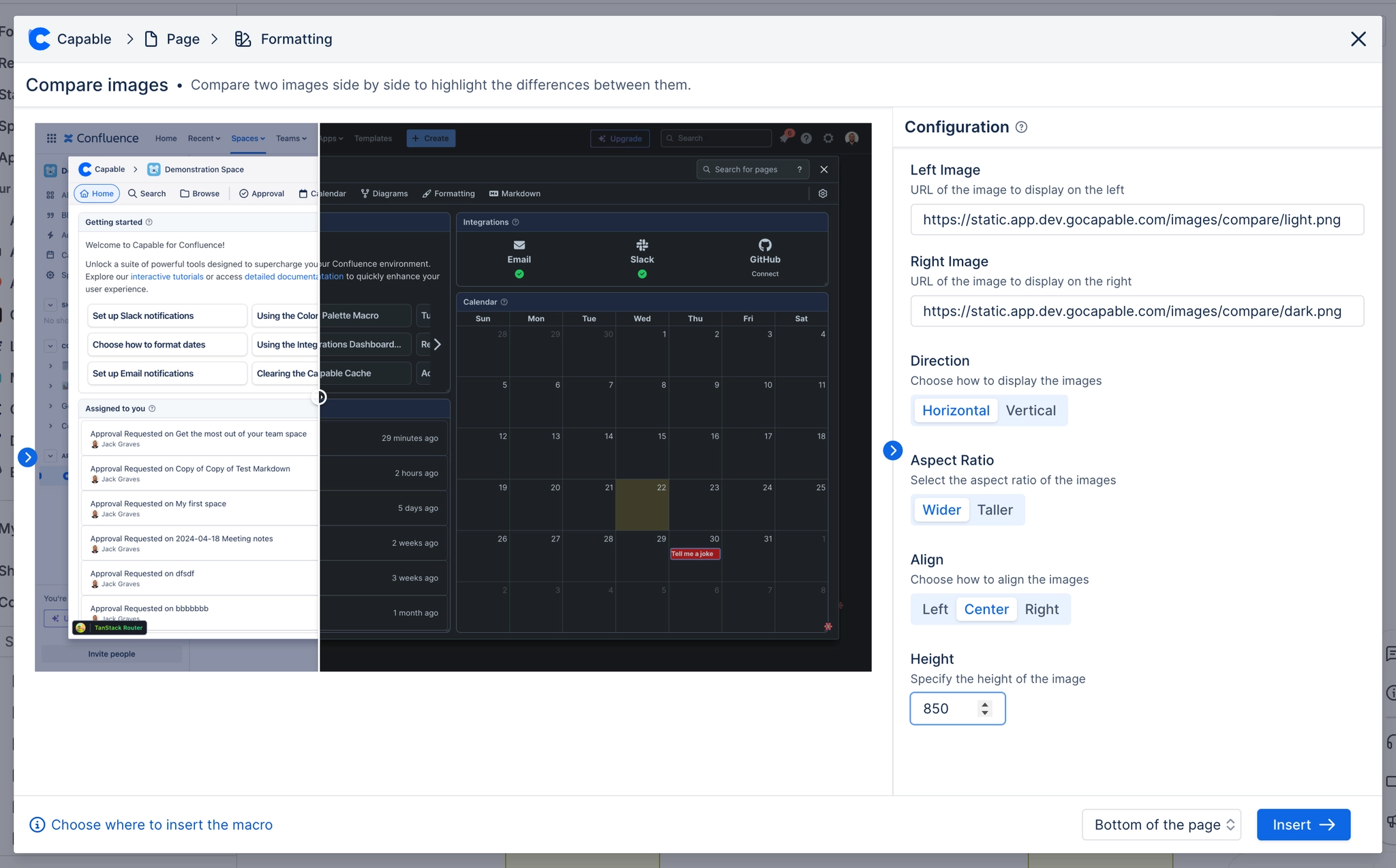
#3. Choose the Left and Right Image
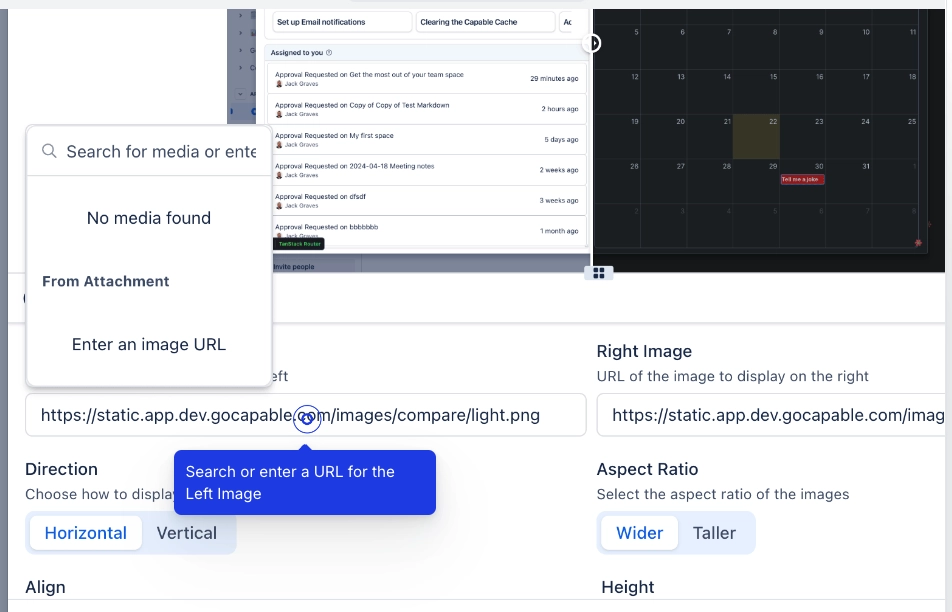
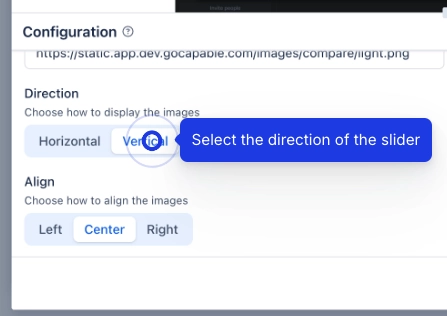
#4. Select a direction for the slider