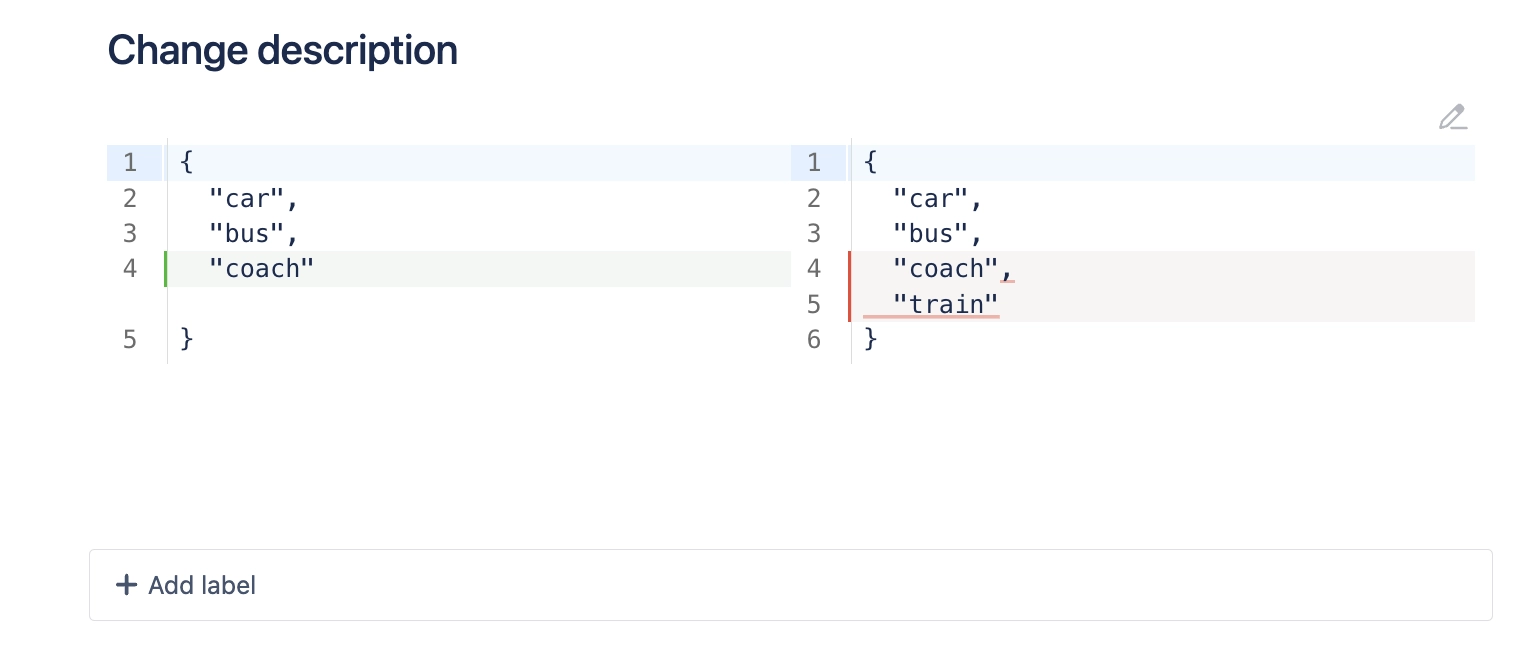
Diff macro
Compare differences between two pieces of text or code on your Confluence pages using the Diff Macro.
Description | Compare two pieces of text side-by-side. |
|---|---|
Type | STANDARD |
Guest | SUPPORTED |
Anonymous | SUPPORTED |
Capable Sites | SUPPORTED |
The Diff Macro in Capable for Confluence is a powerful tool that allows you to compare two pieces of text or code side-by-side, highlighting the differences between them.
This feature is incredibly useful for teams that need to review changes in code, documents, or any other text-based content. By visually displaying the differences, the Diff Macro makes it easier to spot changes, review edits, and ensure accuracy in collaborative environments:
Bug Retrospectives: Imagine your team has just resolved a bug in the codebase. Using the Diff Macro, you can compare the pre- and post-fix versions of the code to pinpoint what caused the issue and how it was fixed.
Documentation Updates: When updating documentation, the Diff Macro allows you to compare the old and new versions side-by-side.
Project Revisions: If a project involves multiple rounds of revisions, the Diff Macro can help track changes over time, providing a clear view of how the content has evolved.
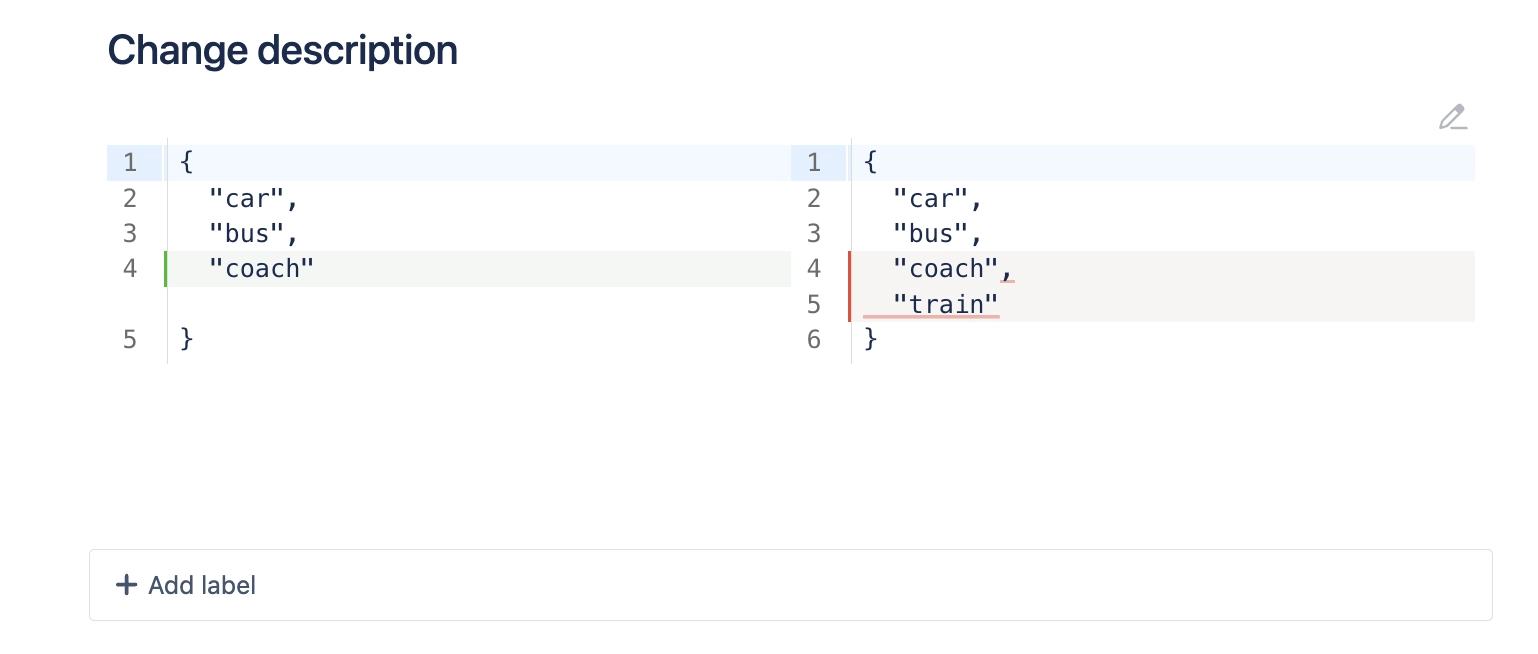
#1. Open the Confluence editor
#2. Type /diff and press Enter
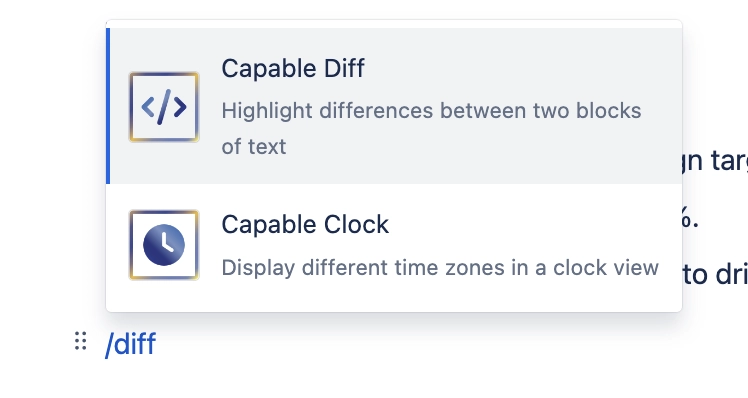
#3. Configure the text or code to compare
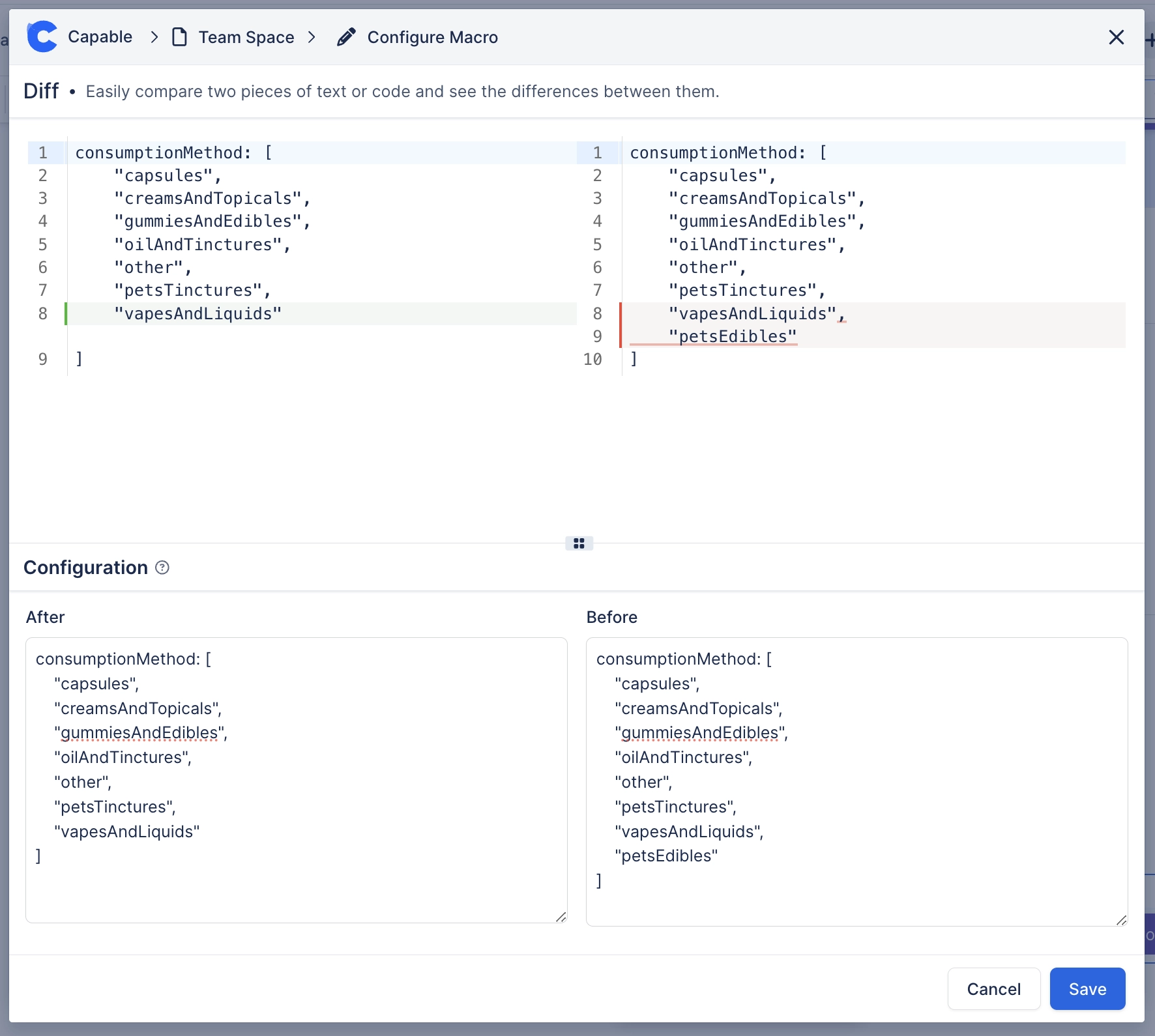
#4. Save the page to share