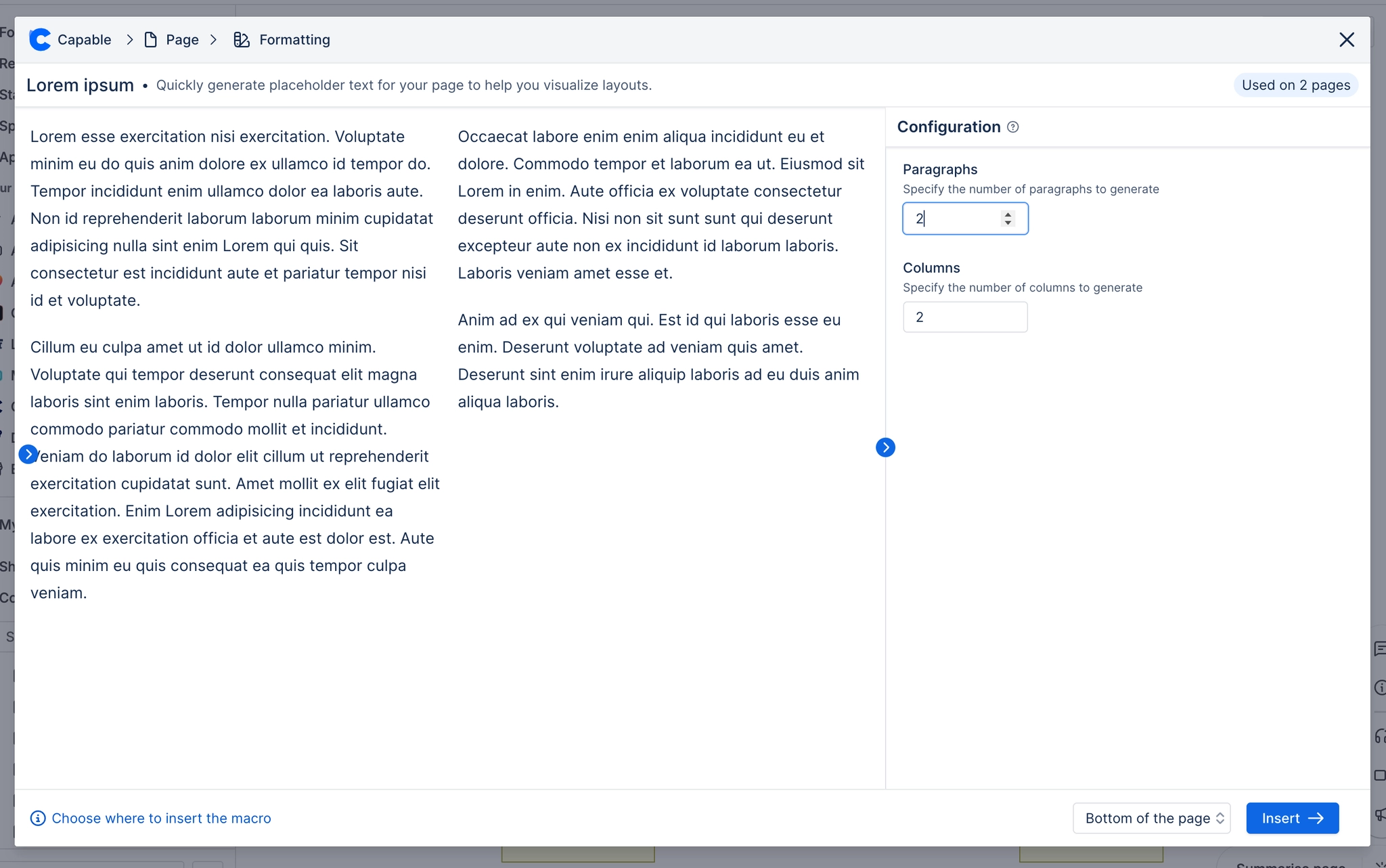
Lorem ipsum macro
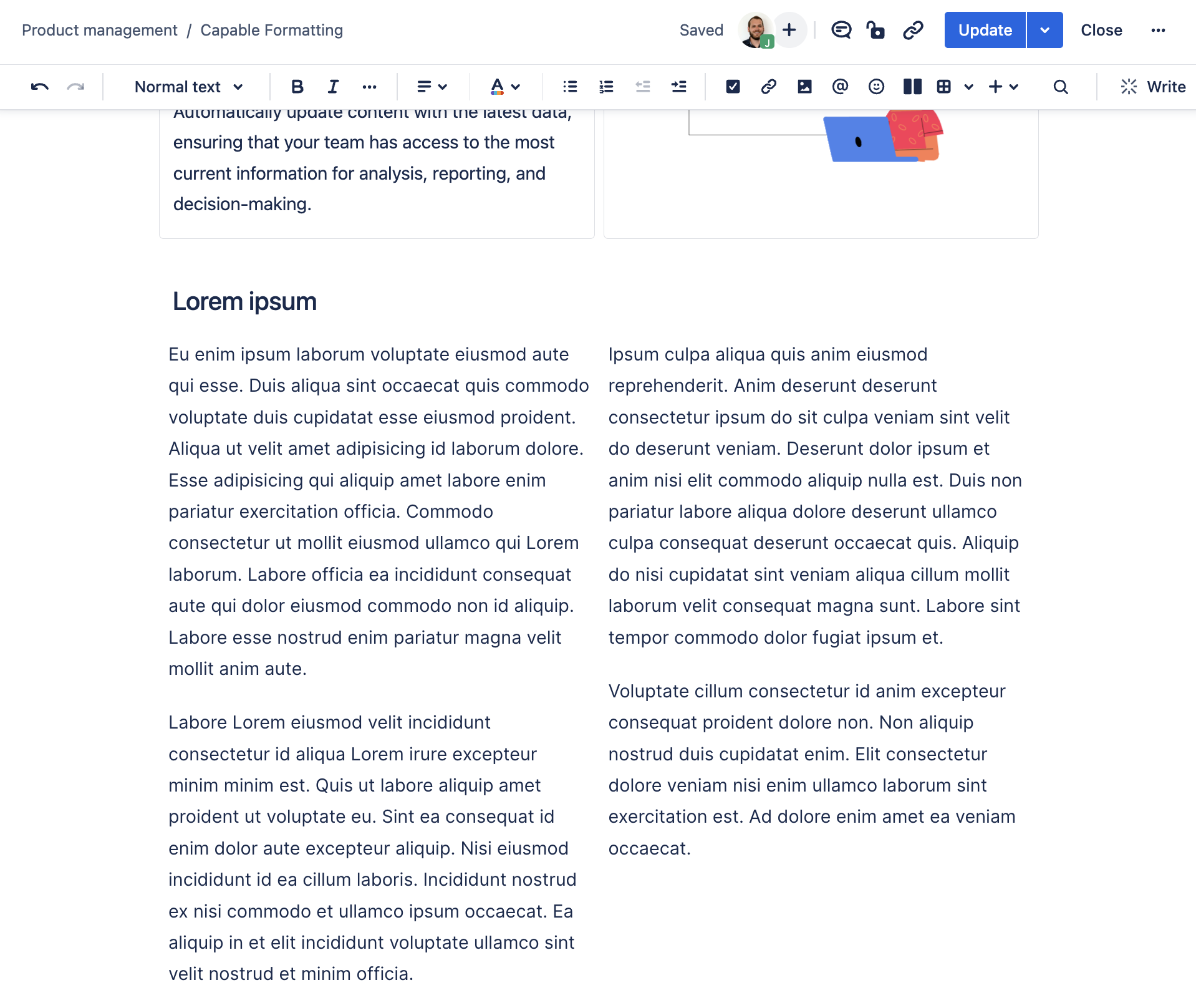
Quickly mock up Confluence pages with sample text using the Lorem Ipsum macro.
Description | Display mock text on your page using the Lorem Ipsum macro. |
|---|---|
Type | STANDARD |
Guest | SUPPORTED |
Anonymous | SUPPORTED |
Capable Sites | SUPPORTED |
If you're looking to quickly mock up pages and need to populate them with sample text, the Lorem Ipsum macro is an invaluable tool.
This tutorial will walk you through the entire process, from activating the macro in the editor to customizing the text to suit your layout needs.
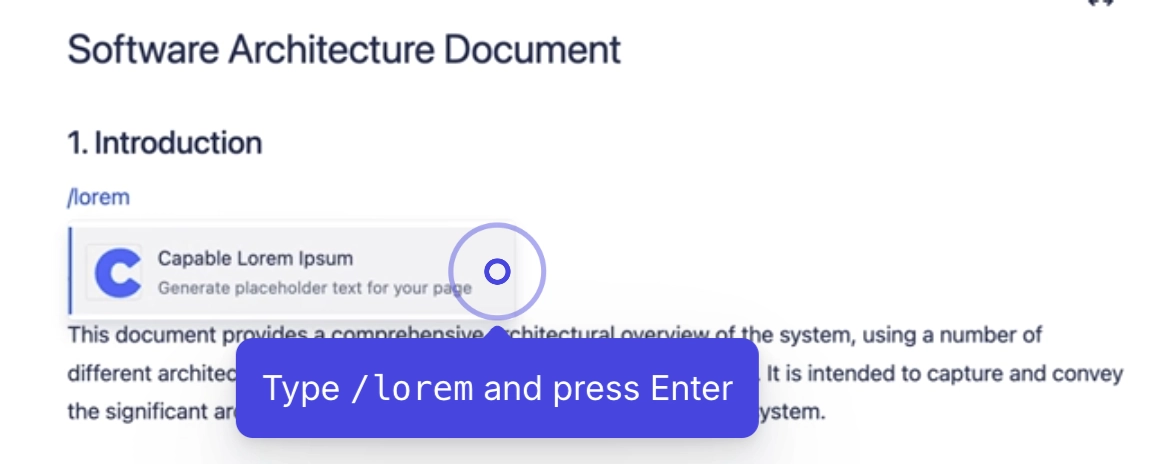
#1. Open the editor and type /lorem followed by Enter
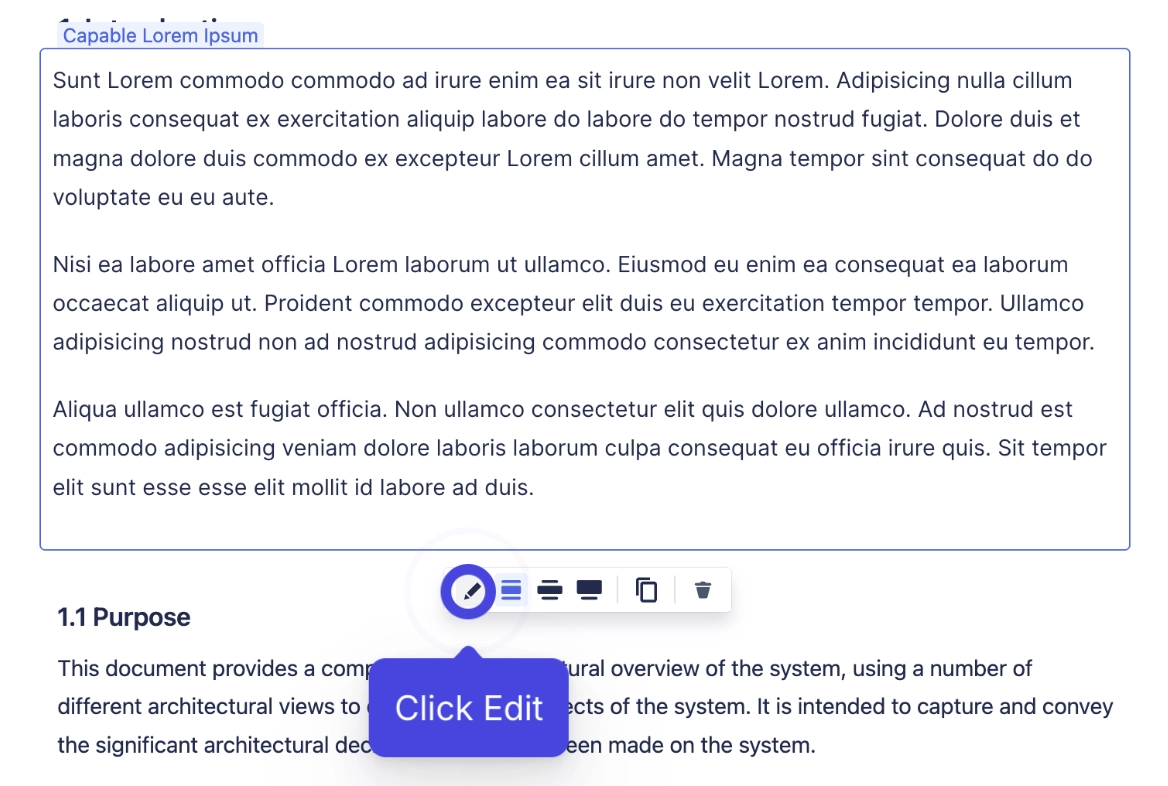
#2. Open the configuration panel
#3. Choose number of paragraphs and columns