
Tabs macro
Description | Tabs divide content into sections, making it easier to organise and navigate your information. |
|---|---|
Type | BODIED |
Guest | SUPPORTED |
Anonymous | SUPPORTED |
Capable Sites | SUPPORTED |
Use them for basic formatting and information rather than advanced macros; results may vary.
#Example
Welcome aboard!
You can include formatting, tables and images, panels etc.
Here is a panel
Table | Table | Table |
|---|---|---|
This is some more text
This is some cards - we are working to align the styling.


You can include macros like diagrams within tabs.
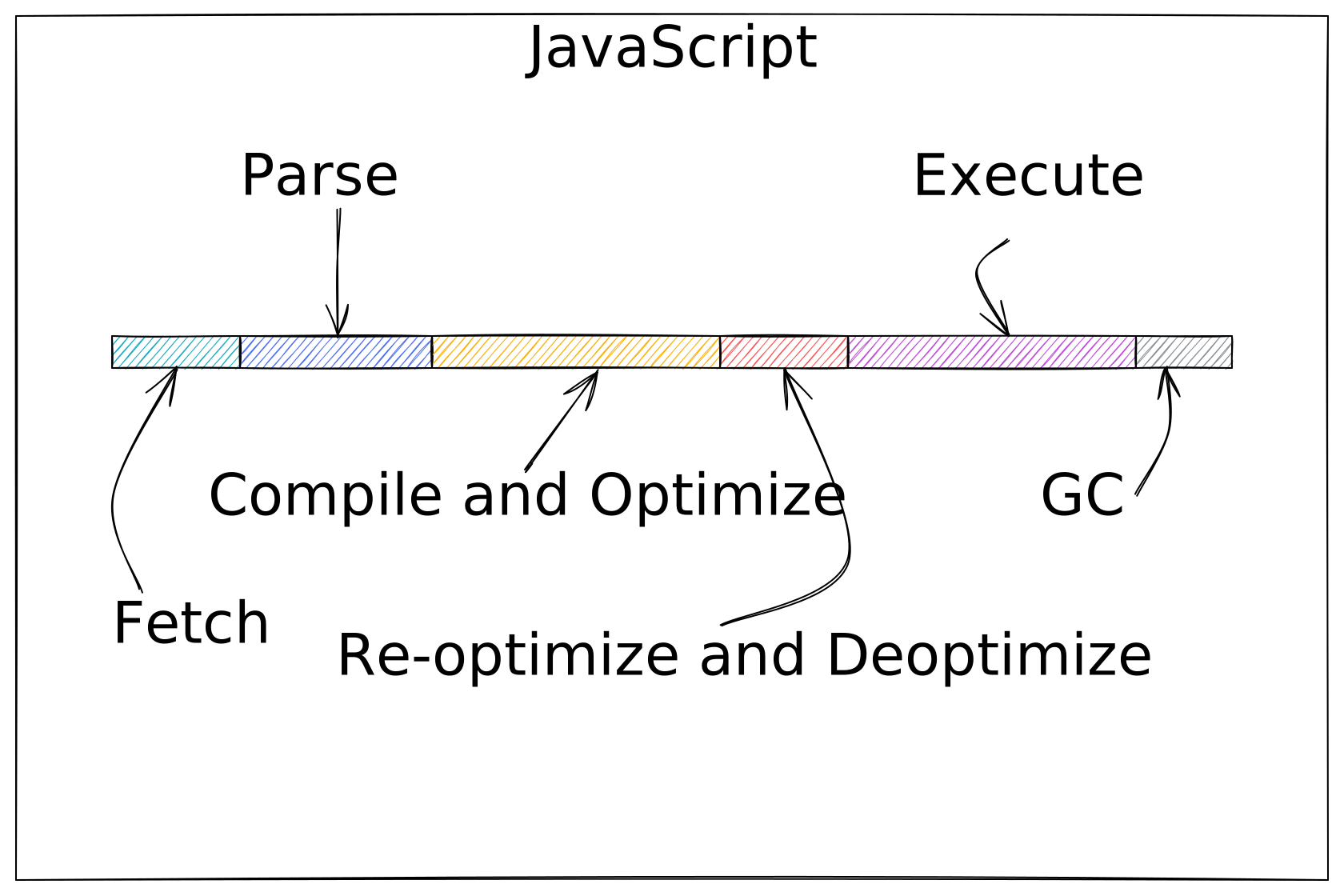
We’re a small, cross‑functional team focused on making complex tasks simple. Our aim is to deliver clear, reliable solutions that help people get work done with confidence.
This is a tab with some text inside it.
#Limitations
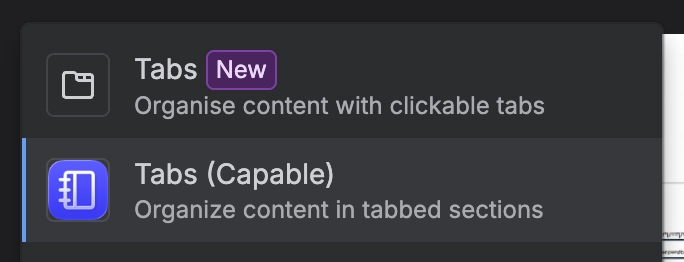
Known limitations and caveats: Capable Tabs are implemented using the extension mechanism currently exposed by Atlassian for Marketplace apps. This creates some functional constraints that Capable cannot fully mitigate within the app. For content that relies on these behaviours, consider using Atlassian’s native Tabs macro instead.
Headings inside tabs are not available to the Confluence Table of Contents macro. Headings placed within a Capable tab are not propagated to page-level navigation, so the Table of Contents macro and direct heading links cannot reliably discover or jump to those headings.
Text links inside tabs may not open on a normal click. Links attached to text within a tab can appear broken because a standard click may do nothing. Users may still be able to open the destination by shift-clicking, right-clicking, or opening the link in a new tab.
This is a known Atlassian platform limitation tracked as CONFCLOUD-84137.
Please vote for, comment on and watch this issue for updates.
Macros or elements that open dialogs may open inside the tab frame. Examples include image previews, diagram fullscreen views, and similar overlay-based experiences. These may render within the embedded frame rather than opening as separate page-level overlays.
Most Capable macros are compatible with tabs when the content is simple. Tabs are best suited to styled sections containing text, images, basic formatting, tables, panels, and straightforward macros like cards, banners, diagrams etc.
Forge-based apps should generally render correctly. Behaviour can still vary depending on how the app or macro interacts with Confluence navigation, overlays, links, or page-level features.
Legacy Connect apps will not render. Content from older Connect-based apps is not expected to work inside Capable Tabs.
Anonymous users will see a simplified rendering of the tab and advanced functionality will not work, as we cannot render the content to unauthenticated users.
Some styling may not be consistent. Macros and embedded content can inherit different spacing, sizing, or visual treatment when displayed inside tabs, and styling may not exactly match the same content outside tabs.
Some Confluence features may be unavailable or incomplete inside tabs. Examples include table sorting and other page-level behaviours that depend on Confluence recognising the content outside the tab frame.
Choose native Tabs when functionality is more important than styling. Capable Tabs are useful when expanded styling and layout options are required, but Atlassian’s native Tabs macro may provide a better experience where table-of-contents integration, direct linking, link-click behaviour, or overlay handling are required.
These constraints are outside Capable’s direct control. We will support improvements as soon as Atlassian makes the necessary platform capability available.





















