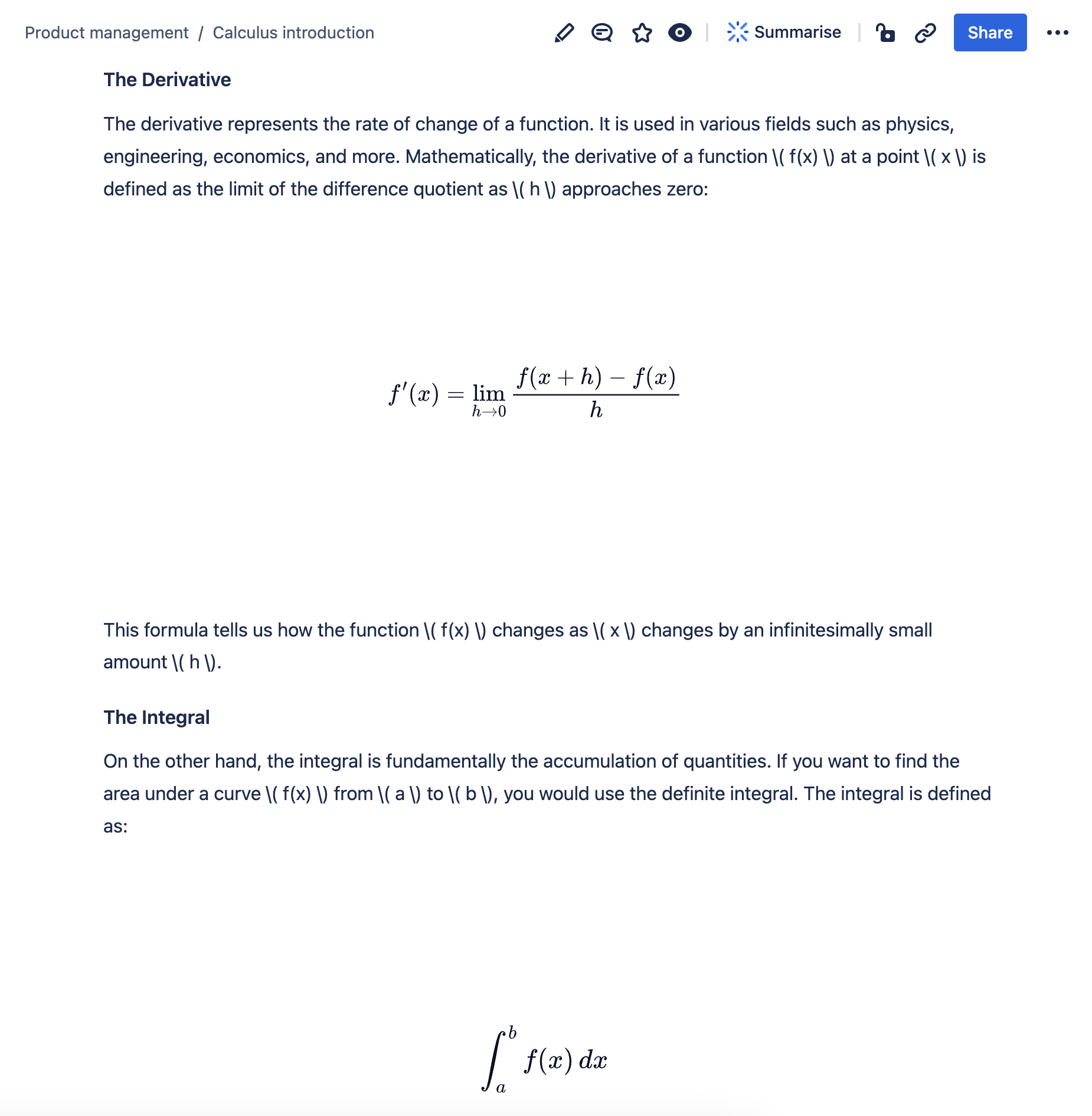
LaTeX macro
Provide clear and precise mathematical representations with the Math Equation Macro.
Description | Embed LaTeX math equations in your Confluence pages. |
|---|---|
Type | STANDARD |
Guest | SUPPORTED |
Anonymous | SUPPORTED |
Capable Sites | SUPPORTED |
Migrate from |
|
Render LaTeX-formatted math equations directly within your pages, providing a clear and professional way to display complex mathematical expressions.
Whether you’re looking to illustrate scientific formulas, present statistical data, or simply add precise mathematical notation to your documents, the Math Equation Macro makes it seamless and straightforward.
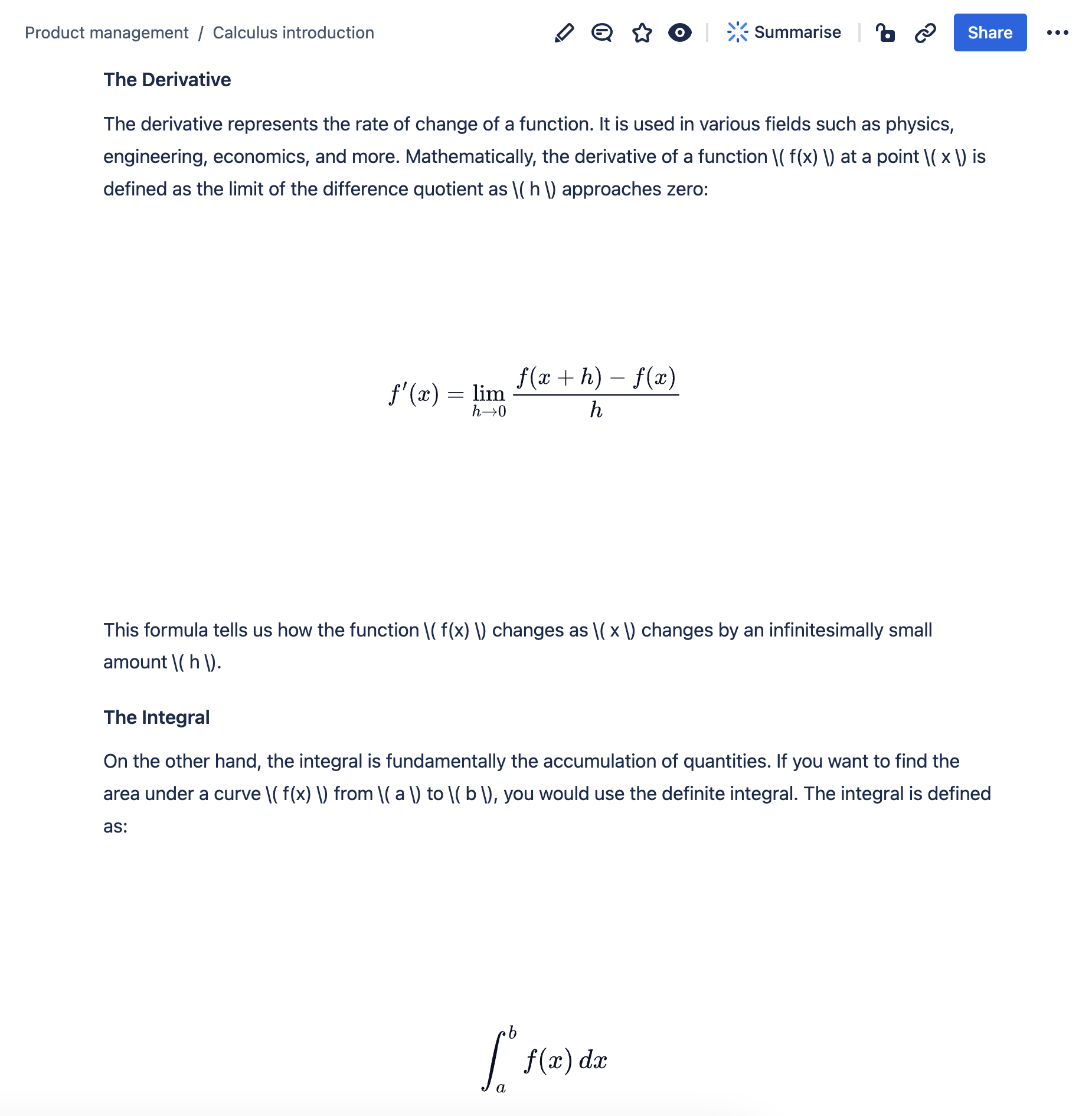
#1. Open the editor and type /math and press Enter
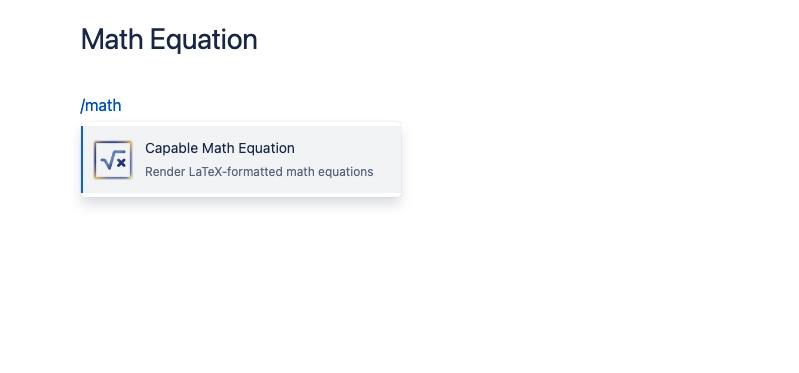
#2. Set up the math equation
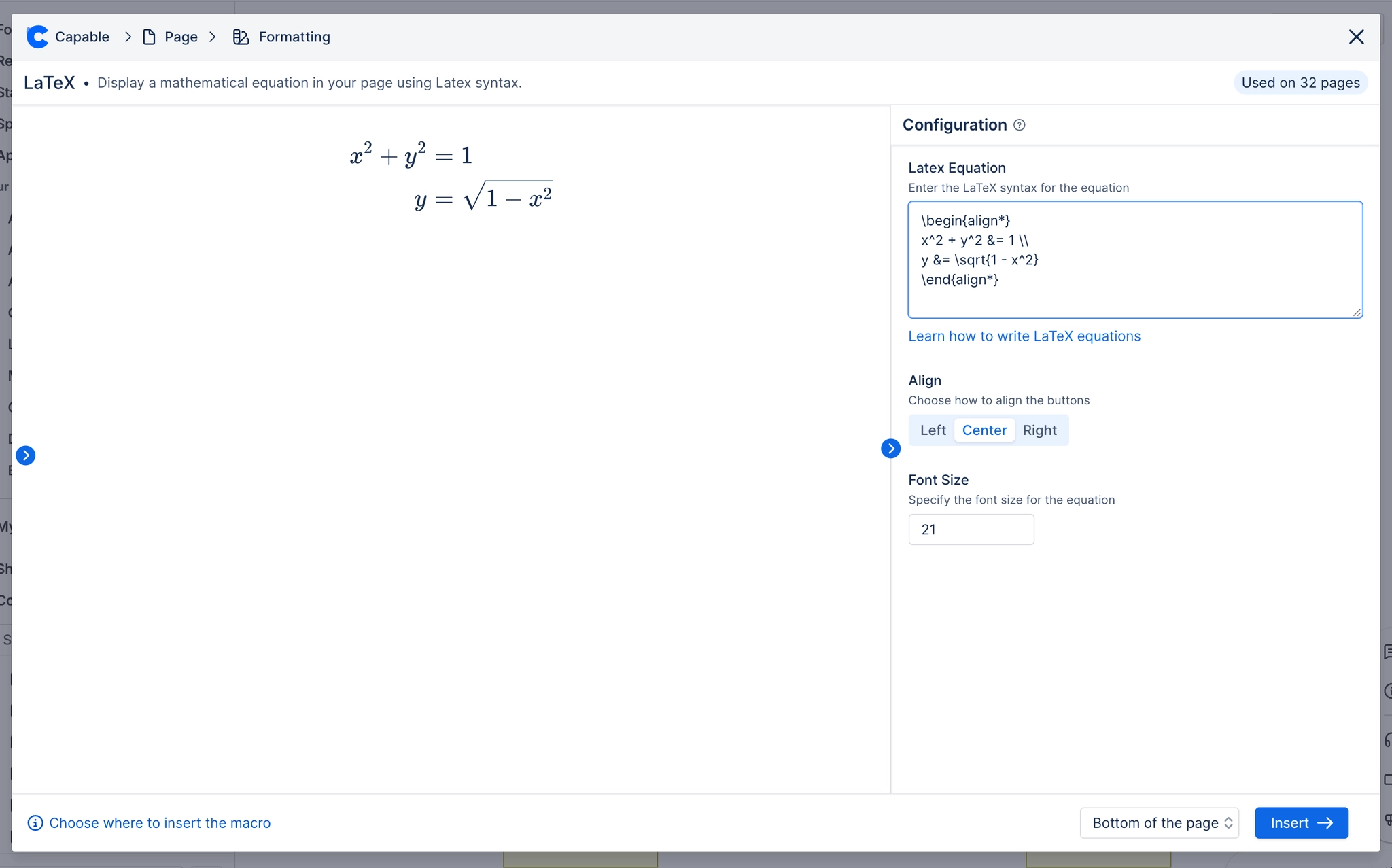
#3. Click insert and your all done!