
Built-in searches
The app ships with a set of ready-made searches. They are worth reading even if you never run them, because they are the clearest demonstration of what the extra fields make possible.
Copy one with Save as and edit it rather than starting from scratch.
#Using them
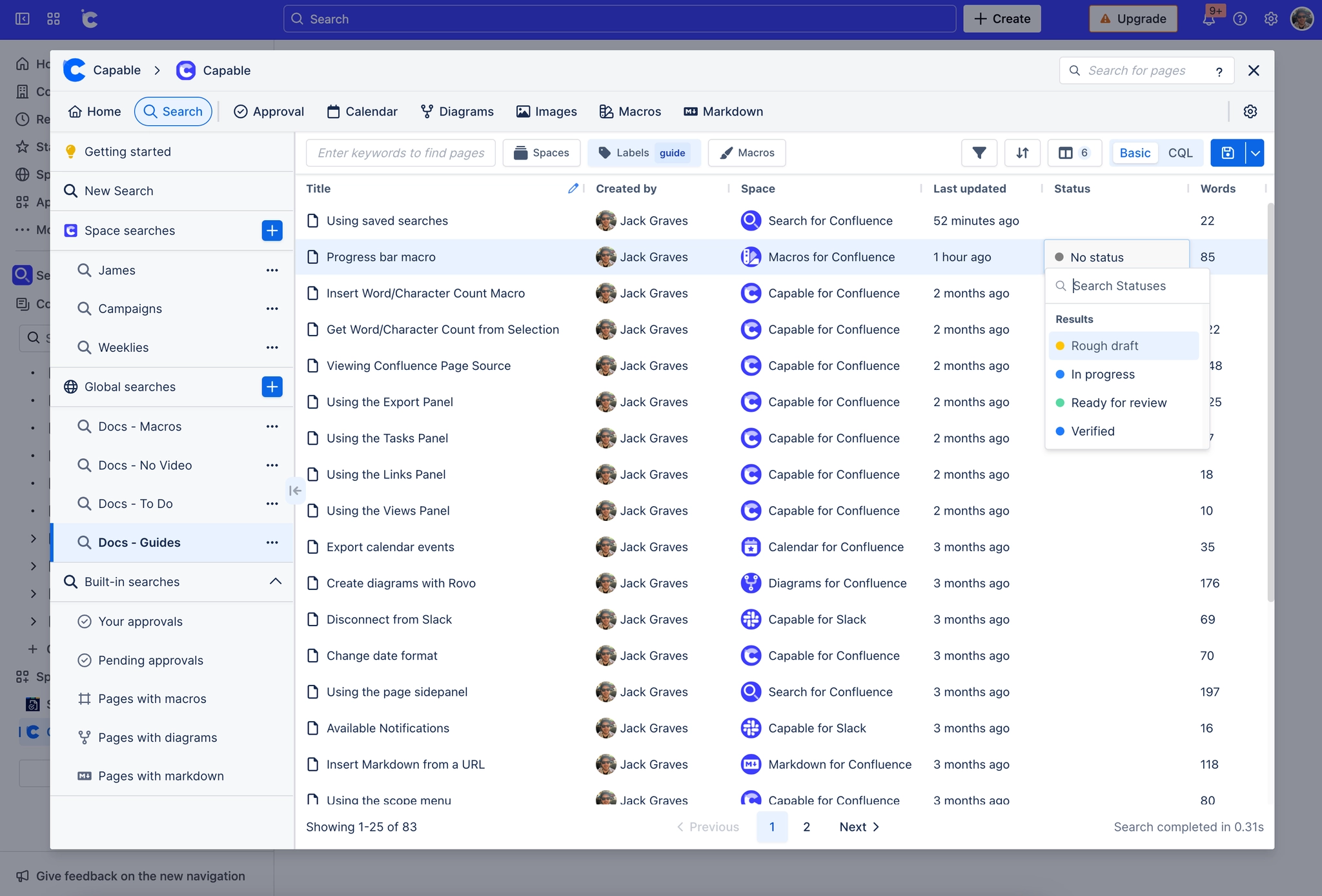
They appear in the Built-in searches section of the search list.
Save as makes an editable copy in your own scope.
They rely on Capable fields, so they return little until indexing has caught up.
These are the fastest way to learn what is queryable. Open one, switch the filter mode to CQL, and read the query it built.
#A few things worth knowing
A built-in search cannot be edited in place. Copy it first.
Some built-ins depend on capabilities you may not have installed.
They are a starting point, not a house standard. For that, save your own.
#Related
Copy one. Read its CQL.























