
What Capable Markdown for Jira is
The app adds exactly two things you can see: a "Markdown" panel on the issue view, which shows one tab per .md attachment with a rendered preview plus Add, Edit, Delete and sort controls, and a "Capable Markdown" global page under Apps, which lists Markdown documents across projects.
Behind those it also keeps a small per-issue search index (so the global page can find issues that hold Markdown) and two attachment triggers that maintain it.
The editor is a full-screen modal with a live side-by-side Markdown editor, a formatting toolbar, 17 built-in templates and support for fenced diagram code blocks (mermaid, plantuml, graphviz, d2 and 23 others) that render as images through Capable's hosted service.
#At a glance
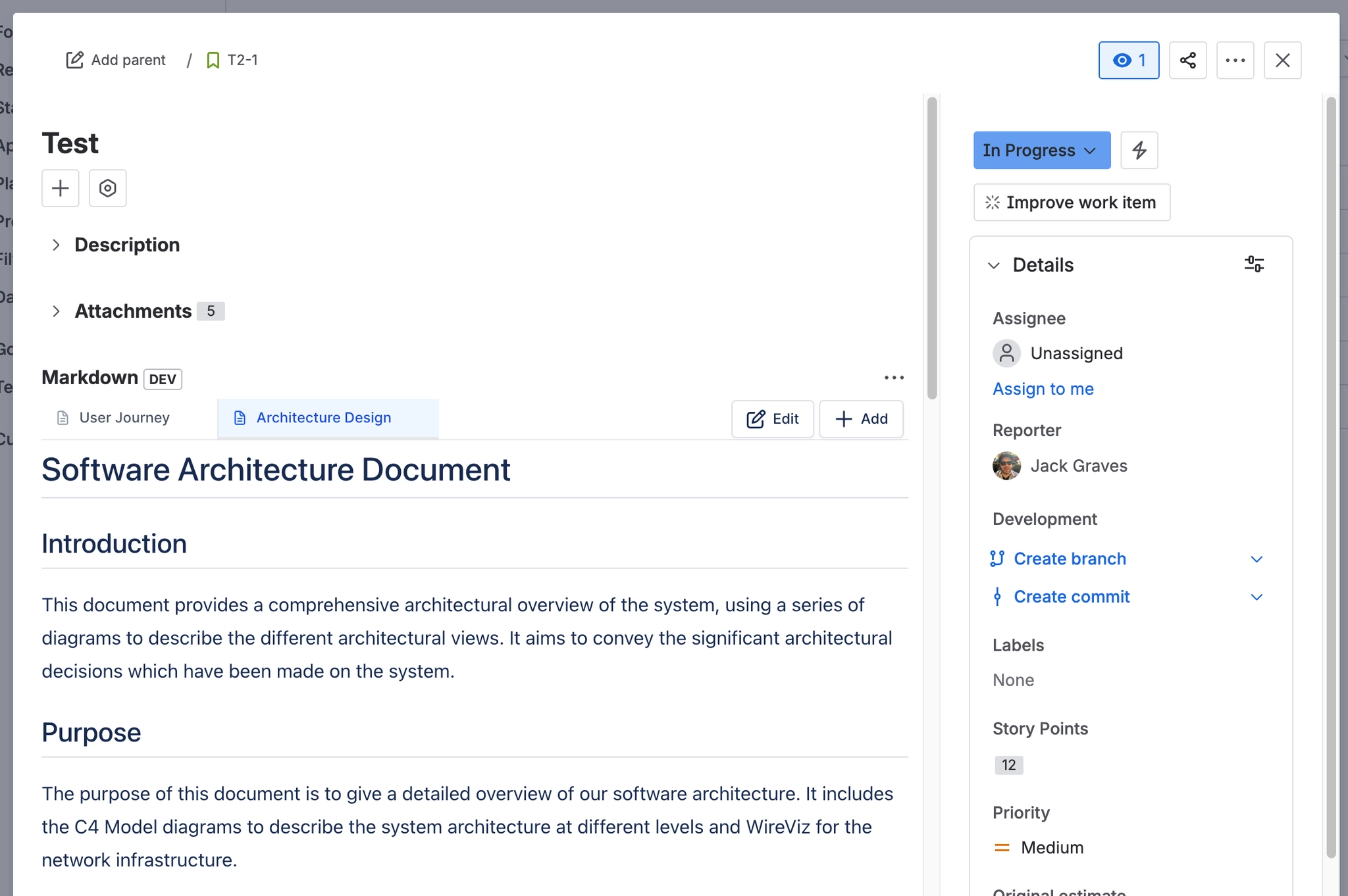
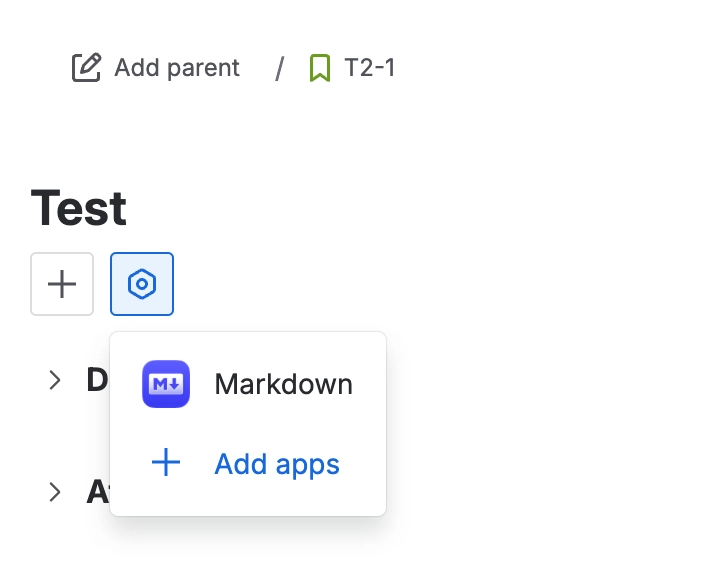
#How to show the panel
#Related
The short version.






















