
Managing Markdown documents in Jira
Once an issue has a few documents, the questions change: how to keep them current, how to remove one safely, and how to find every document across your projects. These guides answer those.
#Common tasks
You want to | Go to |
|---|---|
Change, rename or remove a document | Edit or delete a Markdown document in a Jira issue, then Markdown (issue panel) |
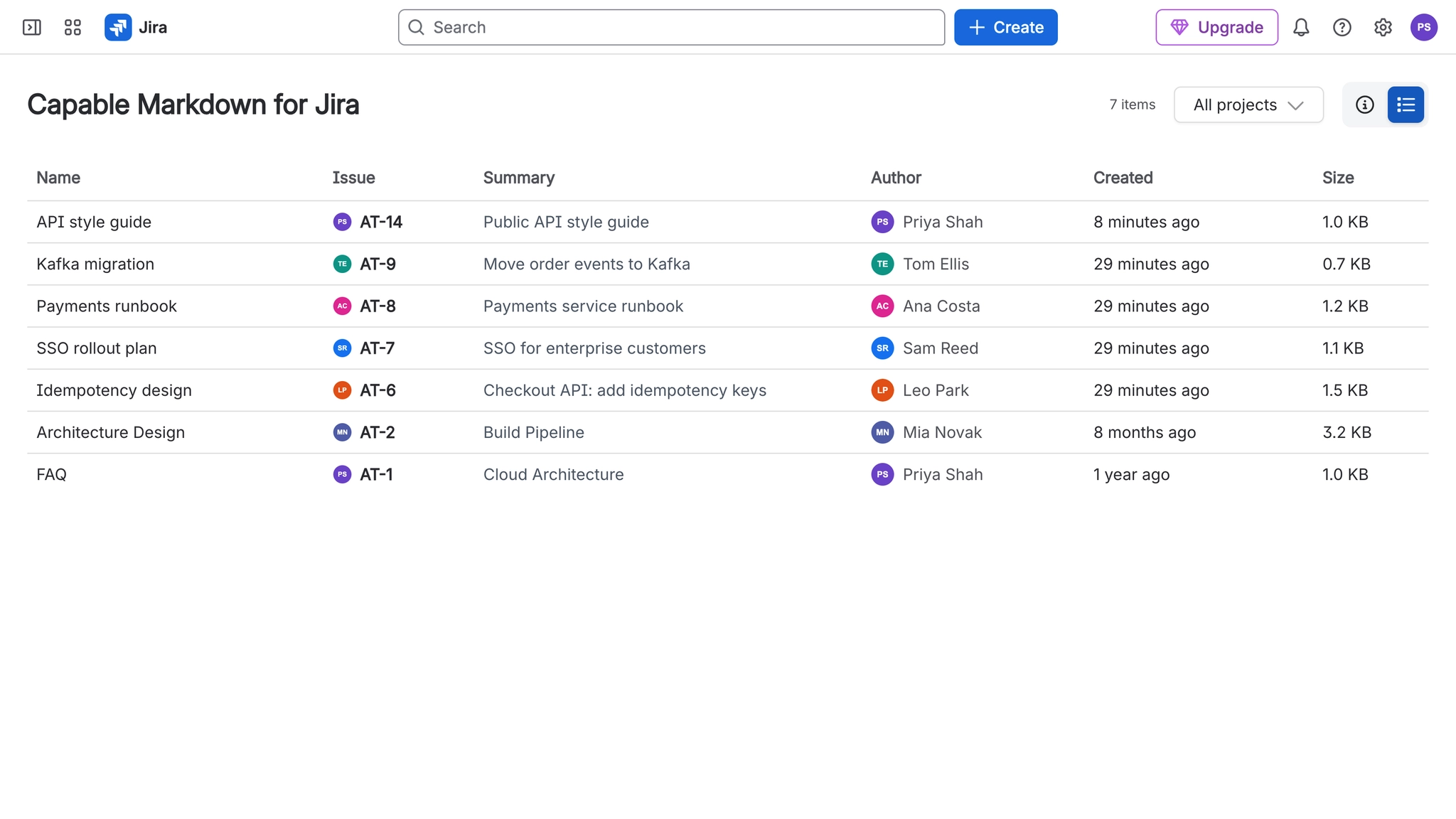
See every document across projects | Find Markdown documents across Jira projects, then Capable Markdown (global page) |
Download or share a document | The issue's own attachments area in Jira, where each document is a .md file |
Check the limits |
#Guides in this section
Edit or delete a Markdown document in a Jira issueChange, rename, reorder or remove a Markdown document on a Jira issue from the Markdown panel.Find Markdown documents across Jira projectsList every Markdown document across your Jira projects on one page, filter by project and open the issue it belongs to.
#Related
Documents that stay as current as the issue.






















