
Panel content is missing from a Jira export or PDF
What you are seeing
You export or print a Jira issue as Word, PDF or similar, and the rendered Markdown documents from the Markdown panel are not in the file.
#Why it happens
The Markdown panel is an app panel. Jira draws it in your browser when you open the issue, using the app. Jira's exports are built from the issue's own fields and do not run apps, so nothing the panel shows can appear in them. Your documents are not lost: each one is still an ordinary .md attachment on the issue.
#What to do
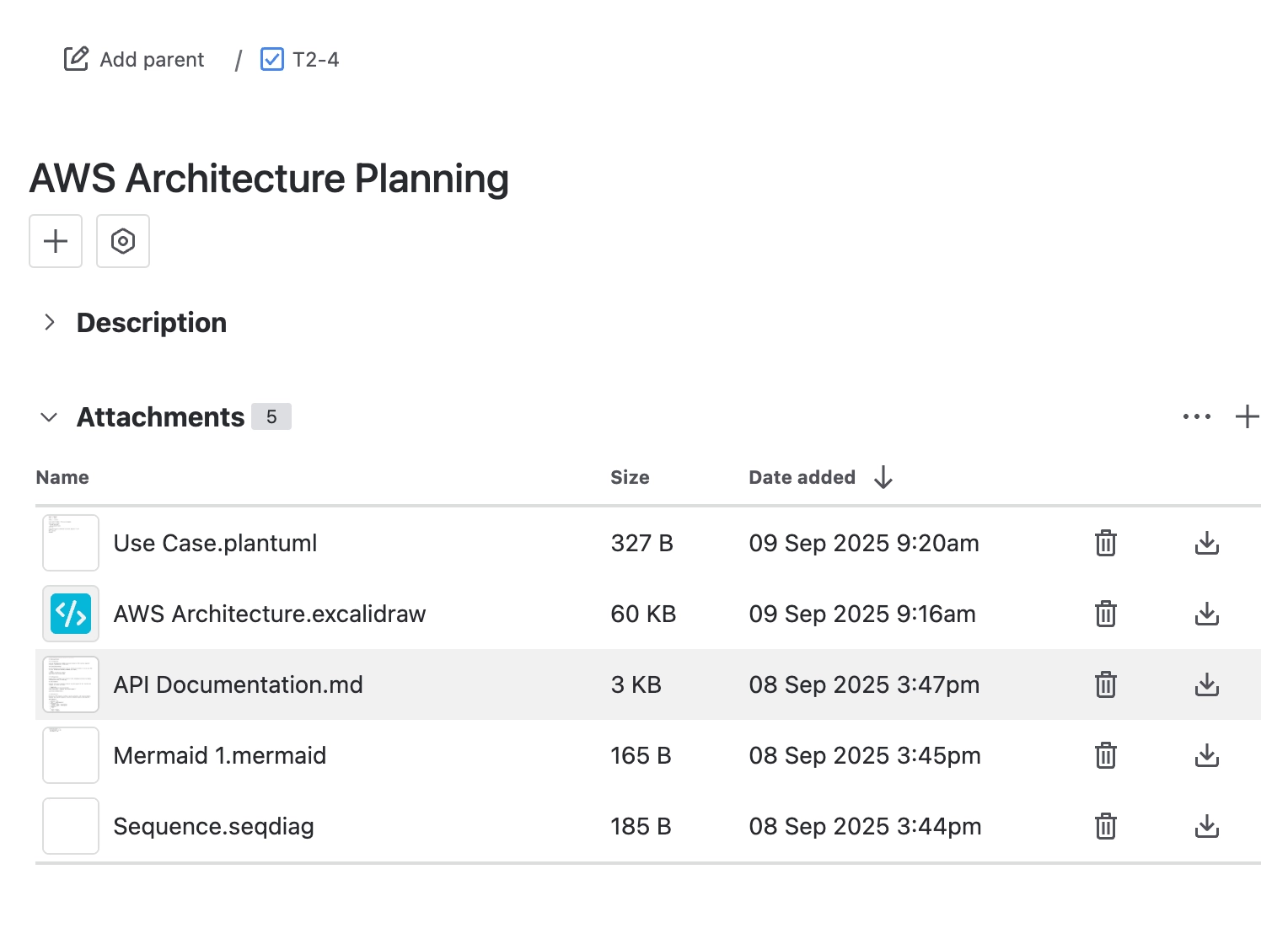
Download the .md attachments from Jira's own attachments area to share documents outside Jira.
#A few things that catch people out
A downloaded .md file holds the Markdown source. Diagrams written as code stay as code until something renders them.
Images referenced by web address are links, not copies. Anyone opening the file needs to reach those addresses.
#Related
Found it? Good.






















