
Templates
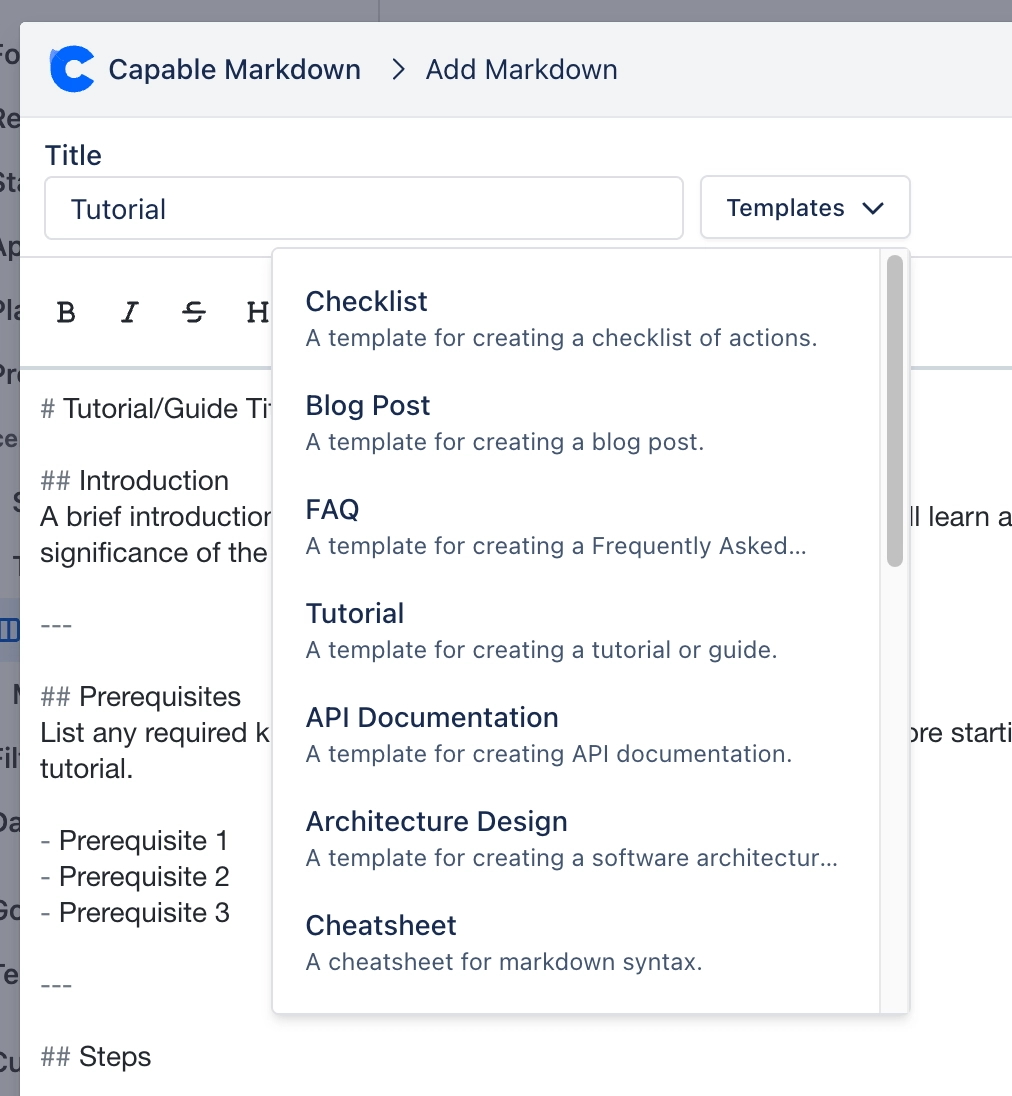
Inserts one of 17 built-in Markdown starters, grouped into three folders. General purpose: Checklist, Blog post, FAQ, Tutorial. Project Planning: Process flow, Product requirements, Project proposal, User journey, Release notes, Meeting notes.
#Worth knowing
Picking a template sets the title (dropping a trailing ' template'), replaces the whole body and switches the editor to live mode. It overwrites anything already typed. Confluence's space-level and global template galleries are not available in Jira.
#Where to find it
Editor modal > Templates
#Related
How it actually behaves.






















