
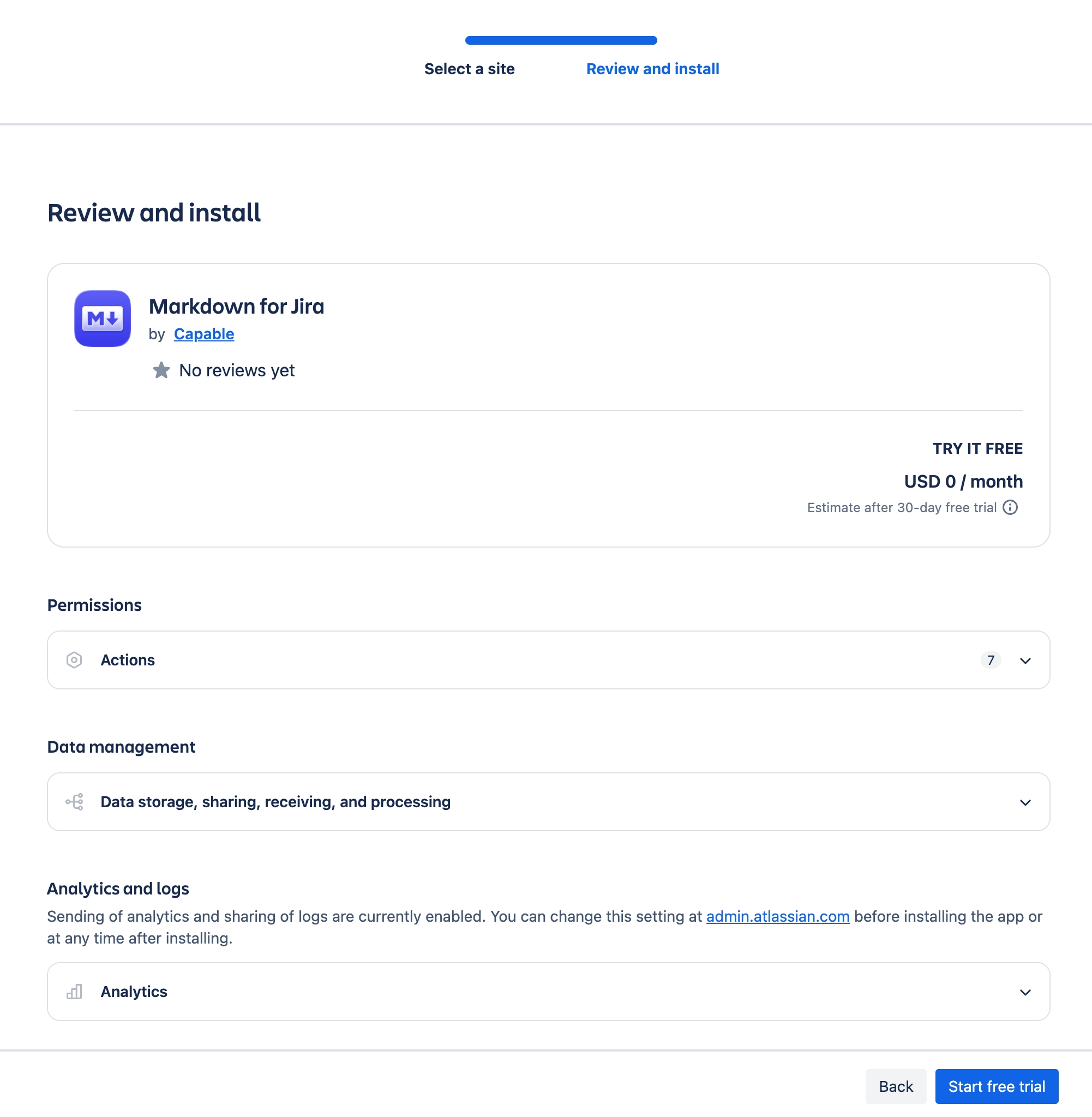
Install screen asks for webhook and project management permissions
What you are seeing
The install prompt lists permissions the app does not appear to use, such as webhook or project management scopes.
#Why it happens
The app requests manage:jira-webhook, manage:jira-project and manage:jira-configuration at install even though the released Jira surfaces contain no webhook code path.
#What to do
Expect to see them in the scopes prompt. Raise it with Capable support if your review process requires narrower scopes.
#A few things that catch people out
Admins see these scopes on the install screen and again in the app's details in Manage apps.
If a later version asks for a new permission, the app keeps working and the new permission waits for an administrator to approve it.
#Related
Found it? Good.






















