
None of the display options (layout, height, download, popup, fullscreen, text layer) appear in the
What you are seeing
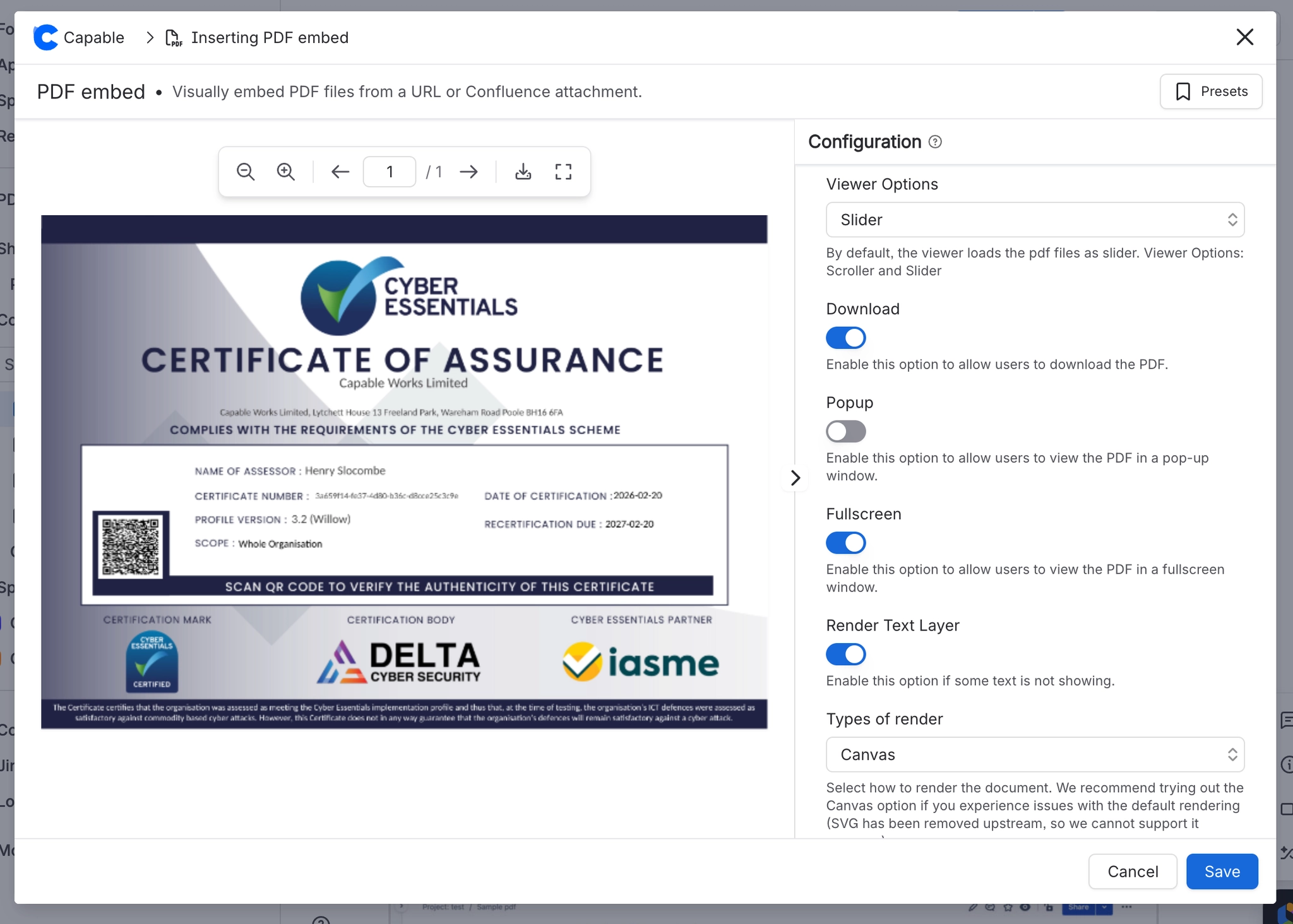
None of the display options (layout, height, download, popup, fullscreen, text layer) appear in the macro editor.
#Why it happens
They stay hidden until a PDF source has been set.
#What to do
Set a PDF URL, pick an attachment, or upload a file. The rest of the panel appears once a source is stored.
#A few things that catch people out
All display options stay hidden until a PDF source has been set.
Changing "Types of file" clears the configured source, and the display options disappear until a new one is chosen.
Scroller layout has no page navigation whatsoever, and Initial Page is ignored in it.
#Related
Height dropdown only offers "1"
The panel could not read the document to find out how many pages it has (bad address, perm
New File Upload shows only "Uploading is only available when editing a page."
Uploading needs a page to attach to, and the macro is being configured outside a page edit
Everything else
The rest of this family.
Found it? Good.






















