
Your first migration
Do not start with the whole site. Start with one space you know, run verification, read what it says, and migrate that space only.
The whole point of the first run is to learn what your own content does, which no amount of planning tells you.
#Step by step
#1. Open the Migration tab
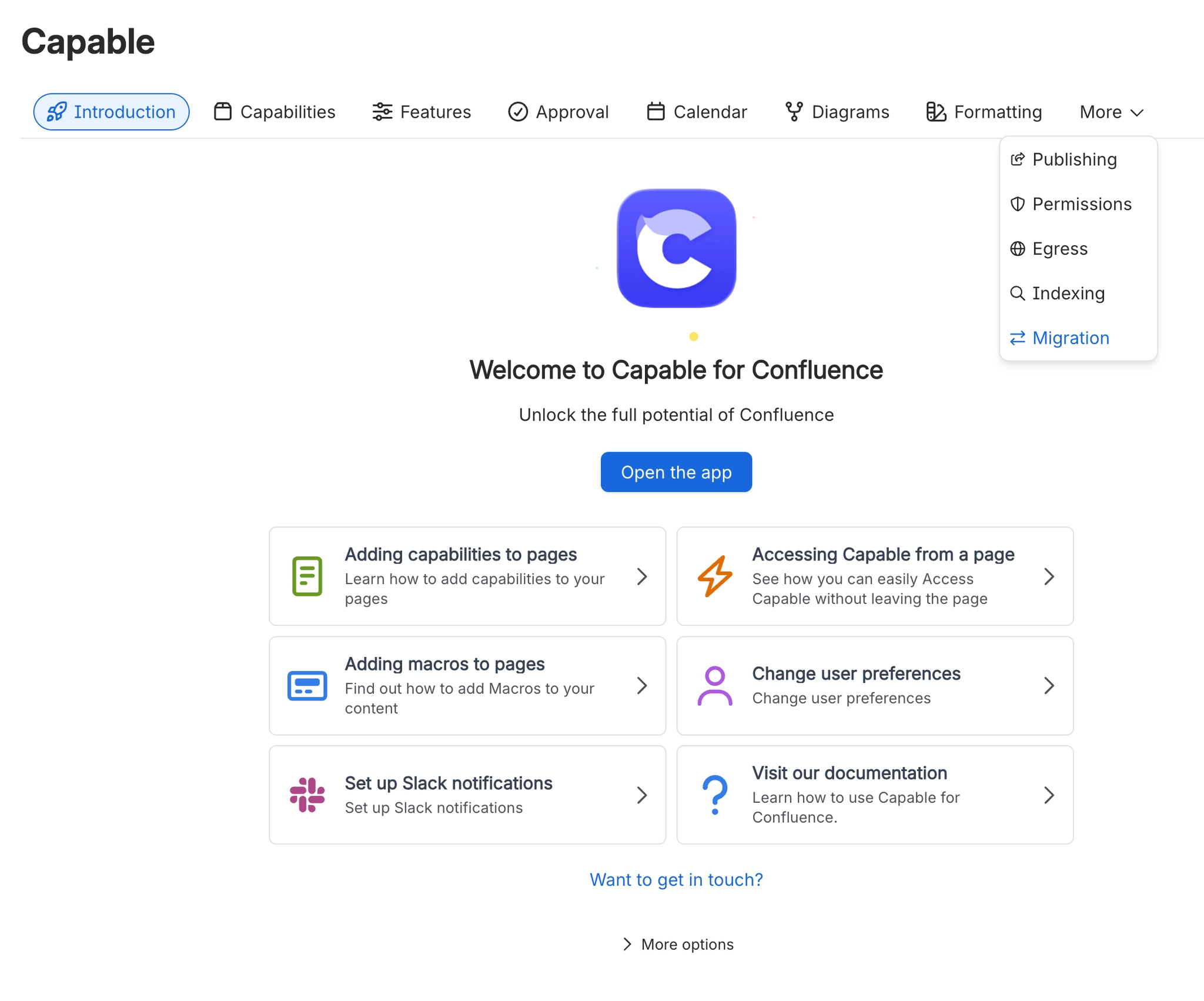
Open Confluence Settings, find your Capable app, and open the Migration tab.
#2. Acknowledge the introduction
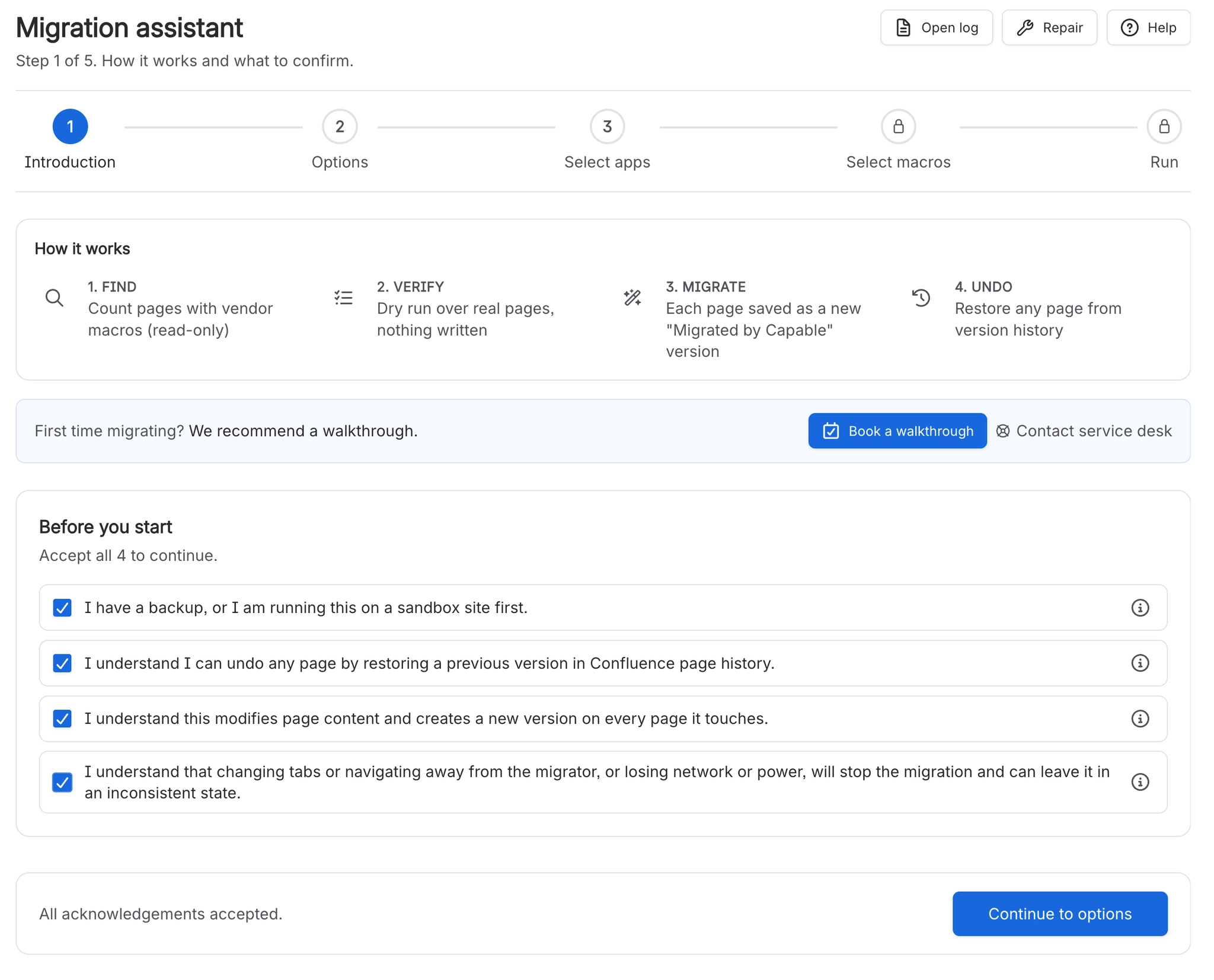
Read the four acknowledgements on the Introduction step and tick them.
#3. Review Options
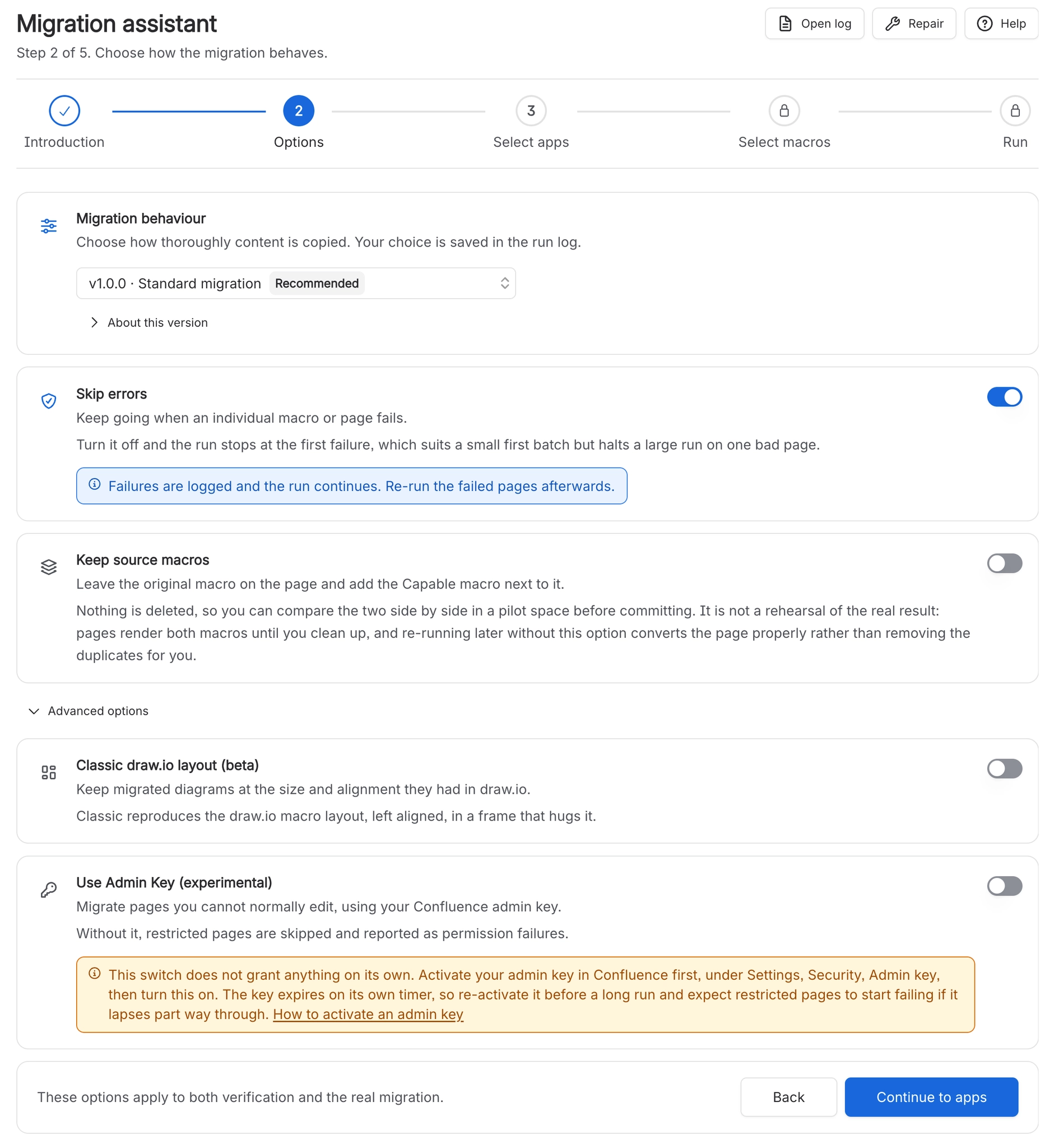
On Options, leave the defaults unless you are moving off a standalone Capable app.
See https://innovator.atlassian.net/wiki/spaces/MB/pages/1408926218.
#4. Select apps
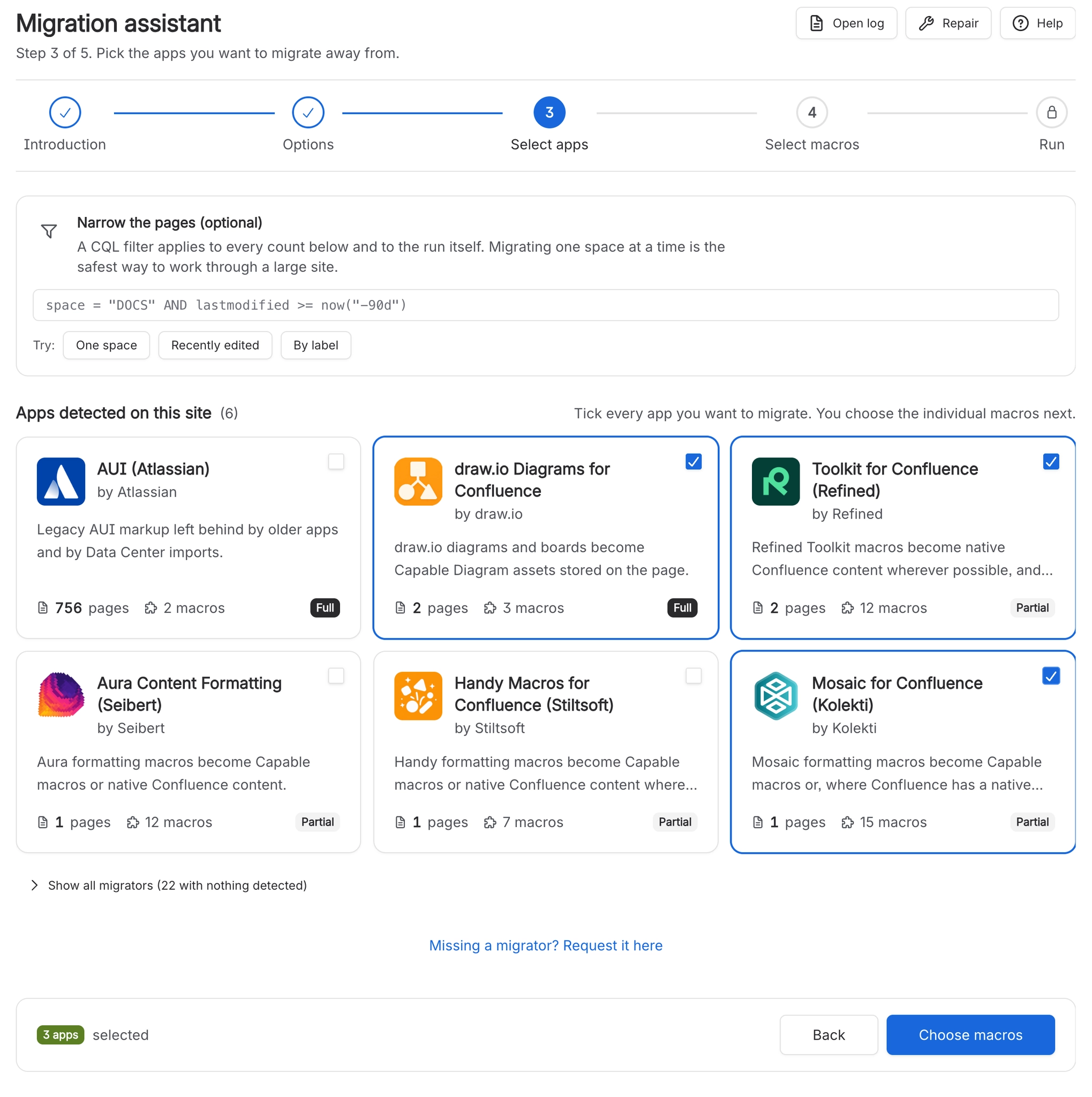
On Select apps, type a filter for one space, such as space = ENG, then tick the app you are moving away from.
#5. Select macros
On Select macros, tick the macros you want. Open an expander and read it; it is the shortest documentation we have.
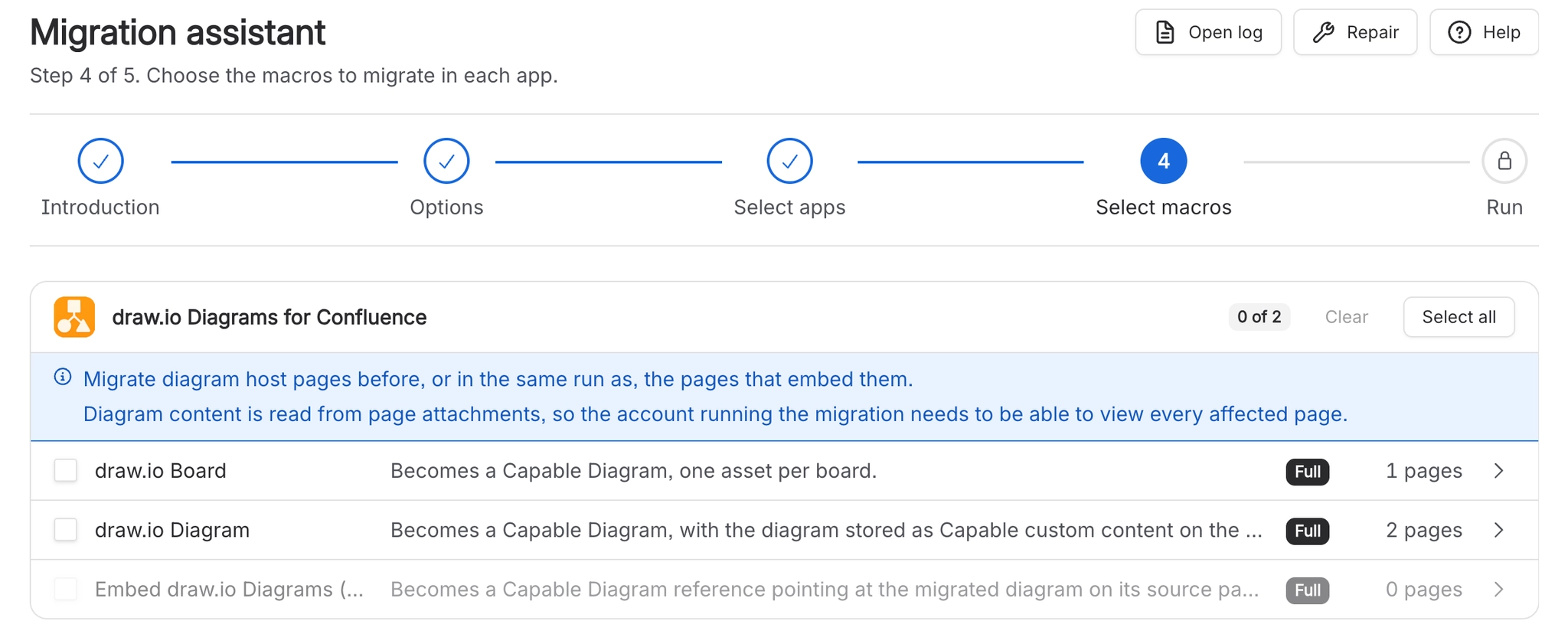
#6. Perform verification
Press Perform verification. Nothing is written.

#7. Read the results
Read the results. Failures here are real; a clean result is encouraging but not a guarantee for diagrams.
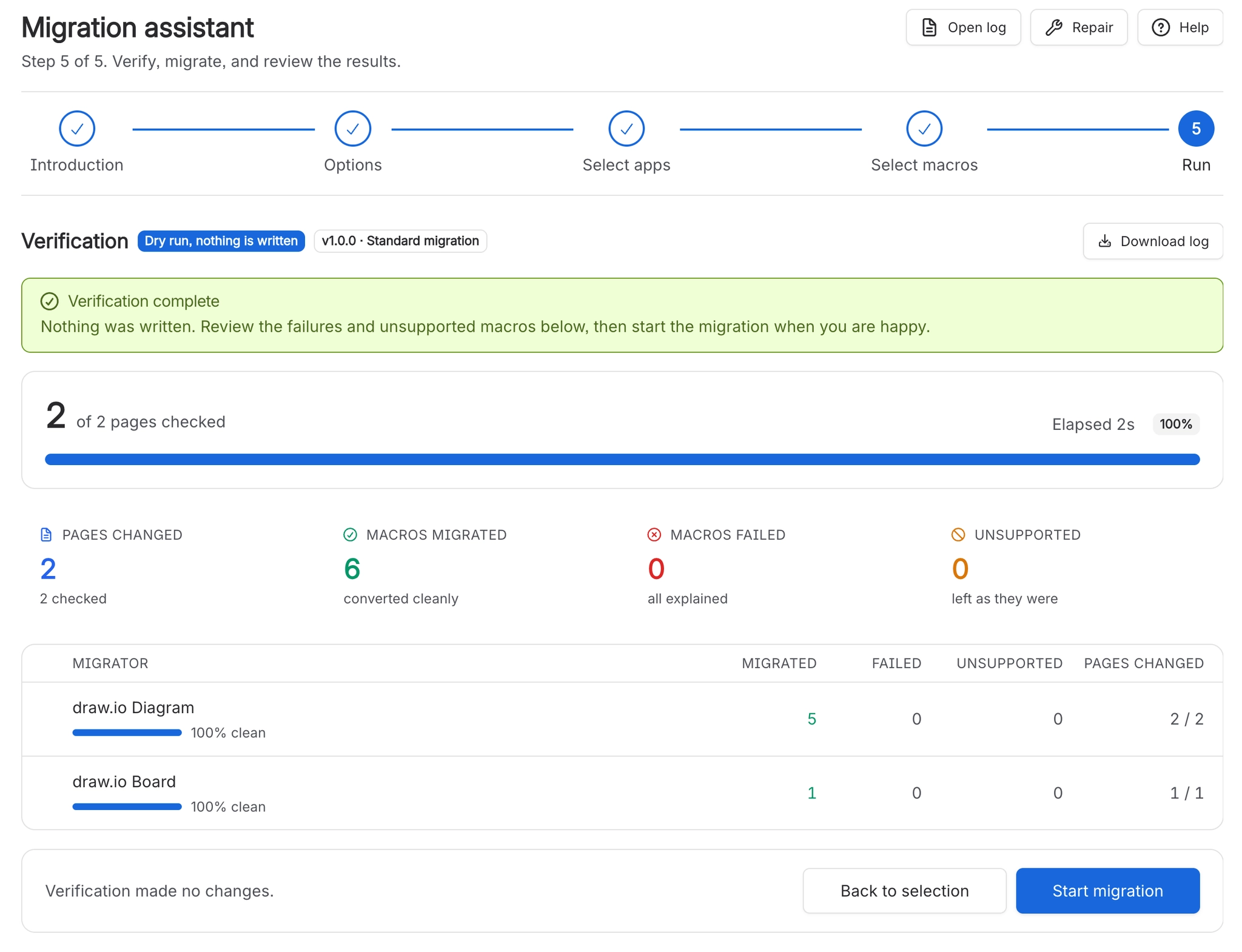
#8. Start migration and download the log
Press Start migration, then Download log as soon as it finishes.
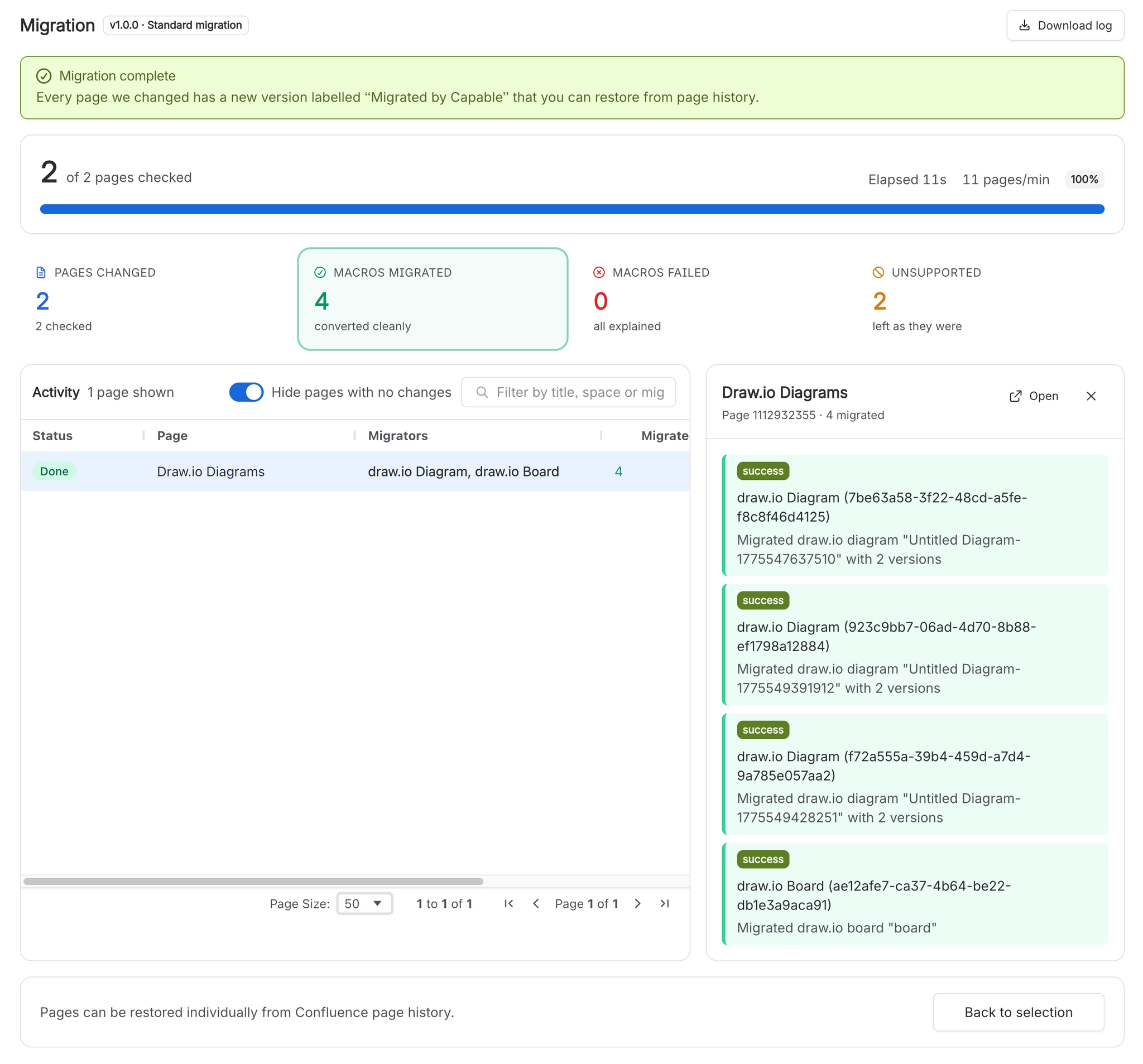
#9. Check migrated pages
Open ten migrated pages and look at them.
Download the log before you navigate anywhere. Results live in the browser tab. Pressing Back to selection or Start migration wipes them, and rollback needs that log.
#What good looks like
Pages changed is smaller than pages checked. That is normal: the search is wider than the conversion.
A large Unsupported count is usually normal too. It counts do-nothing cases as well as genuinely unsupported macros.
Macros failed is the number to read. If it is zero, you are done.
#A few things that catch people out
Verification stubs the drawing for draw.io, so a clean dry run does not prove diagrams will migrate. The pilot run is what proves that.
If every count is zero, your search filter was probably rejected rather than your site being clean.
Keep the old app installed until you have reviewed the result.
#Related
One space. Verification first. Download the log.






















