
What the migration assistant is
If you are moving to Capable from another Confluence app, the awkward part is not installing Capable. It is the thousands of pages already using somebody else's macros.
The migration assistant converts those pages for you. It reads each page, swaps the macros it recognises, and saves the result as a new page version so the original is still in Confluence page history.
#What it does
Recognises 110 macros from 28 apps, across seven Capable capabilities.
Converts what it can, and reports what it cannot. A macro it cannot convert is left exactly as it was.
Writes a new page version on every page it changes, so every change is visible and reversible from page history.
Migrates to native Confluence where native will do, rather than swapping one vendor macro for another.
#What it is not
It is not a backup tool. Take a backup before a large run.
It does not run in the background. It runs in your browser tab, and closing the tab stops it.
It is not a full undo. Rollback restores page content; it does not uninstall Capable or reinstate the old app.
#The shape of the process
Stage | What happens |
|---|---|
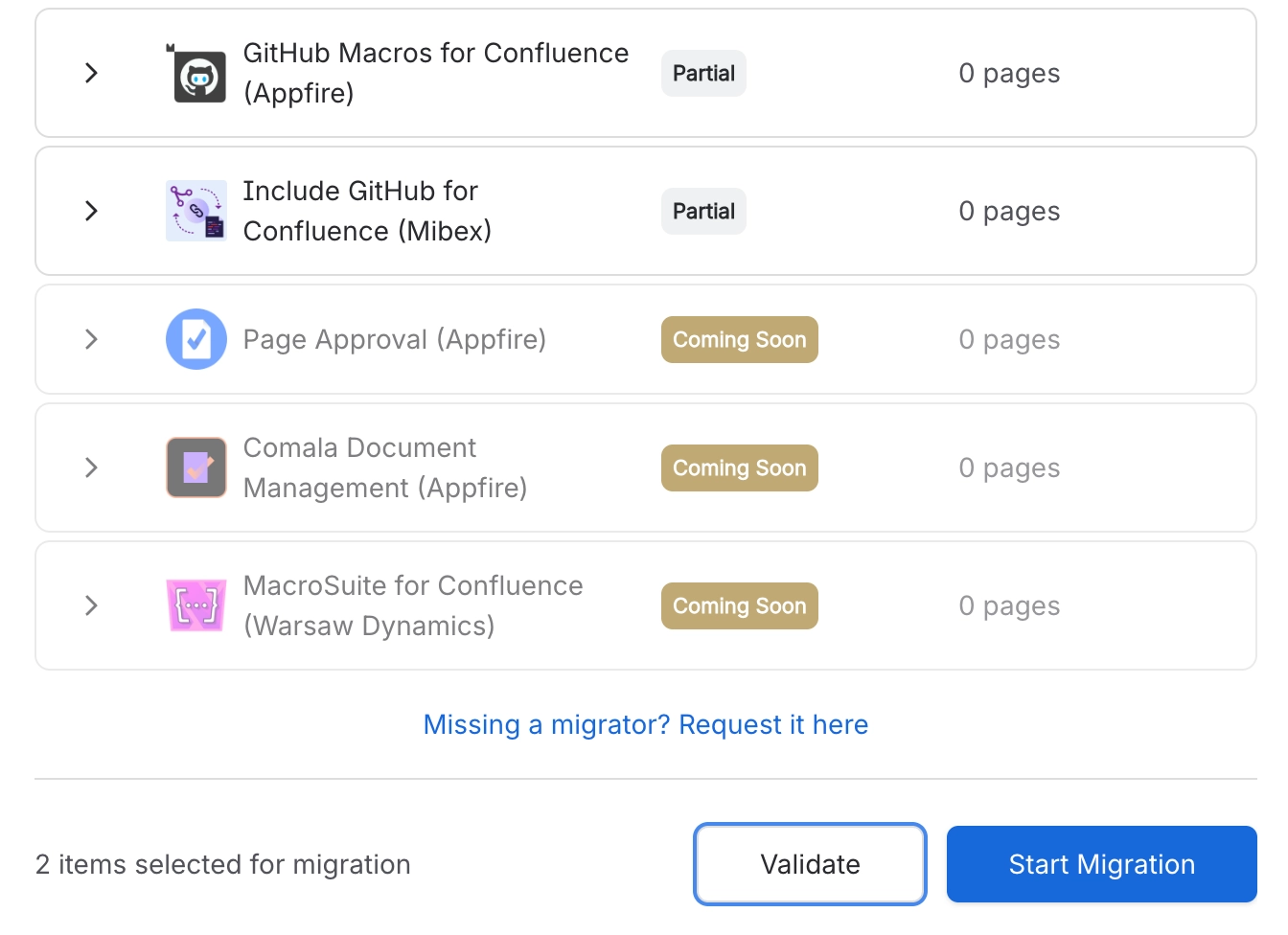
Find | One search per app counts the pages carrying its macros |
Verify | A dry run converts everything in memory and writes nothing |
Migrate | The real run rewrites pages that need it |
Undo | Page history, or the rollback tool driven by the run log |
#A few things that catch people out
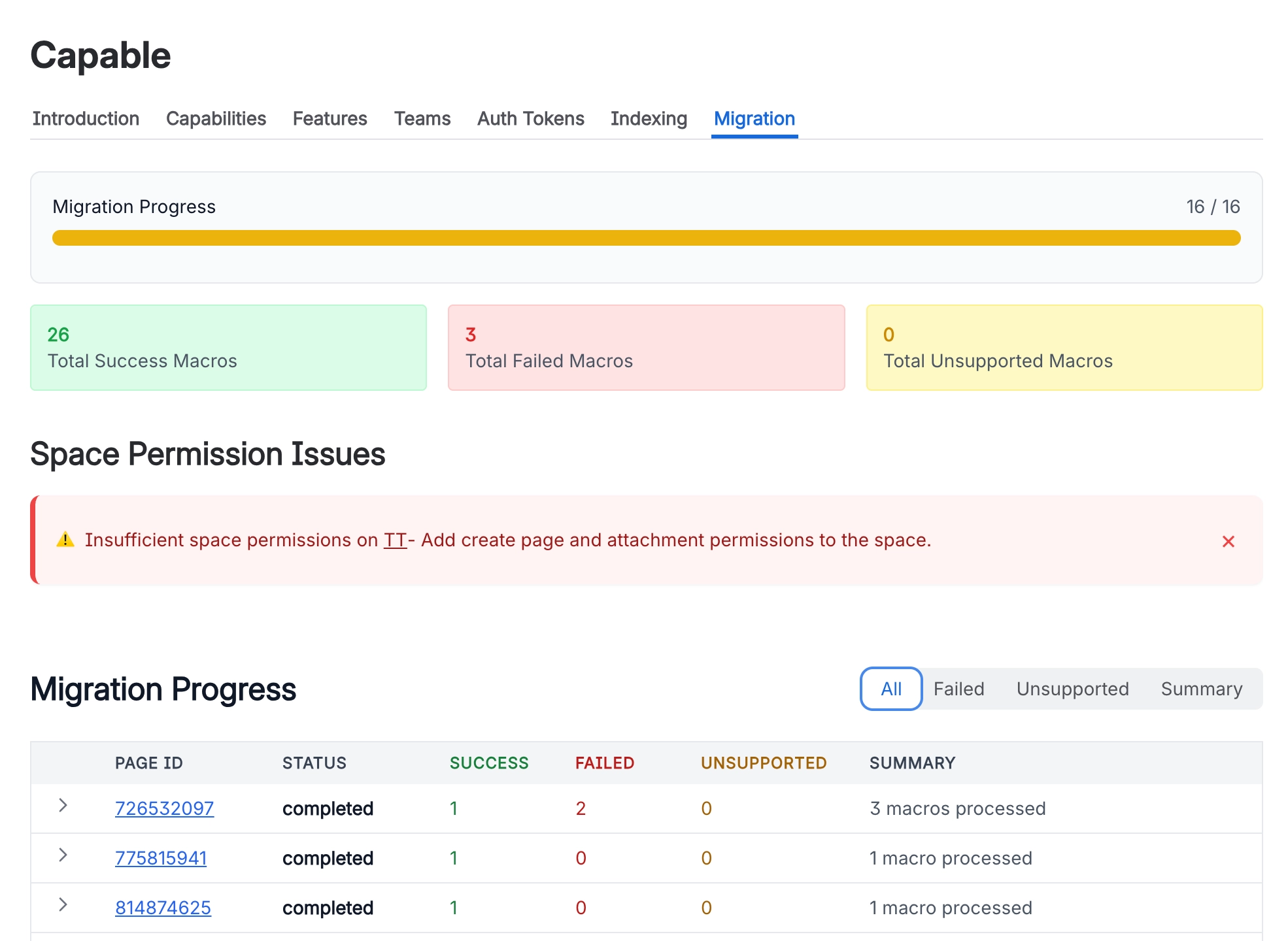
The counts are pages, not macros. One page with forty diagrams counts once.
Which migrators you see depends on which Capable app you opened the assistant from.
A migration is not the point of no return. Uninstalling the old app is.
#Related
It converts pages. It never deletes them.






















