
I cannot find the Migration tab
What you are seeing
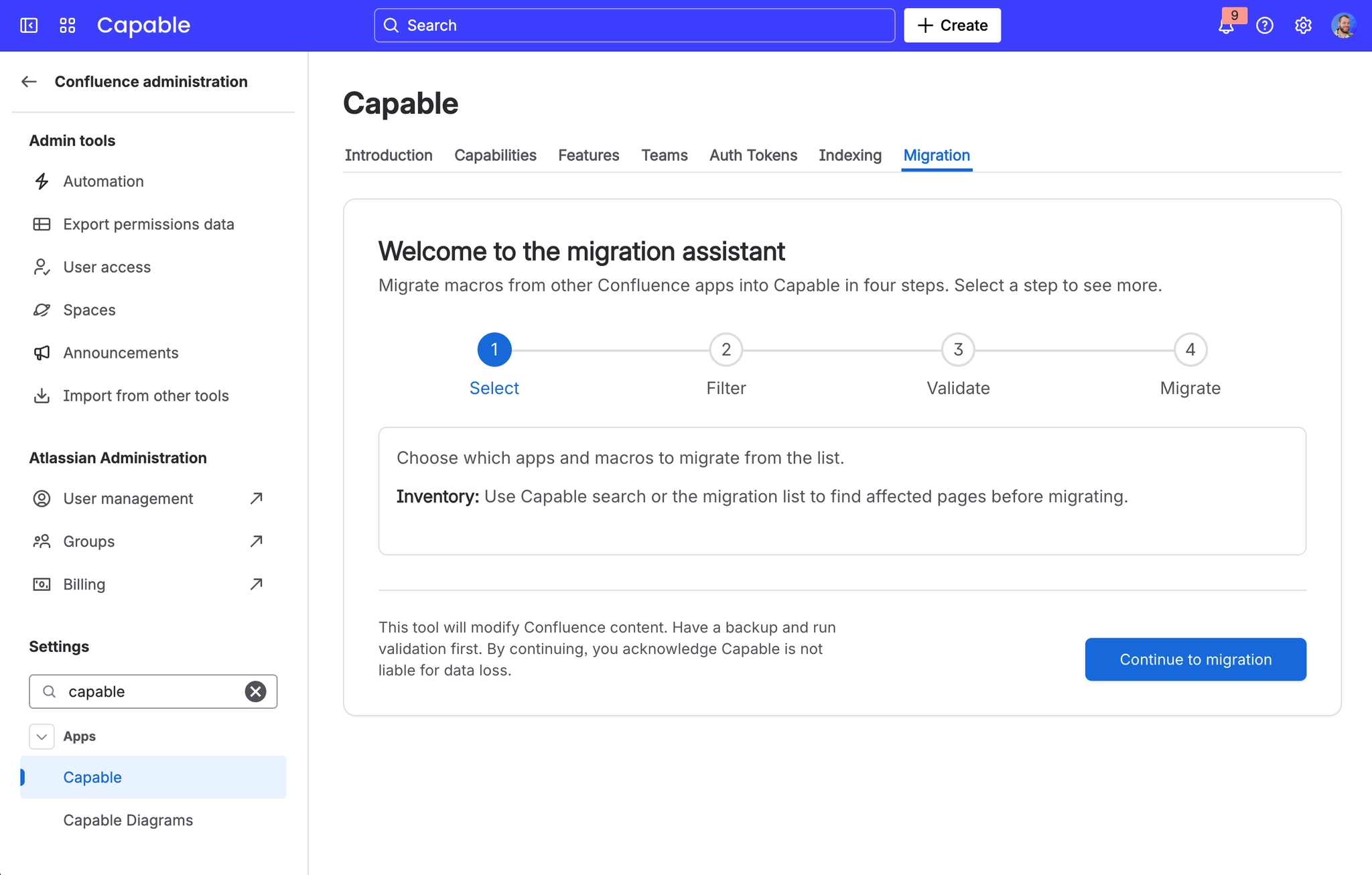
I cannot find the Migration tab in my Capable app, or the migrator list looks different from a colleague's.
#Why it happens
The Migration section is hidden entirely in Capable apps that have nothing to migrate from (Quality, Calendar, Images, Publish, Miro, Smartsheet, Power BI, Analytics, PDF). Which migrators appear also depends on the app: standalone-to-suite rows only show inside the Suite, and Search migrators only inside Search or the Suite. There is no on-screen explanation for either filter.
#What to do
Open the Migration assistant from the Capable Suite app to see the full catalogue.
#Related
A clean dry run, then thousands of draw.io failures
The dry run reported clean, but the real migration produced thousands of draw.io failures.
A macro shows zero pages and cannot be ticked
A macro row shows zero pages and cannot be ticked, even though the macro is definitely use
Problems running a migration
The rest of this family.
Found it? Good. Next.






















