
draw.io for Confluence (Zero Egress)
Capable recognises 3 macros from draw.io Diagrams for Confluence (Zero Egress). 3 of them convert, and none are left behind.
#At a glance
Macro | Becomes | Support |
|---|---|---|
draw.io Diagram, zero egress | Capable Diagram | Converted |
draw.io Board, zero egress | Capable Diagram | Converted |
Embed draw.io Diagrams, zero egress (second pass) | Capable Diagram Reference | Converted |
#What each one does
#draw.io Diagram, zero egress
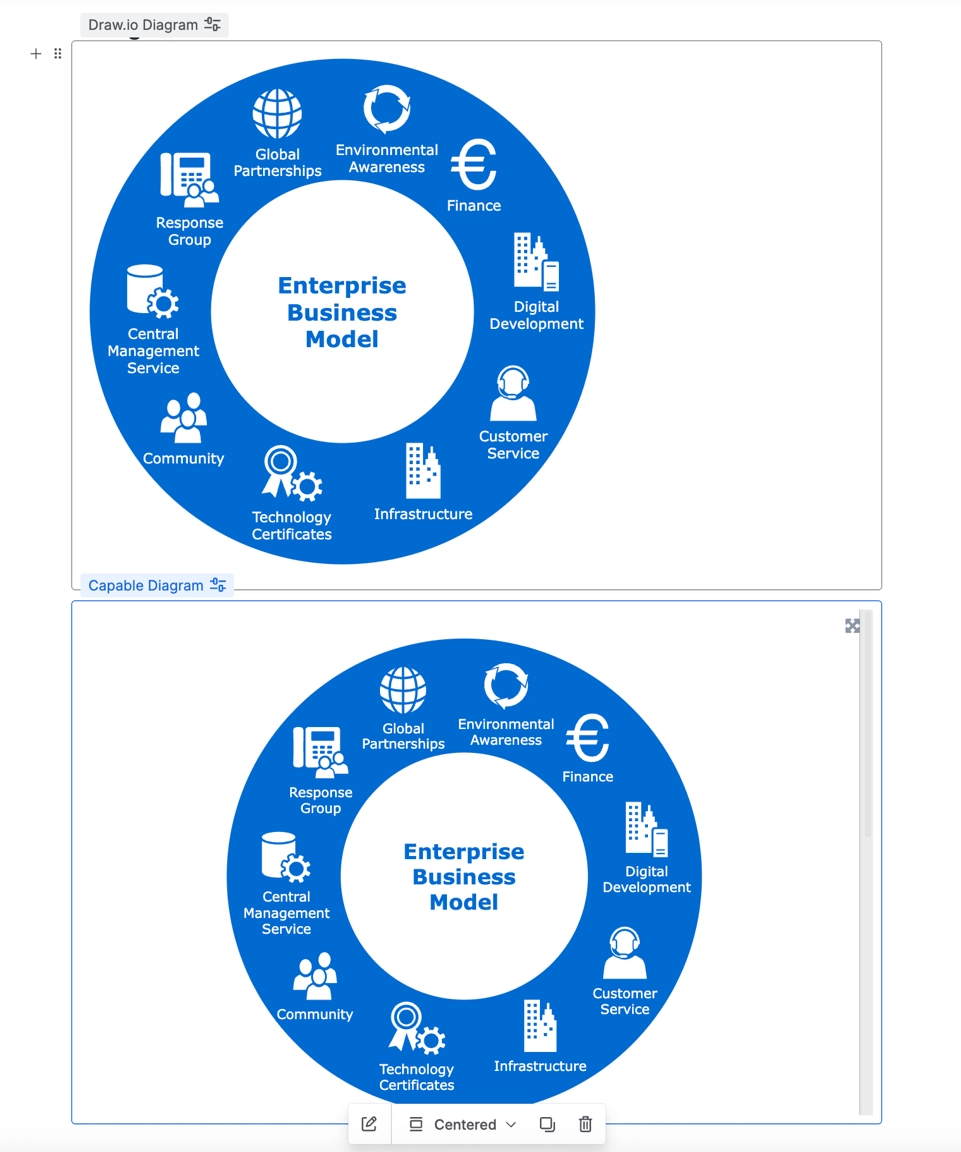
Migrates to | Capable Diagram |
|---|---|
Support | Converted |
The zero-egress edition of the draw.io app is listed as its own row and converts the same way as the standard Diagram migrator.
#draw.io Board, zero egress
Migrates to | Capable Diagram |
|---|---|
Support | Converted |
#Embed draw.io Diagrams, zero egress (second pass)
Migrates to | Capable Diagram Reference |
|---|---|
Support | Converted |
Worth knowing before you run it.
Weaker than the standard embed migrator: it only looks for an already-migrated Capable diagram on the source page. It cannot fall back to a converted loose file, cannot convert a source diagram on demand, and fails outright if the source page cannot be read.
The classic draw.io layout option is not applied to these references.
#Related
Find the drawing first. Everything else follows.






















