Just Add+ for Confluence (Markdown)
Capable recognises the Just Add+ Markdown macro, and it converts; the four Markdown from URL macros are covered on the Just Add+ formatting page.
#About the app
Just Add+ is a Modus Create app that renders content in Confluence from text, a page attachment or a web address.
Its Markdown macro shows Markdown typed into the macro, held in a page attachment or loaded from a web address.
#How Capable is different
The macro becomes Capable Markdown reading the same source: the typed text, the same attachment or the same web address.
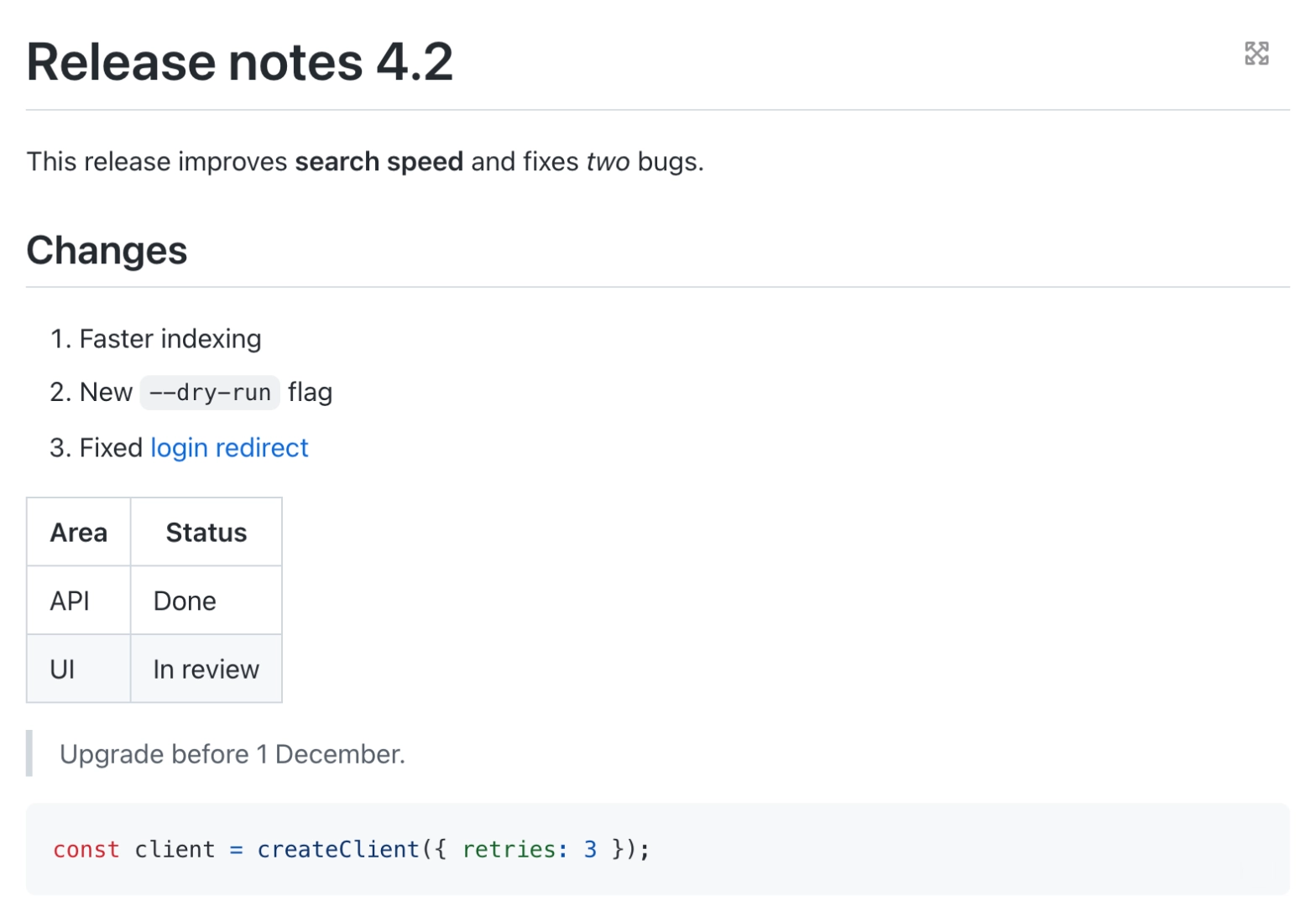
Capable Markdown uses a GitHub-style look: rules under headings, shaded code blocks and looser spacing.
Web addresses load without repository sign-in, so a file in a private repository will not load after the move.
A forced dark or light theme is not kept; Capable Markdown follows the page theme.
#At a glance
Macro | In Capable | Support |
|---|---|---|
Markdown | Capable Markdown (typed text, attachment or web address) | Converted |
#New in this release
Every copy of a copy-pasted Markdown macro now converts, not only the first.
Markdown macros on imported pages, held inside an older content block, are now found and converted.
Migrated macros inside a classic Section or Column macro are moved out, so they show live instead of a static export; an option in the migration settings turns this off.
#What each one does
#Markdown
Becomes | Capable Markdown |
|---|---|
Support | Converted |
Markdown typed into the macro, held in a page attachment or loaded from a web address keeps the same source.
Carried over
Typed Markdown
The attachment source
The web address, still read live
Headings, lists, tables, quotes and code
Not carried over
A forced dark or light theme; Capable follows the page theme
Access to private repositories: web addresses load without sign-in
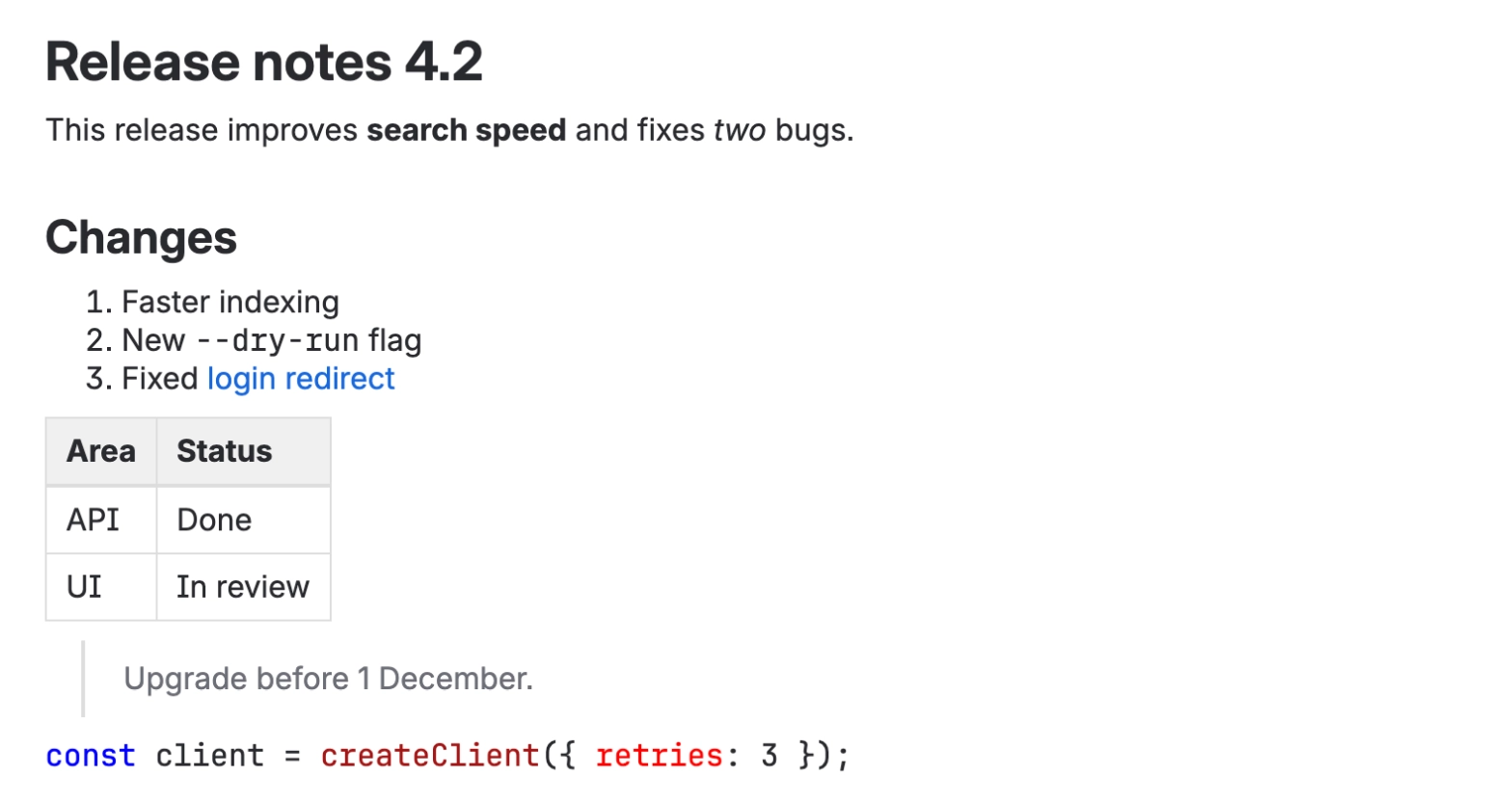
Before: Just Add+
After: Capable
#Related
The embedded content is the hard part.