
The migration lifecycle
A migration is a loop over pages, and everything else is preparation or tidying up. Understanding the loop explains most of the behaviour people find surprising, including why the page count is larger than the changed count.
The whole thing runs in your browser tab. Everything happens in your browser: the assistant reads pages, converts them, and writes back the ones that changed.
#The shape of a run

#Phase by phase
Phase | What happens |
|---|---|
Step 4, Select macros | Each selected app expands into one row per macro, each with its own page count. Ticking a macro that depends on another silently ticks the prerequisite too, and the run expands the selection again before executing. A row can only be ticked when it is convertible and its count is above zero. |
Step 5, Run: verification | Verification reads every real page in scope, checks edit permission and runs each conversion in memory, but never saves. It always continues past failures regardless of the skip-errors setting, so one pass surfaces every problem. Important limitation: for draw.io it substitutes a stand-in diagram rather than downloading the real file, so a clean verification does not prove the real run will succeed. |
Step 5, Run: the real migration | Pages are found by search, processed in ascending page-id order (which broadly means oldest content first), and each converted page is saved as a new version labelled "Migrated by Capable". A page is only saved when its content actually changed, so pages that matched the search but needed nothing are read and left alone. Some migrators need a second pass and revisit their pages once everything else has finished and been saved. Library assets such as templates, saved searches and image libraries are copied once, at the end. |
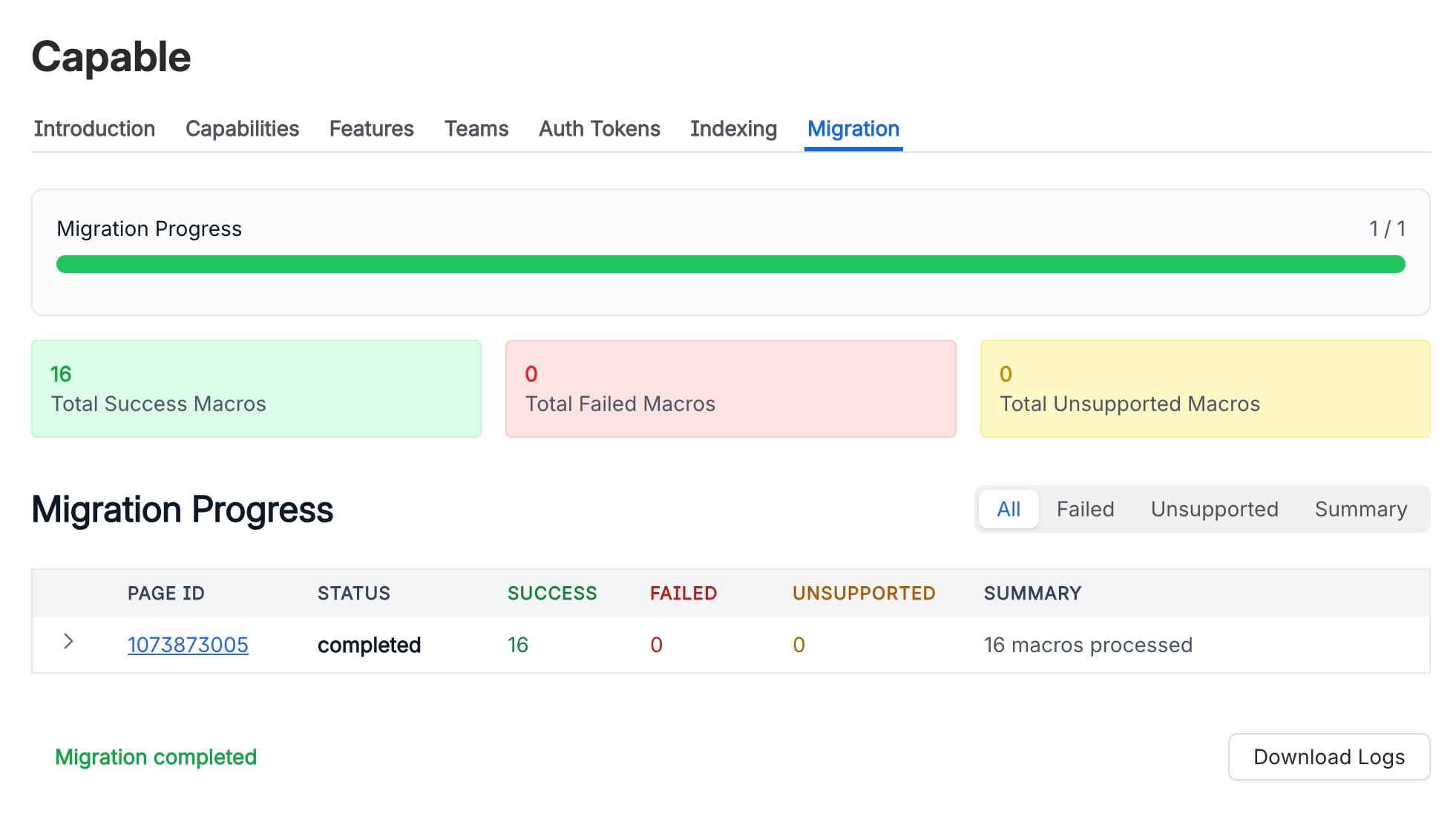
Reviewing results | The four stat cards double as tabs. With no card selected you see a per-migrator breakdown; Pages changed and Macros migrated open the page-by-page log; Macros failed and Unsupported open a grouped issue list where identical problems collapse into one row with a count and, where Capable recognises the cause, a plain-English hint. Everything drills down to the exact affected pages. |
Verification and the real run share everything except the save. Same search, same options, same conversions. The only difference is that verification never writes, and never stops at a failure.
#A few things that catch people out
The search that finds work is deliberately wider than the conversion itself, which is why "pages checked" is always much larger than "pages changed".
Pages are processed in ascending page id order, which broadly means oldest first. It is not by space and not by importance.
Library assets are copied once at the end, not per page, so they appear in the results after everything else has finished.
#Related
A loop over pages. Everything else is tidying.






















