
PlantUML for Confluence (Stratus)
Capable recognises 1 macro from PlantUML Diagrams for Confluence (Stratus), and it converts.
#About the app
PlantUML Diagrams for Confluence, from Stratus, turns PlantUML text into sequence, activity, class and other UML diagrams.
Authors write the source in a full-screen editor with a live preview, starting blank or from a template, and each publish keeps a revision.
#How Capable is different
The PlantUML source moves into a Capable Diagram macro and stays editable as text.
The same Capable Diagram macro also draws Mermaid, draw.io and other diagram languages, so one app covers them all.
The diagram name becomes the Capable title, and the Fit or Original zoom becomes auto-fit or natural size.
Only the current source comes across; earlier revisions stored with the macro are not migrated.
Custom PlantUML templates are not migrated.
#At a glance
Macro | In Capable | Support |
|---|---|---|
PlantUML Diagram | Capable Diagram (PlantUML) | Converted |
#New in this release
Migrated diagrams inside classic Section and Column macros are moved out so they display live (an option, on by default).
Pages with legacy content blocks are changed only when a diagram inside them actually migrated.
Very large or damaged compressed sources no longer stall the migration.
Word exports show migrated diagrams as a sized picture, with the source underneath for shorter diagrams.
#What each one does
#PlantUML Diagram
Becomes | Capable Diagram (PlantUML) |
|---|---|
Support | Converted |
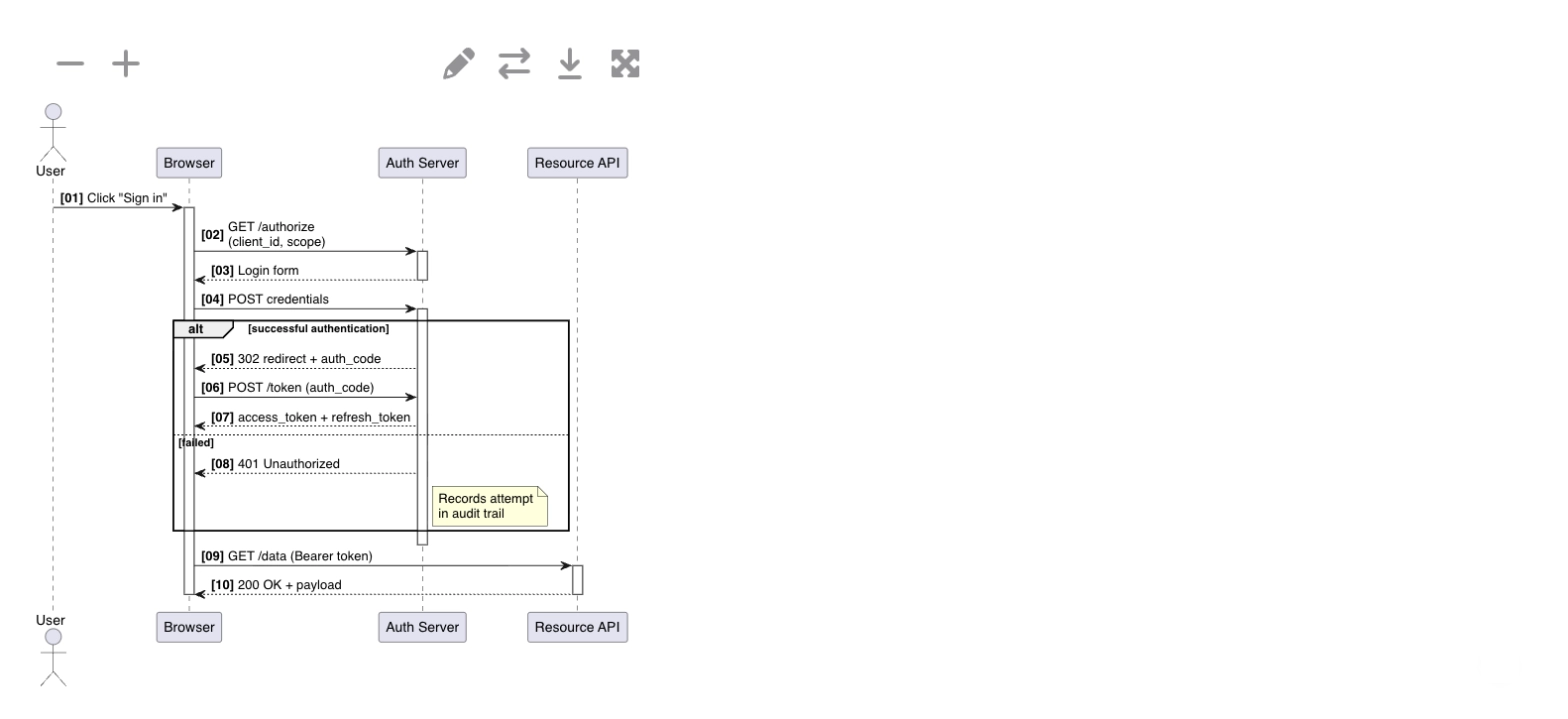
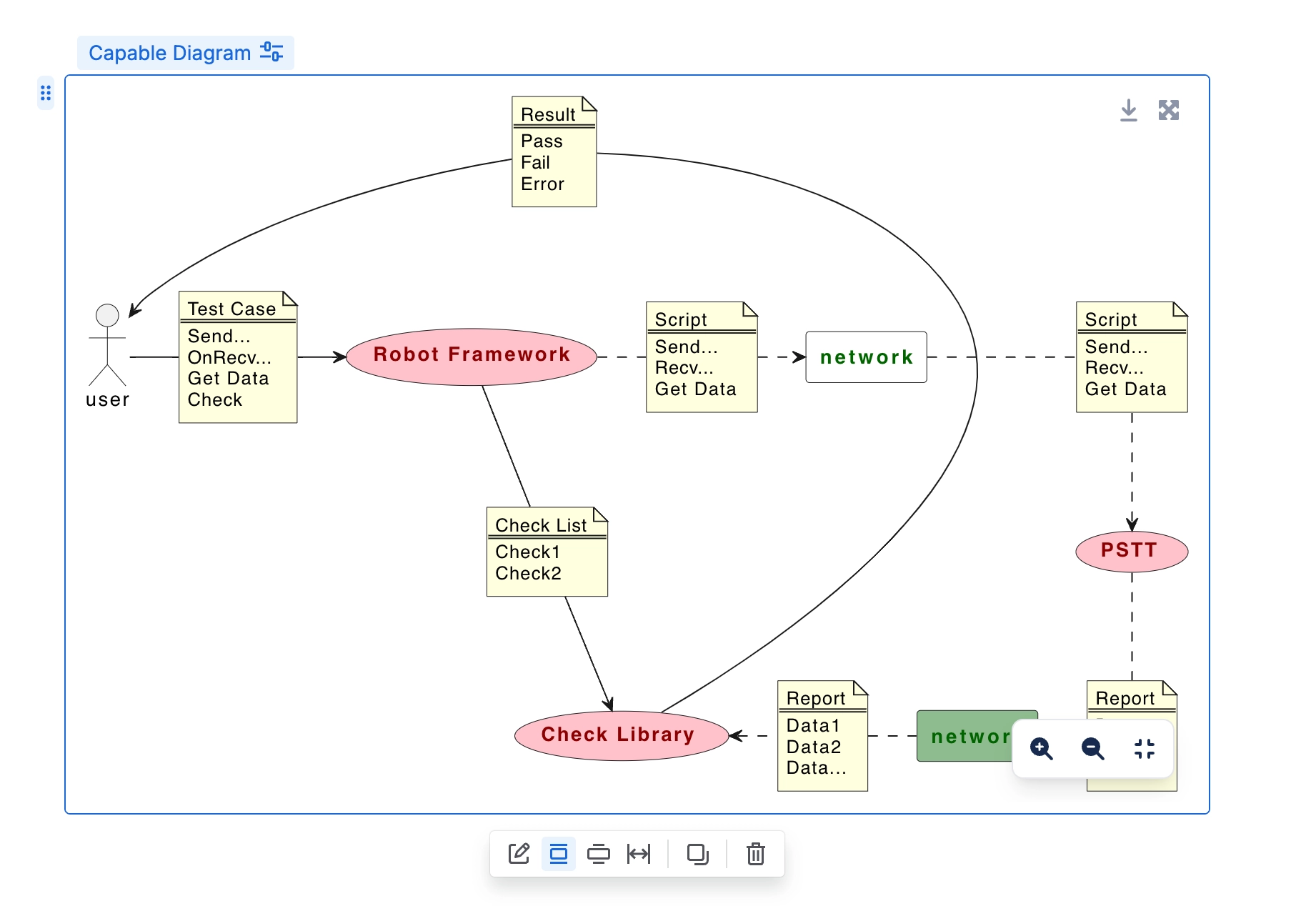
The current PlantUML source moves into a Capable Diagram macro and stays editable as text.
Carried over
The PlantUML source, compressed or plain
The diagram name, as the title (unnamed ones arrive as New Diagram)
Fit or Original zoom, as auto-fit or natural size
Copies of the same macro, as references to one diagram
Diagrams in lists, tables, expands, panels and imported Data Center pages
Not carried over
Earlier revisions saved with the macro
Display size: fitted diagrams use Capable's default frame height
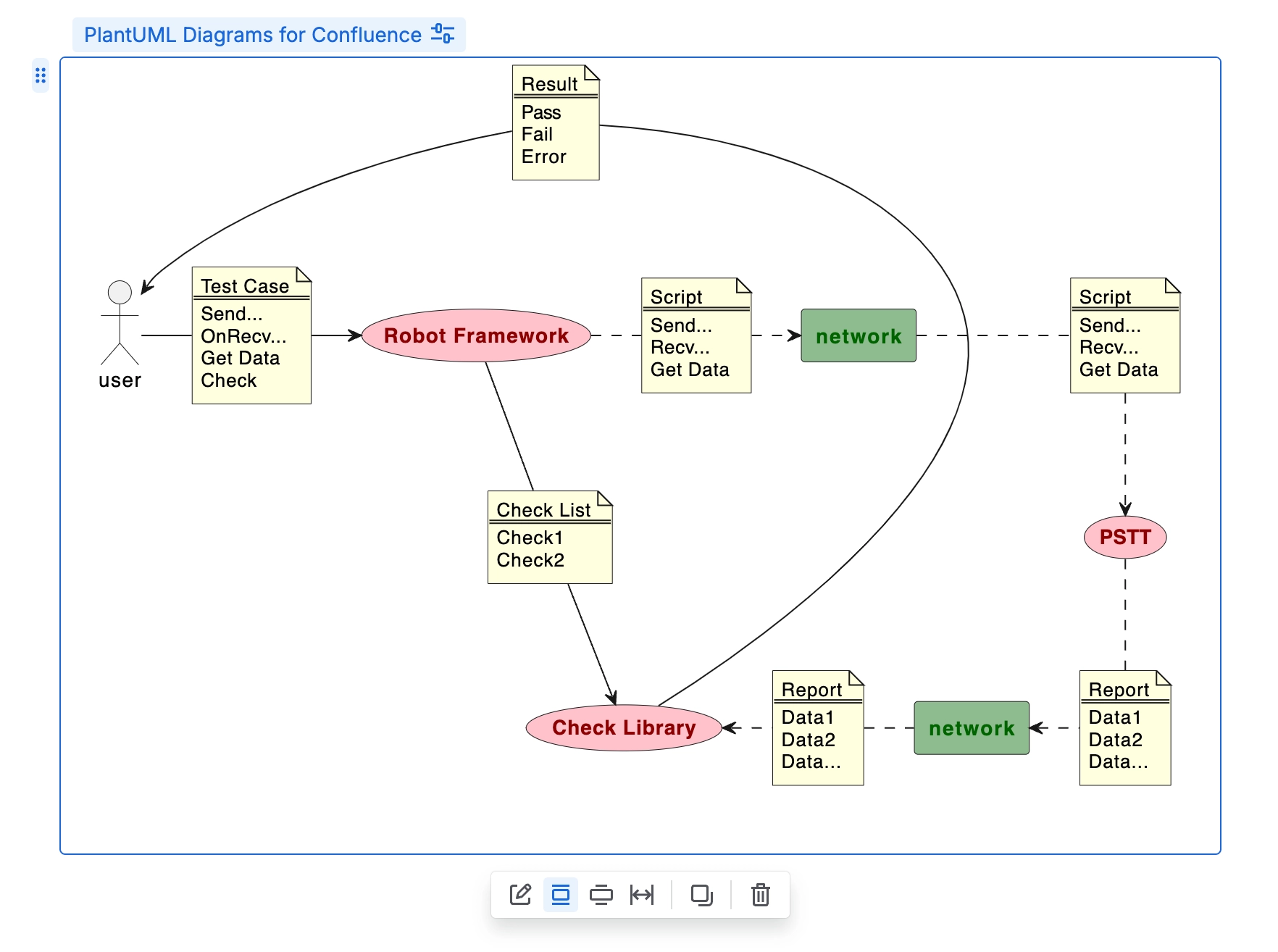
Before: Stratus
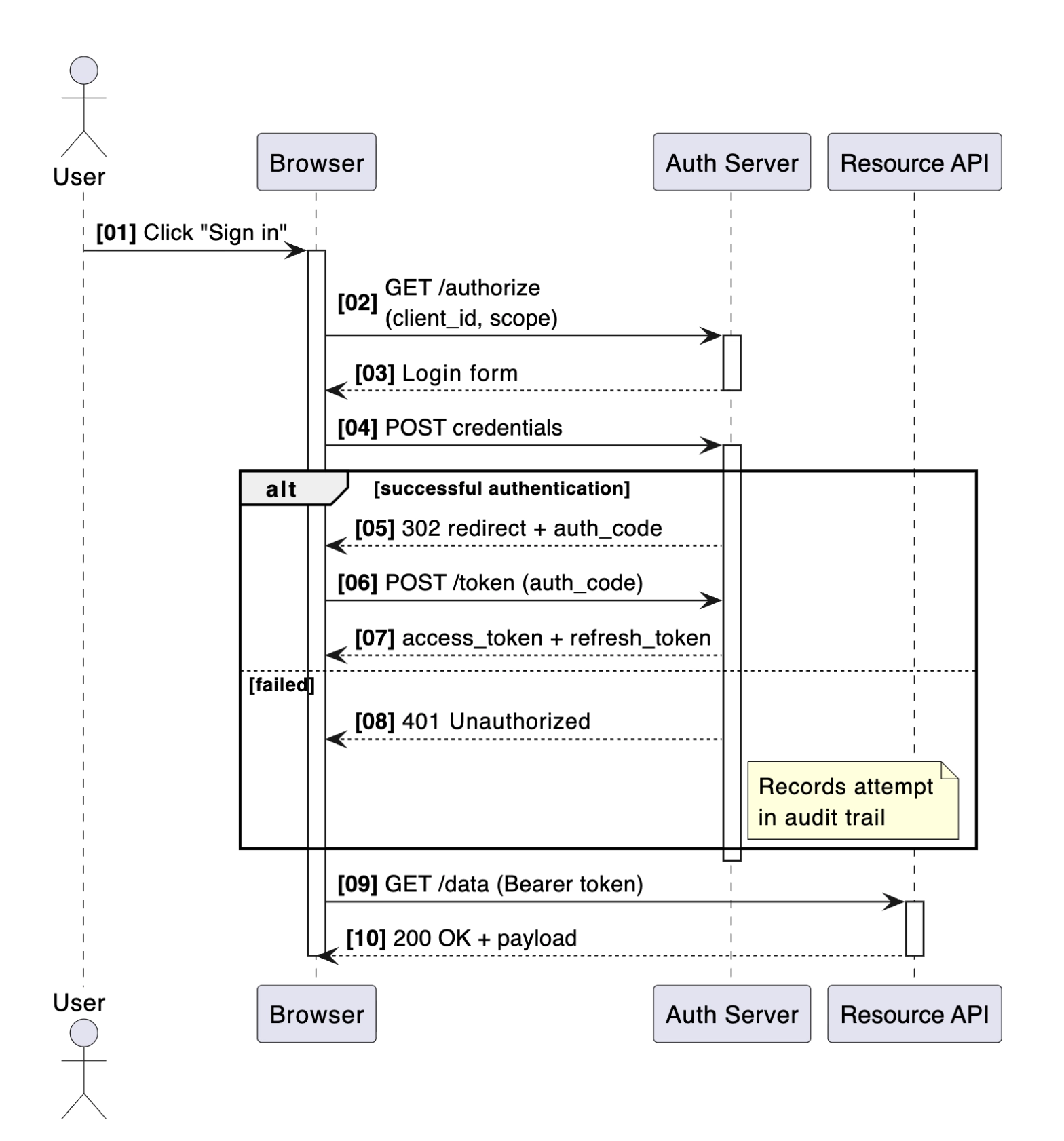
After: Capable
#Related
Find the drawing first. Everything else follows.